13
Step 8:
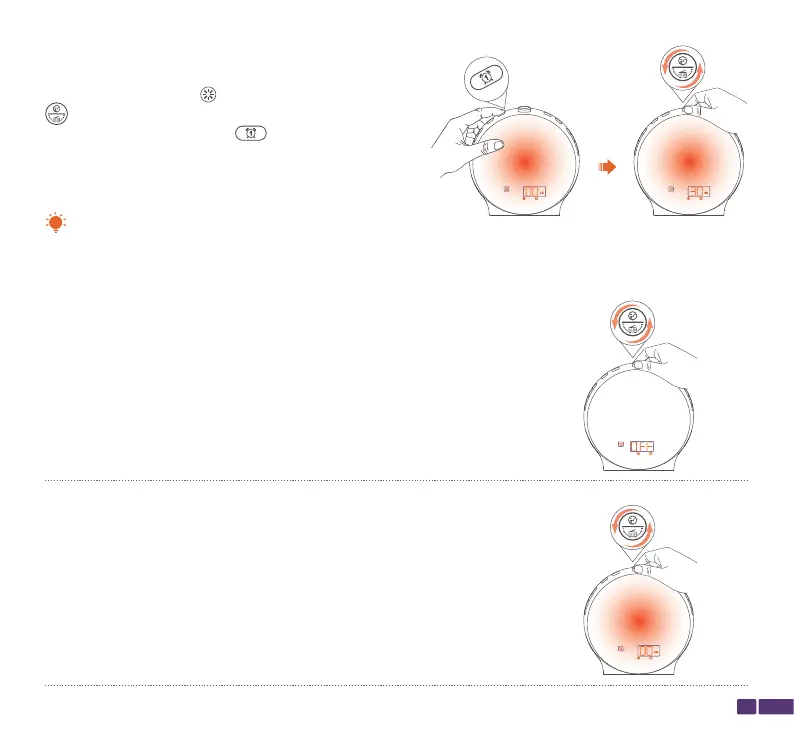
While the wake-up light icon is show, rotate the top
button to adjust the wake-up light setting for the
alarm, then press the Alarm 1 button to confirm the
wake-up light setting for the alarm.
Alarm 1 is now set and will automatically be enabled.
OFF:
The wake-up light will not turn on during the alarm.
00 MIN:
The wake-up light will immediately turn on when the alarm goes off.
The wake-up light can be activated through simulating sunrise to make it easier for you to wake up. You can
select the following wake-up light settings according to your needs:
Tip:



 To Next Page