12
xxx.x MHz:
Broadcast radio plays on xxx.x MHz when the alarm rings.
Note: There are 16 volume levels to choose from
(U01-U16).
Note:
Step 6:
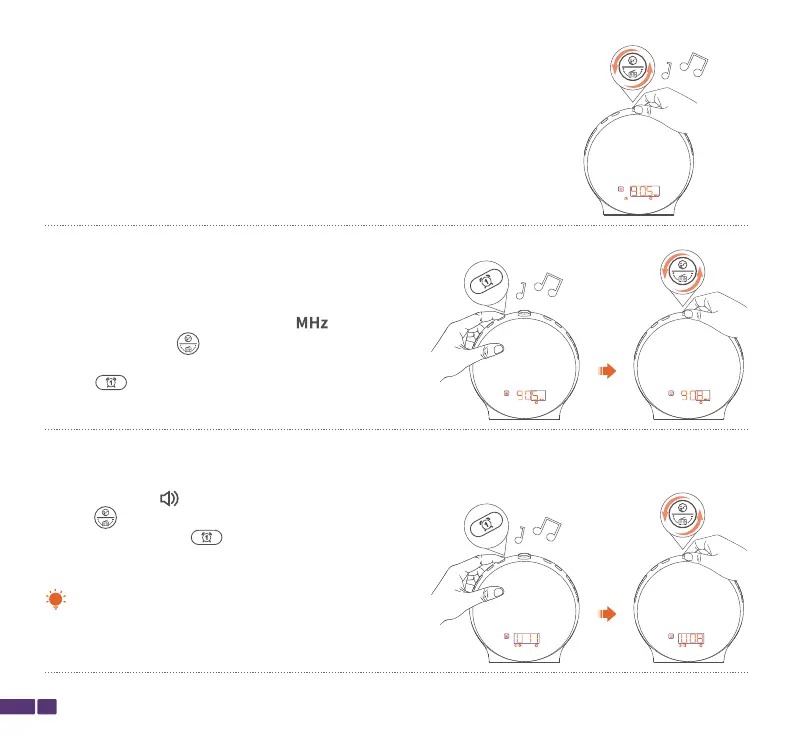
If xxx.x MHz was selected as the music for the alarm in
the previous step, while the xxx.(X)MHz icon is
show, rotate the top button to select the frequency
of the broadcast radio for the alarm, then press the
Alarm 1 button to confirm the frequency setting for
the broadcast radio.
Step 7:
While the volume icon for the alarm is show, rotate
the top button to adjust the volume for the alarm,
then press the Alarm 1 button to confirm the
volume setting.



 To Next Page