7
r
e
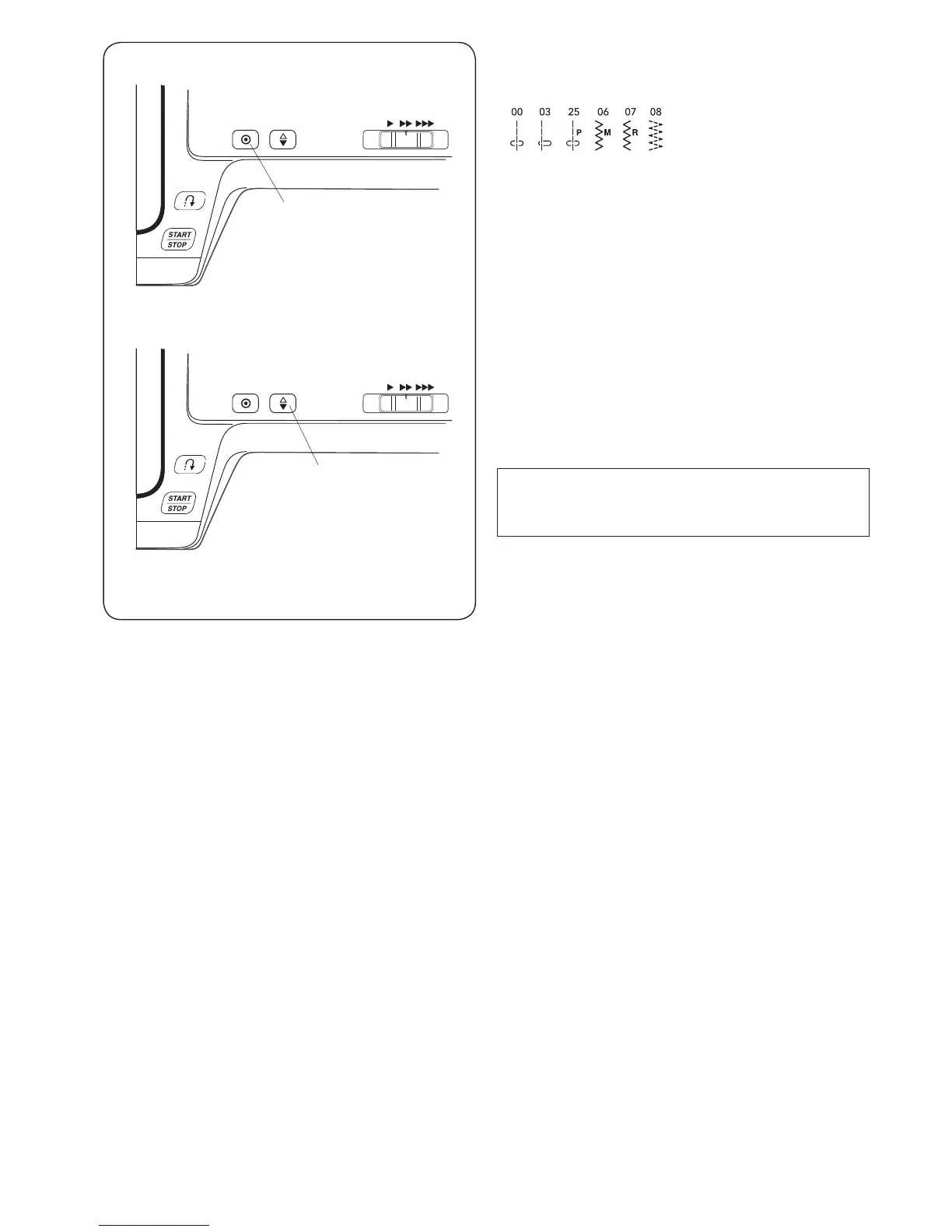
r Up/down needle position button
Press the Up/down needle position button r to bring
the needle up or down.
The machine will stop with the needle up or down
depending on the needle position determined by this
button.
NOTE:
The needle will always stop in the up position after
sewing buttonholes, bartacks, eyelets and darning.
e Auto-lock button
Press the auto-lock button e to sew a locking stitch
immediately. The machine will automatically stops.
Any other stitches
Press the auto-lock button e to sew a locking
stitch at the end of current pattern. The machine will
automatically stop.


 To Next Page