J
J
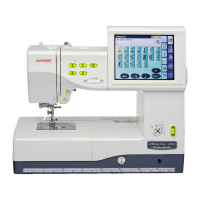
Replacing the tension guide cover
1. Remove the 2 setscrews (J) and remove the tension guide
cover.
2. Remove the rubber cushion from the tension guide cover.
Attach the rubber cushion to the new tension guide cover.
3. Attach the new tension guide cover to the tension unit and
secure it with the 2 setscrews (J).
Attaching the tension unit
1. Attach the tension unit to the machine and insert the 2
connectors to the board-U.
2. Check the tension release mechanism and adjust it if
necessary.
3. Attach the belt cover and top cover.
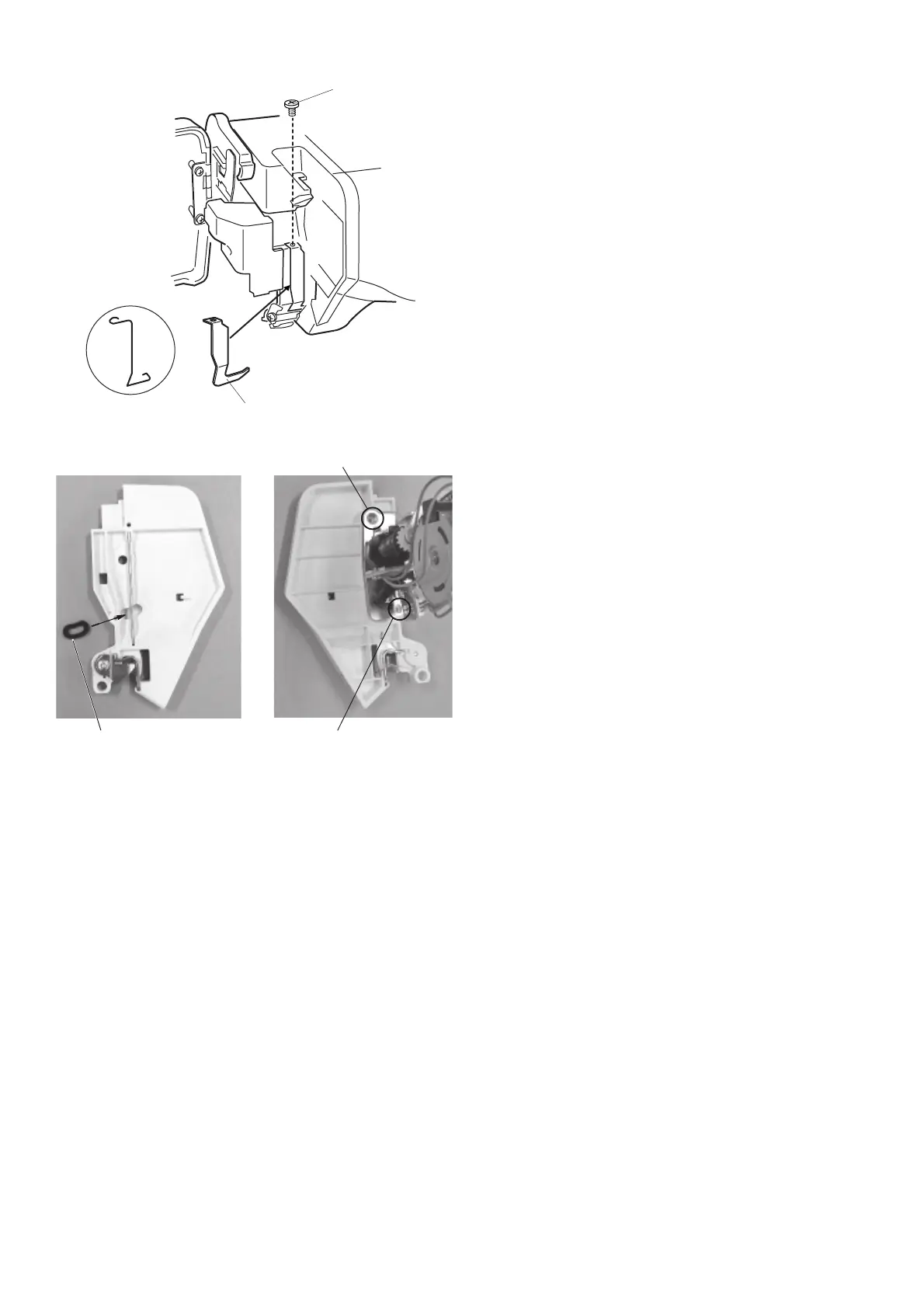
Replacing the thread guard
Remove the setscrew (H) and remove the thread guard.
Attach the new thread guard plate and secure it with the
setscrew (H).
H
New thread guard plate
Rubber cushion
Thread guard


 To Previous Page