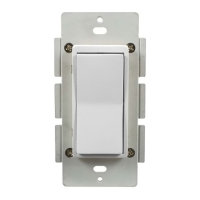
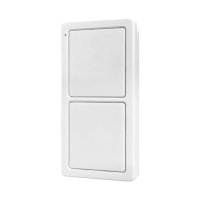
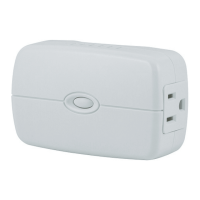
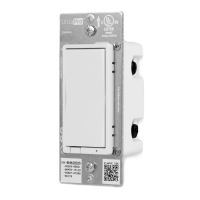
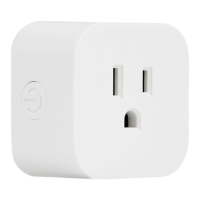
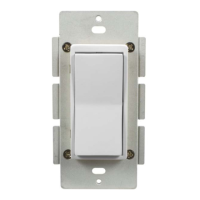
InterchangeablePaddleswitch:White&lightalmondpaddleinpackage
OvertheAirupdates–OncejoinedtoyourZigBeenetwork,thedevicecantransparentlyreceive
updatesthroughyourZigBeegateway
EnergyMonitoring–Thedevicecanreportwattage(W)andkilowatthours(kWh).Energyusage
ismonitoredthroughth
eZigBeeControllerInterface
Usesastandard,decora‐sizewallplateforsingleganginstallations(wallplatenotincluded)
BlueLEDindicatesswitchlocationinadarkroom(LEDcanbeenabled/disabledmanually)
LEDStatusIndicator–Indicatesdevicescanningduringpairingprocess
ZigBeeHA1.2Certifiedforsimplepairingandintegratedhomeautomation
ScrewTerminalinstallation;requireswiring connectionsforLine(Hot),Load,Neutral,and
Ground.Travelerwirerequiredformultipole installation
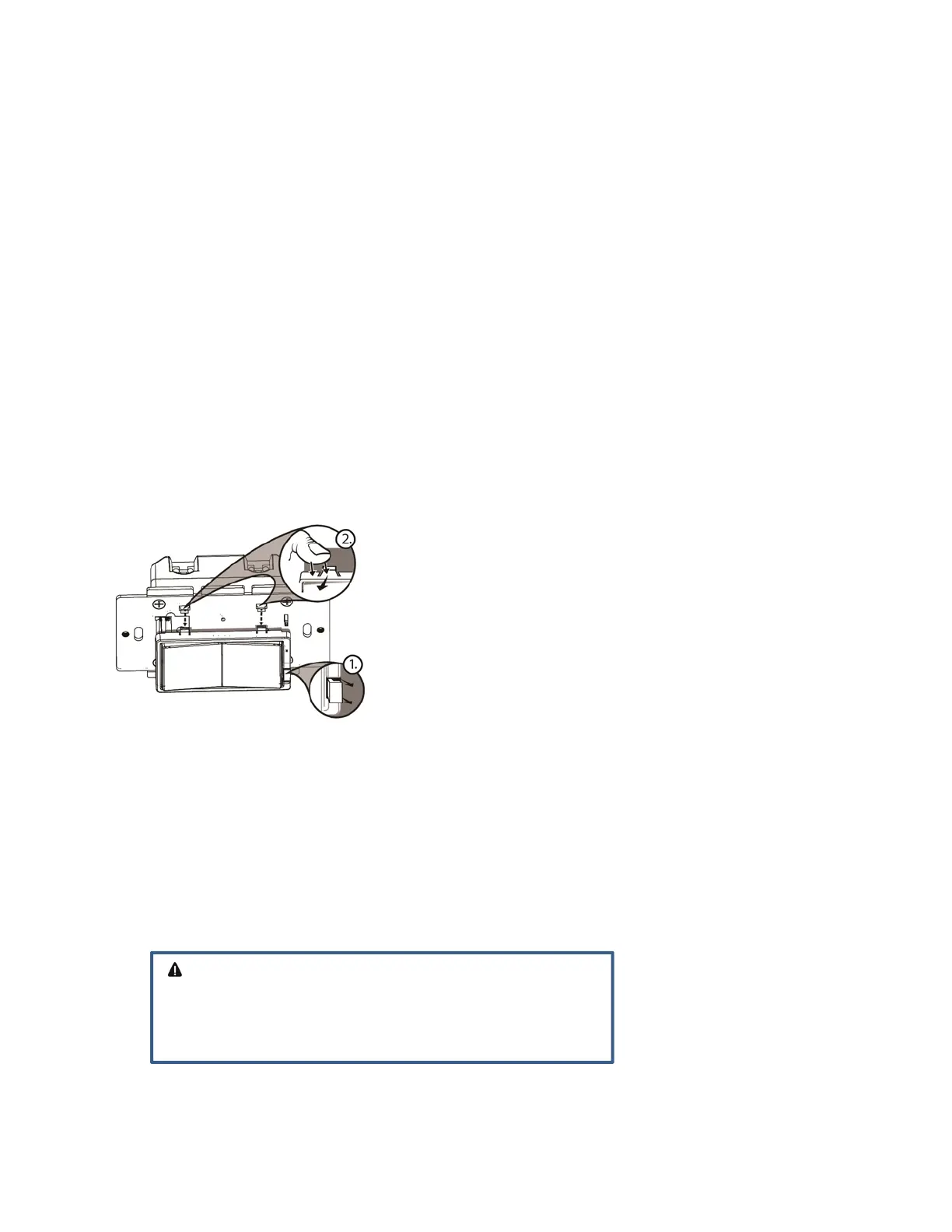
To change color of the switch
1. LifttheAirGaptabatthebaseofthecover.
2. Pushsidetabsinononesideandthentheothertoreleasecover.Liftthecoverupandoff.
3. Simplyputthenewcoverontotheswitchbyinsertingtheairgapandsidetabsandsnappingsecurely
intoplace.
Installation
Thisswitchmaybeusedinnewinstallationsortoreplaceanexistingwallswitch.Itmaybeusedbyitself
for2‐waycontrol(oneswitch&oneload),withoneJascoAuxiliarySwitchfor3‐waycontrol(two
switches&oneload)orwithtwoJascoAuxiliaryswitchesfor4‐wa
ycontrol(threeswitches&oneload).
Whenusedbyitselffor2‐waycontrol,pleasemakesurethatthescrewterminalforthetravelerwireis
insulated(DoNotRemovethetapeovertheterminalifyouarenotusingthetravelerconnection)
WARNING‐SHOCKHAZARD
TurnOFFthepowertothebranchcircuitfortheswitchand
lightingfixtureattheservicepanel.Allwiringconnectionsmust
bemadewiththePOWEROFFtoavoidpersonalinjuryand/or
damagetotheswitch.


 To Next Page