8
1
2
1
2
3
4
5
3. OPERATION
3.1 Operation method
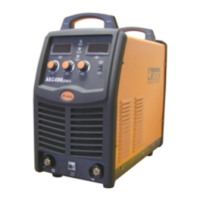
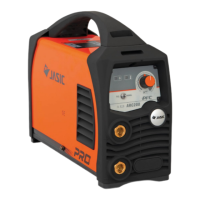
3.2 Panel functions of ARC140 (Z269)
Figure 3-1: Front panel of Z269
Figure 3-2: Back panel of Z269
1
2
3
4
5
No. Part name Function
Power
indicator
To indicate the machine is powered on
when it illuminates.
“+”
terminal
output
To connect the welding output cable.
Overheating
indicator
Current
control knob
To adjust the output current value.
“-”
terminal
output
To connect the welding output cable.
3
1
2
3
No. Part name Function
Power
switch
To control the ON/OFF of the input
power of the machine.
Cable For power supply input.
Cooling fan
For heat dissipation through forced
air cooling.
To indicate the temperature inside the machine
is too high and the machine is under overheating
protection status when it illuminates.
3. OPERATION
1 0
4






 To Next Page