Z104
Fault
1
2
3
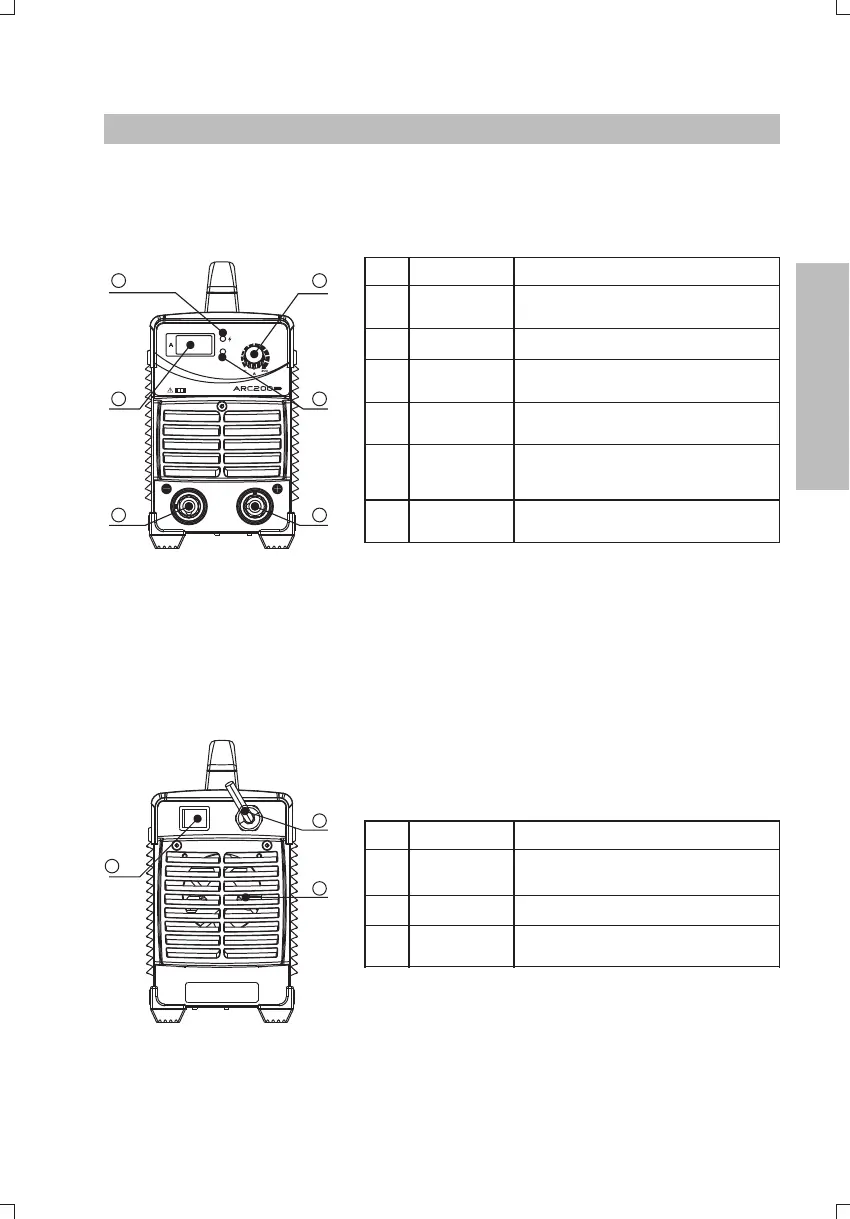
No. Part name Function
Power
switch
To control the ON/OFF of the input
power of the machine.
Cable For power supply input.
Cooling fan
For heat dissipation through forced
air cooling.
9
1
2
3
4
5
6
1
2
3
1
2
3
4
5
No. Part name Function
Power
indicator
To indicate the machine is powered on
when it illuminates.
“+”
terminal
output
To connect the welding output cable.
Current
control knob
To adjust the output current value.
“-”
terminal
output
To connect the welding output cable.
6
Digital meter To display the welding current.
Abnormity
indicator
To indicate the machine is under
overcurrent or overheating protection
status when it illuminates.
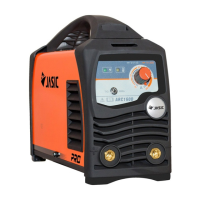
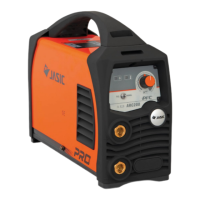
Figure 3-3: Front panel of Z104
Figure 3-4: Back panel of Z104
3.3 Panel functions of ARC200 Z104 ( )
3. OPERATION






 To Next Page