Advanced – updating and hacking JasperMIDI
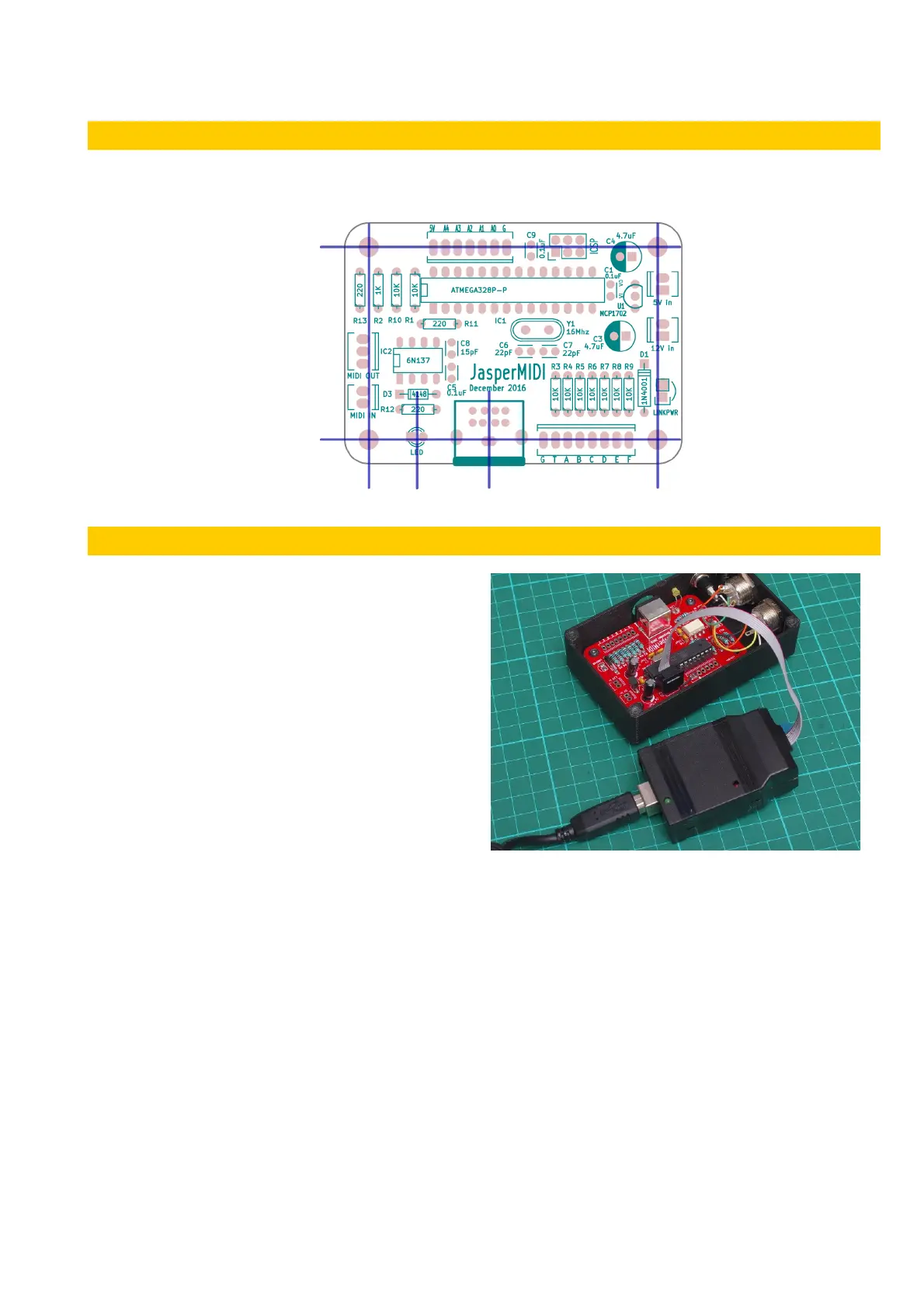
JasperMIDI is implemented as a minimal
Arduino clone and can be programmed using
the Arduino environment. It has no USB
hardware on-board – so in order to program it
you must use an ISP programmer like the
USBtinyISP illustrated. This uses the 6pin
header above the ATMega chip.
This USBtinyISP was a kit from Adafruit and
works well. Other programmers are available
cheaply from Ebay and AliExpress.
Using the programmer it is possible to reflash
the firmware with an updated version, or even
your own code. If you are using an unused blank ATMega328, use the Arduino IDE to flash the
Arduino bootloader first. Select Arduino/Genuino Uno as the board type in the IDE.
The Arduino analogue pins A0 to A4 are broken out for further expansion. In the original firmware
written for JasperMIDI, A0 is used for a push-button that is used to set the MIDI channel. Also A4 is
used for a debug serial port, if a flag is set in the source.
These pins can be used for digital IO, or for analogue input. A5 is used for the LED. Digital pins D9
and D10 are also free, but not broken out on the PCB – however you can use these pins by
carefully soldering wires to the pads under the IC socket. Arduino digital pin D9 is pin 15 and D10
is pin 16 on the ATMega328P. Digital pins D11,D12 and D13 are used by the ICSP programmer –
so are broken out on the 6pin header.
v1 Page 8 of 9 November 2017



 To Next Page