7
OFF.
Auto Power OFF: When recorder has been left idle for 1 minute, the recorder will turn
OFF automatically. The automatic power OFF delay time can be set at 1, 3 or 5
minutes. Go to Setup Mode / Power Save and make adjustment if necessary (see
also Section 11 Setup the recorder).
3. Low power: When the batteries become exhausted, the LCD display will display low
battery icon and the Auto Power feature will turn the recorder OFF.
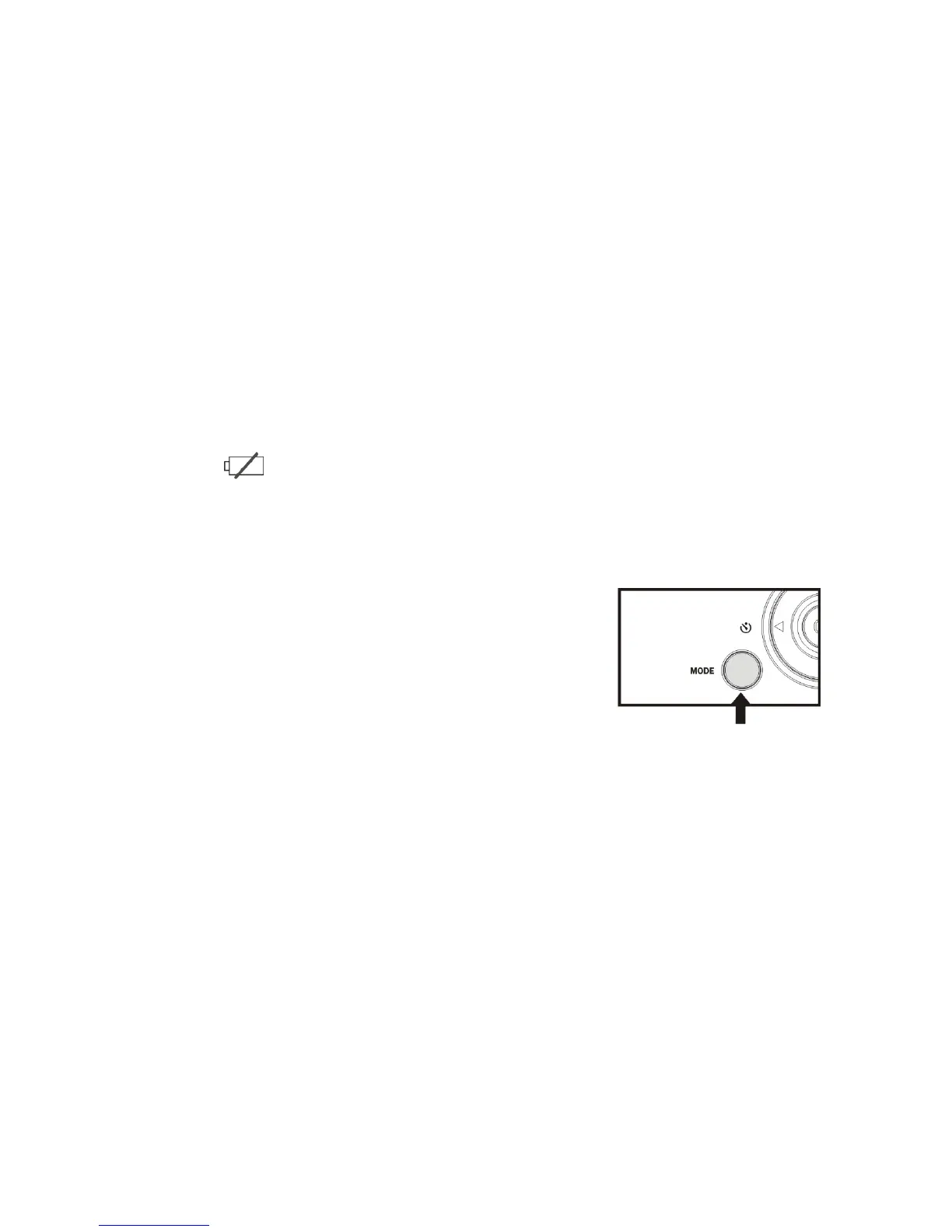
5. Selecting the MODE of the recorder
When activated, the recorder is set in the Video (recording) mode.
Press the MODE key to change or select desired mode:
Video (default mode) – recording video clips
Camera mode – taking still photos, images
Playback mode – playing back recorded video
or displaying still photos
6. Setting Date and Time:
Press OK key. Then press Right Direction key to enter Setup Menu. Press Up and
Down Direction key to select ‘Date & Time’ option. Then press Right Direction key and the
current system date and time are displayed on the LCD screen.



 To Next Page