13
Before carrying out maintenance or storage, always allow the equipment to cool and unplug the
stand from the station and the tool.
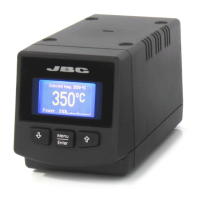
- Clean the station screen with a glass cleaner
or a damp cloth.
- Use a damp cloth to clean the casing, the stand
and the tool. Alcohol can only be used for cleaning
the metal parts.
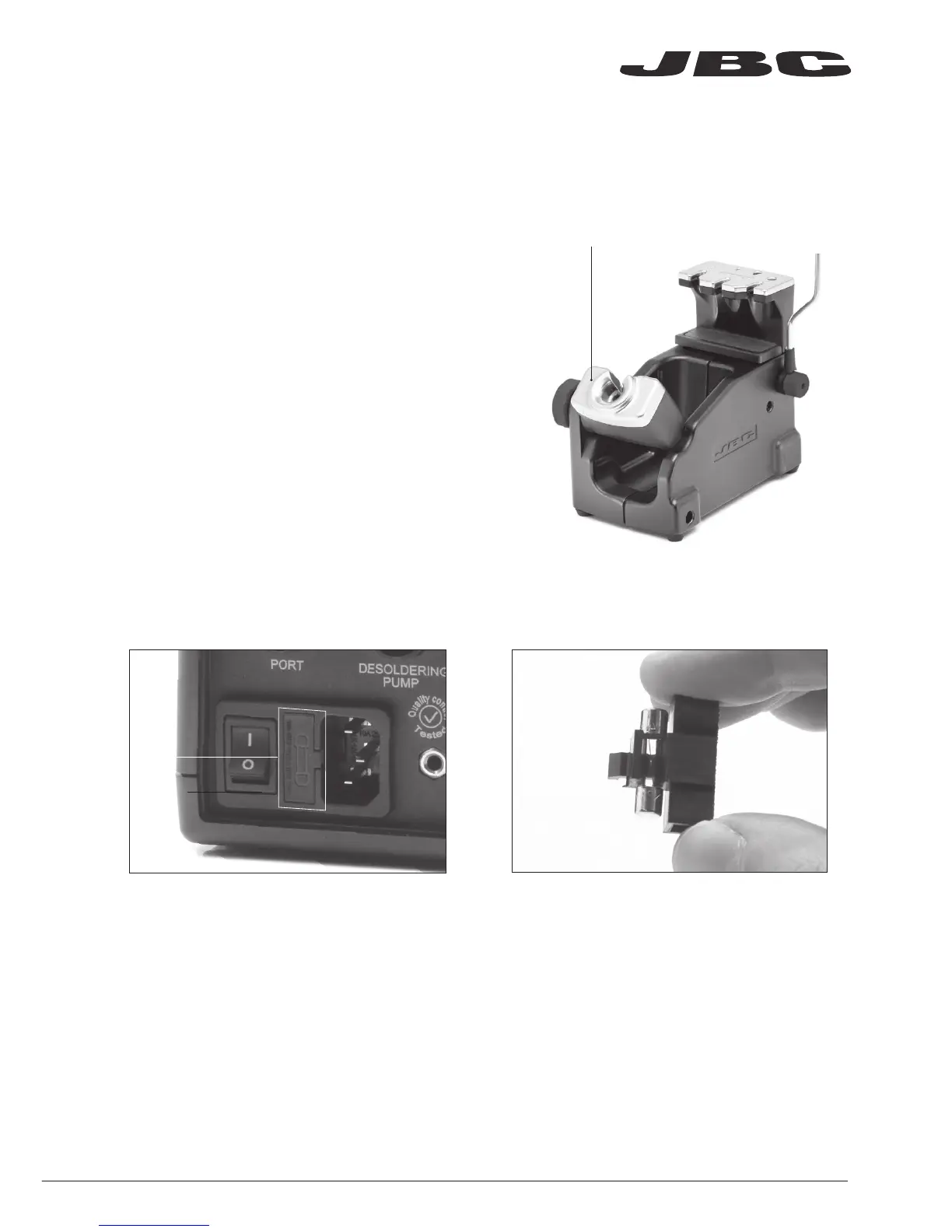
- Periodically check that the metal parts of the tool
stand are clean so that the station can detect
when the tool is in the stand.
- Maintain tip surface clean and tinned prior to
storage in order to avoid tip oxidation. Rusty and
dirty surfaces reduce heat transfer to the solder
joint.
- Periodically check all cable connections.
- Replace a blown fuse as follows:
1. Remove the fuse by pulling the black cap.
If necessary use a tool to lever it off.
2. Press the new fuse into the holder and
replace it in the station.
Maintenance
Fuse
- Replace any defective or damaged pieces. Use original JBC spare parts only.
- Repairs should only be performed by a JBC authorized technical service.
Clean periodically
www.jbctools.com


 To Next Page