EasyManua.ls Logo

JBL 6230 - SECTION III OPERATING INSTRUCTIONS; 3.1 GENERAL; 3.2 TURN ON AND SYSTEM CHECK; 3.3 CLIP INDICATORS

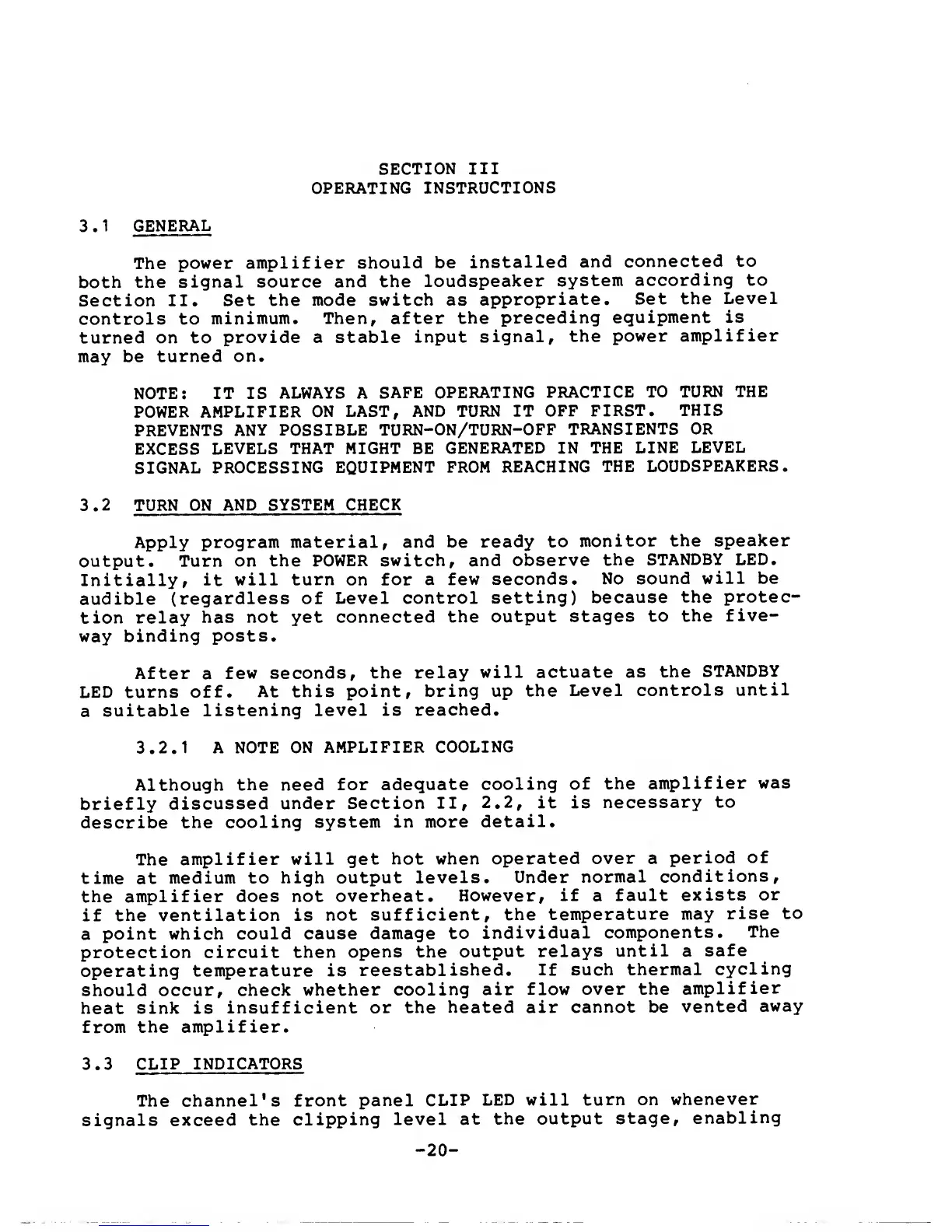
JBL 6230
31 pages
Print Icon
To Next Page IconTo Next Page
To Previous Page IconTo Previous Page
Loading...
SECTION
III
OPERATING
INSTRUCTIONS
3
.
1
GENERAL
The
power
amplifier
should be
installed
and
connected
to
both the
signal
source and the
loudspeaker
system
according to
Section II.
Set the
mode switch as
appropriate.
Set the
Level
controls to
minimum. Then, after
the
preceding
equipment
is
turned on to
provide a stable
input
signal,
the
power
amplifier
may be
turned on.
NOTE: IT IS
ALWAYS A
SAFE
OPERATING
PRACTICE
TO
TURN THE
POWER
AMPLIFIER
ON LAST,
AND TURN IT
OFF
FIRST.
THIS
PREVENTS
ANY POSSIBLE
TURN-ON/TURN-OFF
TRANSIENTS OR
EXCESS
LEVELS
THAT MIGHT BE
GENERATED
IN THE
LINE
LEVEL
SIGNAL
PROCESSING
EQUIPMENT FROM
REACHING
THE
LOUDSPEAKERS.
3.2
TURN ON
AND SYSTEM
CHECK
Apply
program material,
and be
ready to
monitor
the speaker
output.
Turn on the
POWER switch,
and observe
the
STANDBY
LED.
Initially,
it
will turn on for
a
few seconds.
No sound
will be
audible
(regardless
of
Level control
setting)
because
the protec-
tion relay
has not
yet connected
the
output
stages to
the
five-
way
binding
posts.
After
a
few seconds,
the
relay
will actuate
as
the
STANDBY
LED turns
off.
At this
point, bring up
the
Level
controls
until
a
suitable
listening
level is
reached.
3.2.1
A NOTE
ON
AMPLIFIER
COOLING
Although
the need for
adequate
cooling
of
the
amplifier
was
briefly
discussed
under Section
II,
2.2,
it is
necessary
to
describe
the cooling
system in
more
detail.
The
amplifier
will get
hot when
operated
over
a
period
of
time at
medium to
high output levels.
Under
normal
conditions,
the amplifier
does not
overheat.
However,
if
a
fault
exists
or
if
the ventilation is
not
sufficient,
the
temperature may
rise
to
a
point which
could cause
damage
to
individual
components.
The
protection circuit
then
opens the
output
relays
until
a
safe
operating
temperature is
reestablished.
If such
thermal
cycling
should
occur, check
whether cooling
air
flow over the
amplifier
heat sink is
insufficient
or the
heated air
cannot be
vented
away
from
the amplifier.
3.3
CLIP
INDICATORS
The channel's
front
panel CLIP
LED
will
turn on
whenever
signals exceed
the
clipping
level
at
the output
stage,
enabling
-
20
-

Other manuals for JBL 6230

Related product manuals