EasyManua.ls Logo

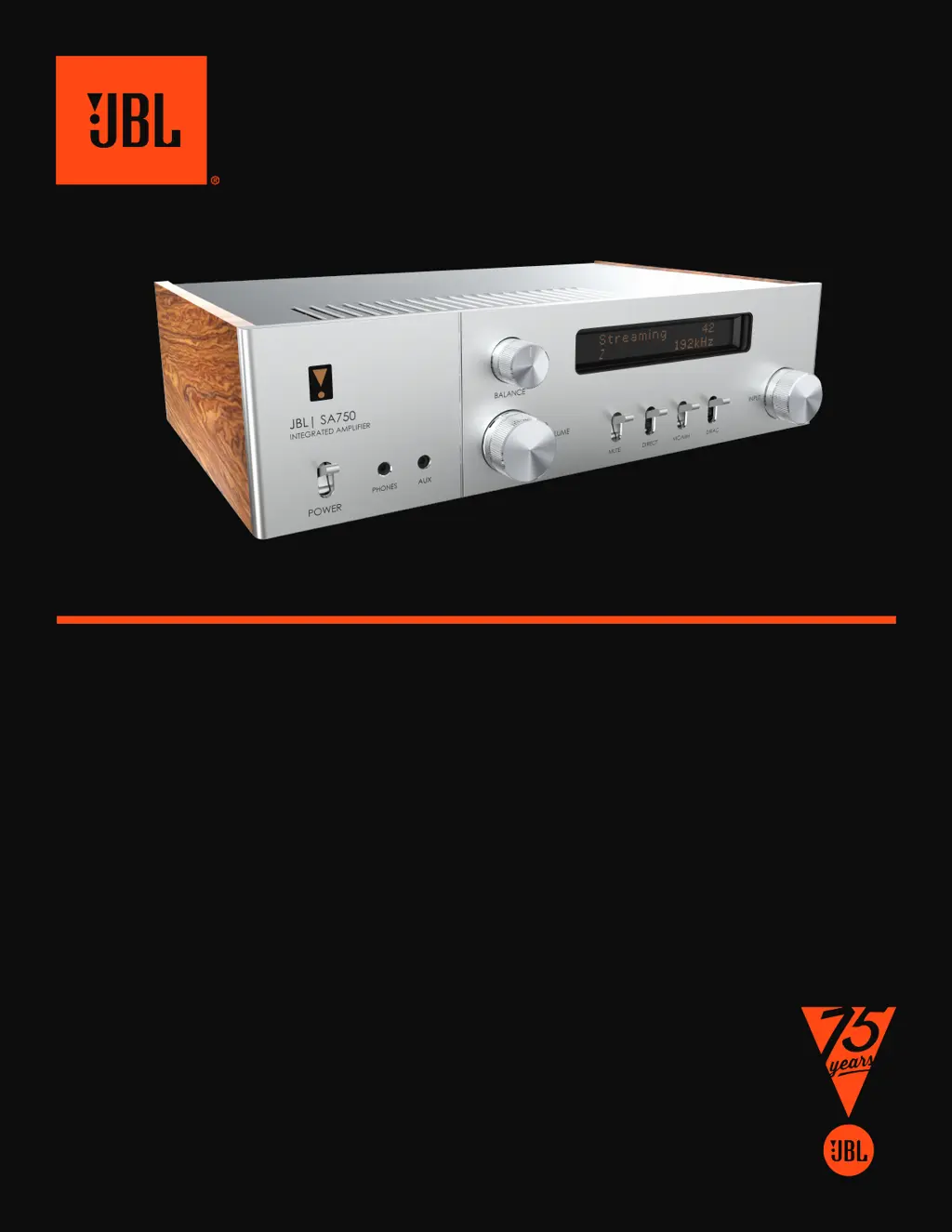
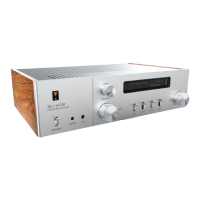
JBL SA750 - User Manual

JBL SA750
79 pages
Print Icon
To Next Page IconTo Next Page
Loading...
SA750 QUICK START
DÉMARRAGE RAPIDE DU SA750
SA750 SCHNELLSTART
SA750 SNELLE START
INICIO RÁPIDO DE SA750
SA750 БЫСТРЫЙ ЗАПУСК
AVVIO RAPIDO SA750
SA750 快速入门
SA750 빠른 시작
SA750

Other manuals for JBL SA750

Questions and Answers

  • R
    Ryan BurnettJul 28, 2025
    How to troubleshoot no sound issue on JBL Amplifier SA750?
    • G
      Garrett CarlsonJul 28, 2025
      If there is no sound from your JBL Amplifier SA750, make sure the amplifier is correctly plugged in and switched on. Also, check that your audio source is correctly connected, the correct input is selected, and it is not muted. Finally, verify that the SA750 is not in protection mode.
  • M
    murphykendraAug 5, 2025
    What to do if my JBL Amplifier SA750 sound cuts out unexpectedly?
    • T
      trevorgarciaAug 5, 2025
      If your JBL Amplifier SA750's sound cuts out unexpectedly, it might be entering a protection mode due to a detected fault. The front panel LED will indicate the fault type: a flashing white light means the internal temperature has reached an unsafe level, so allow the SA750 to cool off. A flashing red light indicates a speaker short circuit, so inspect all speaker cables to ensure they aren't shorted. A flashing orange light means the amplifier detected a DC offset. In any of these cases, the amplifier will turn off and remove power to the speakers. To continue using the SA750, remove the fault and turn the unit OFF then back ON.
  • C
    Cory FloydAug 13, 2025
    Why is there a hum on the analog input of my JBL Amplifier?
    • K
      Kathryn MitchellAug 13, 2025
      If there's hum on the analog input of your JBL Amplifier, ensure all cables are making a good connection. If needed, remove the cable from the connector and plug it back in fully after turning the power off. Check that the connections inside the source cable connector aren't broken or badly soldered. If the hum only happens when a specific source component is connected, ensure that an aerial cable or dish connection to this source is ground isolated.
  • J
    johnsonjamesAug 20, 2025
    What to do if the front panel display is blank on my JBL Amplifier?
    • M
      Mckenzie AndrewsAug 20, 2025
      If the front panel display of your JBL Amplifier is blank, make sure that the display hasn’t been turned off by pressing the button on the remote control.

Summary

JBL SA750 Quick Start

Playing via Wireless Network

Setup via Apple AirPlay

Guide for setting up the JBL SA750 using Apple AirPlay. Links to Apple support.

Setup via Chromecast Built-In

Instructions for setting up the JBL SA750 with Google Home and Chromecast.

Listen via MusicLife

Instructions for playing audio via the MusicLife application.

Playing via Wired Network

Chromecast Setup via Wired Network

Guide to setting up Chromecast Built-In when connecting via a wired network.

Listen via MusicLife (Wired)

Instructions for playing audio via MusicLife when connected via wired network.

Playing from External Source

Important Safety Instructions

General Safety Instructions

Covers general safety precautions for using the apparatus, including water proximity, cleaning, and ventilation.

Caution and Warning Labels

Highlights important warnings regarding electric shock, hazardous voltage, and servicing.

FCC and IC Statements

JBL SA750 Specifications

General IconGeneral
TypeIntegrated Amplifier
Amplifier ClassClass G
Input Impedance47k ohms
Frequency Response20Hz - 20kHz
ConnectivityEthernet, Wi-Fi, Bluetooth
Analog Inputs2 x RCA, 1 x MM Phono
Outputs AdditionalSubwoofer, Headphone
StreamingGoogle Chromecast, AirPlay 2, UPnP
Signal-to-Noise Ratio110 dB
Inputs1 x Ethernet, 1 x USB

Related product manuals