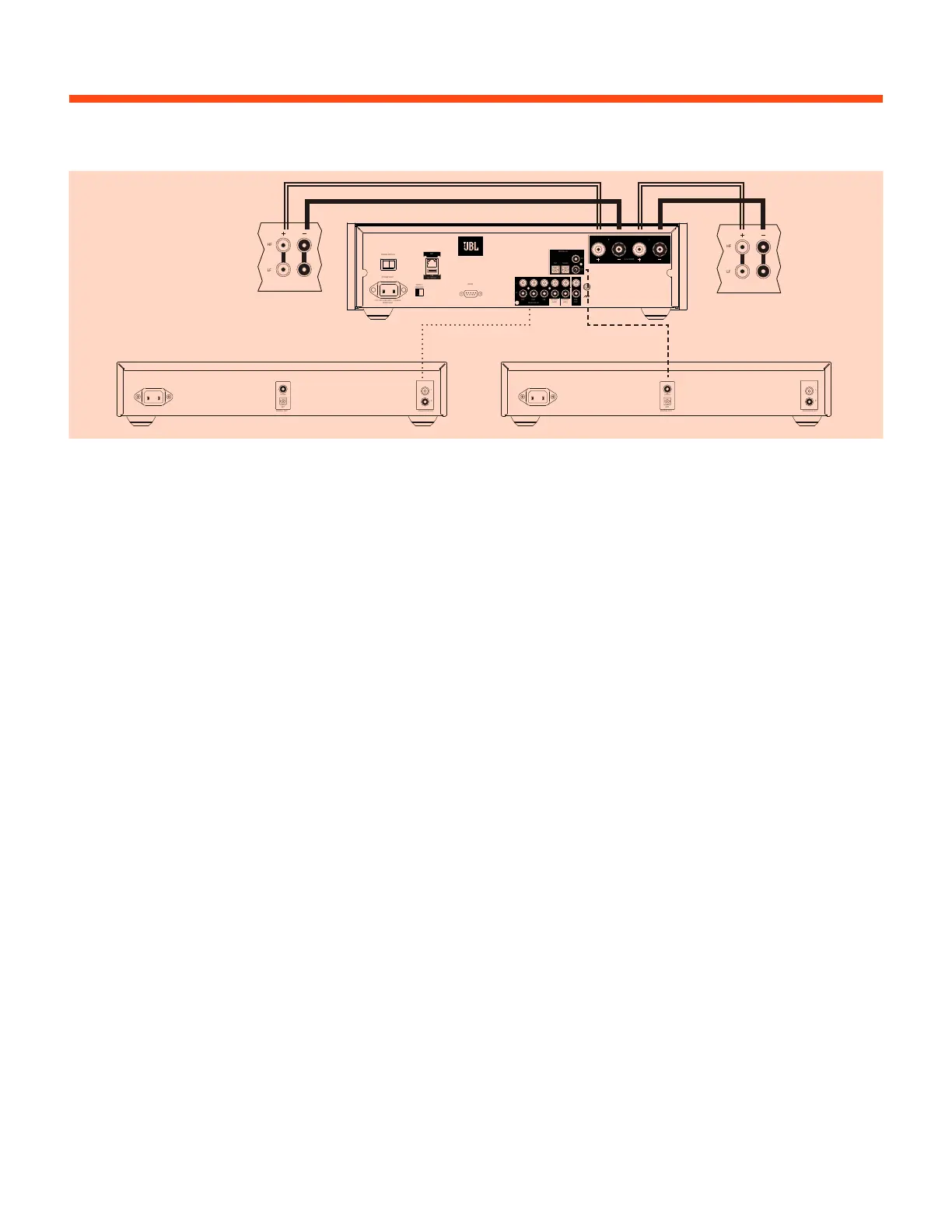
HF
LF
PLAYING FROM AN EXTERNAL SOURCE
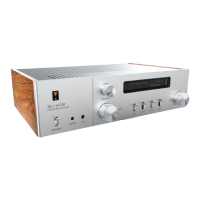
1. Connect the speaker outputs of the SA750 to your speakers.
2. Connect your source components to the required analog or digital input.
3. Power the unit on and wait for one minute for it to initialize.
4. Select the required input using the remote or front panel control.
POWER INLET
POWER SWITCH
110-120V/220-240V ~ 50/60Hz
800W MAX
SUPPLY
VOLTAGE
RS232
NET
R
L
CD PVR STB PRE
OUT
ANALOG IN
PHONO
(MC)
PHONO
(MM)
SAT
AV
BD
DIGITAL IN
GAME
4-16 OHMS
R L
USB
5V 100mA
HF
LF
DIGITAL OUT
OPT
COAX
ANALOGUE OUT
R
L
DIGITAL OUT
OPT
COAX
ANALOGUE OUT
R
L


 To Next Page