EasyManua.ls Logo

JBL SA550 Classic - User Manual

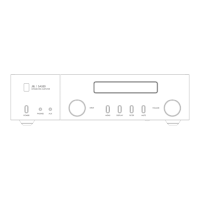
JBL SA550 Classic
15 pages
Print Icon
To Next Page IconTo Next Page
Loading...
©
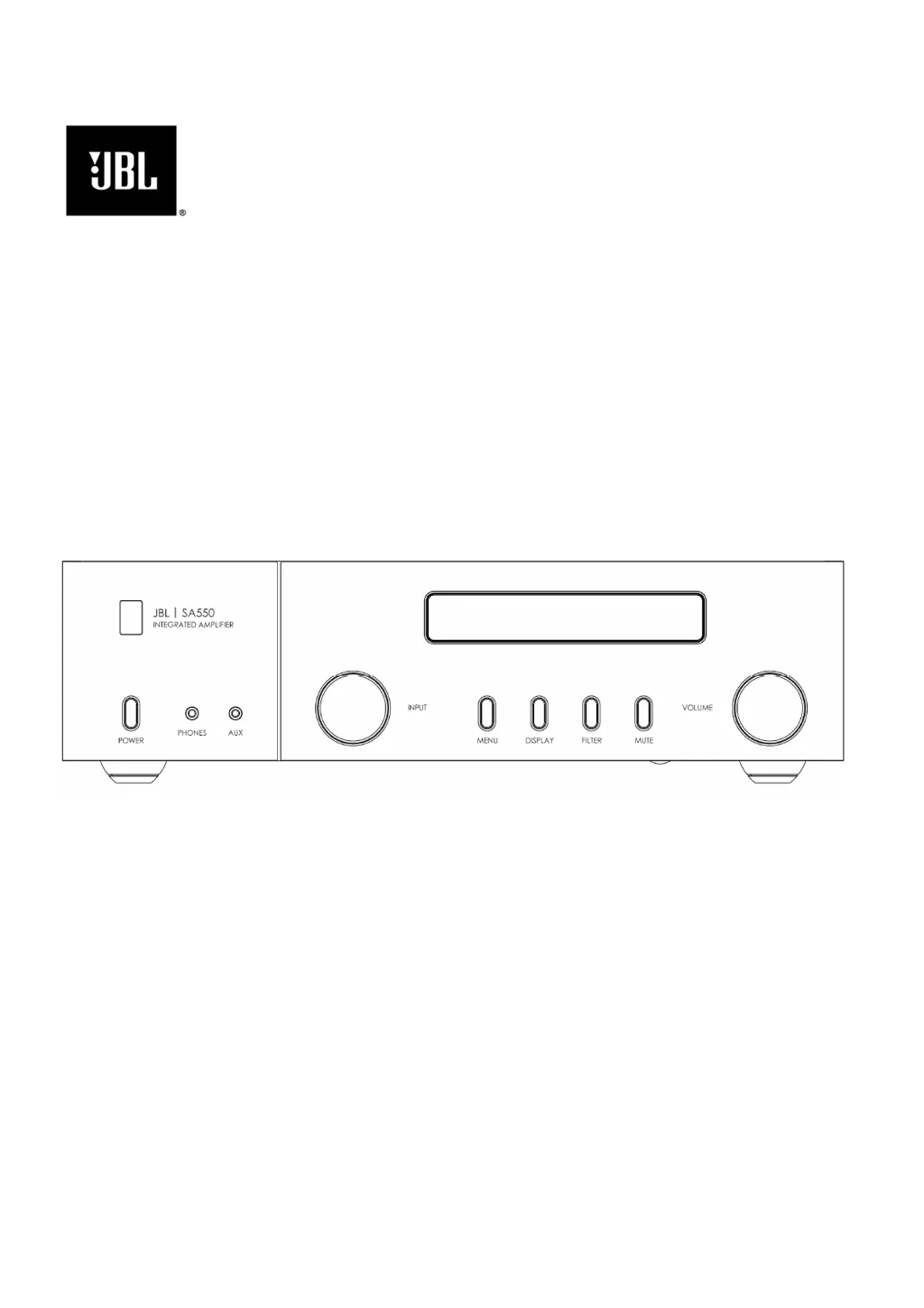
JBL SA550 Classic Owner's Manual EN
Harman
International Industries, Incorporate
d.
Features, specifications, and appearance subject to change without notice.
SA550 Classic - Integrated Amplifier with
Bluetooth
Owner’s Manual

Other manuals for JBL SA550 Classic

Questions and Answers

  • J
    johnvargasJul 29, 2025
    What to do if the JBL SA550 Classic Amplifier sound cuts out unexpectedly?
    • P
      parrishkristinJul 29, 2025
      If your JBL Amplifier's sound cuts out unexpectedly, it might be in protection mode. The front panel LED indicates the fault type: * FLASHING BLUE: The internal temperature of the unit reached an unsafe level. Allow the amplifier to cool. * FLASHING ORANGE: The amplifier detected an overload (DC offset). * FLASHING RED: The amplifier detected a speaker short circuit. Inspect all the speaker cables to make sure none of them are shorted together. This fault is more common when exposed wires are being used to make speaker connections. In protection mode, the amplifier will turn itself off and power to the speakers will be removed. To continue using the amplifier, the fault must be treated, and the amplifier must be turned OFF then back ON from the power switch on the rear panel.
  • S
    sweaverAug 4, 2025
    How to troubleshoot no sound on my JBL Amplifier?
    • E
      Elizabeth GlennAug 4, 2025
      If there is no sound from your JBL Amplifier, verify that the amplifier is correctly plugged in and switched on. Also, check if the audio source is correctly connected, with the correct input selected, and ensure that the amplifier is not muted or in protection mode.
  • C
    Christopher GarciaAug 10, 2025
    Why is the front panel display blank on my JBL SA550 Classic?
    • G
      gibsonjessicaAug 10, 2025
      If the front panel display of your JBL Amplifier is blank, first ensure the amplifier is correctly plugged in and switched on. Check if the amplifier is in standby mode or if the display is dimmed to “Off”. If so, press the button on the remote control to turn the display on.
  • D
    Daniel MillerAug 17, 2025
    What to do if my JBL SA550 Classic does not respond to the remote control?
    • E
      Elizabeth CampbellAug 17, 2025
      If your JBL Amplifier does not respond to the remote control, ensure that there are fresh batteries in the remote control and that you are pointing the remote control towards the amplifier window without obstruction.
  • R
    Robert WeaverAug 22, 2025
    How to fix hum on the analogue input of my JBL SA550 Classic?
    • R
      Randall HicksAug 22, 2025
      To address hum on the analogue input of your JBL Amplifier, ensure all cables are making a good connection. Try disconnecting the input cable and plug it fully in again after turning the power off. If the hum stops when the source is disconnected, the problem is most likely to be in the cable or the source device to which it is connected.

Summary

Important Safety Instructions

Welcome and Package Contents

Package Contents

Lists items included with the amplifier.

Placing The Unit

Front Panel Overview

Front Panel Controls and Buttons

Details buttons, display, input selector, volume control, and sockets.

Rear Panel Overview

Rear Panel Connections

Details power, input/output sockets, USB, RS232, and voltage selector.

Remote Control Operation

Remote Control Functions

Explains buttons for standby, navigation, volume, mute, display, transport, and menu.

Connecting Loudspeakers

Connection Tips

Provides advice on checking connections, initial setup, and seeking help.

Bluetooth Operation

Bluetooth Volume and Transport Control

How to control volume and playback for Bluetooth devices.

Basic Operation

Power, Standby, and Input Selection

Covers powering on, standby modes, and selecting audio sources.

Phono and USB Usage

Details specific usage of Phono input and USB socket.

Headphone Output

Balance and Processor Mode Settings

Menu System and Settings

Menu Tree Navigation

Lists and describes adjustable settings via the menu system.

Troubleshooting Guide

Common Problems and Solutions

Provides checks and solutions for common operational issues.

Technical Specifications

JBL SA550 Classic Specifications

General IconGeneral
BrandJBL
ModelSA550 Classic
CategoryAmplifier
LanguageEnglish

Related product manuals