5
www.jbl.com
English
+–
+–
+–
FRONT
LEFT
+–
+–
SURROUND
RIGHT CENTER
SPEAKER
OUTPUT
Wire with
Colored Band
to “+” Terminal
Wire with
Colored Band
to “+” Terminal
Amplifier
Speaker
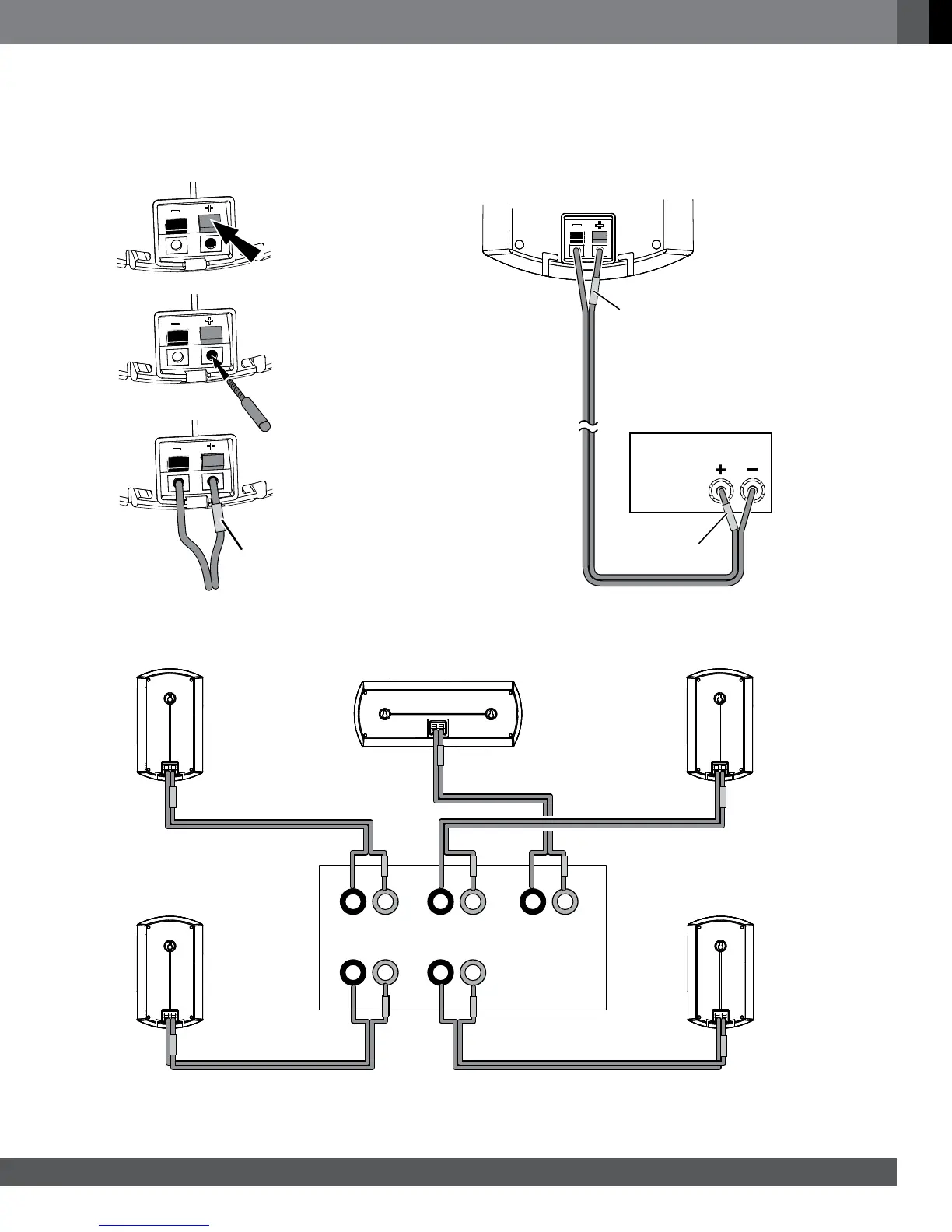
CONNECTING THE SPEAKERS
CAUTION: Before making speaker connections, be sure that your receiver or amplifier is turned off and preferably that its AC cord is
unplugged from the AC power outlet.
IMPORTANT: Make sure the ( + ) and ( – ) bare wires do not touch each other or the other terminal. Touching wires can cause a short
circuit that can damage your receiver or amplifier.
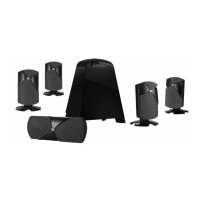
Connect the speakers to your receiver or amplifier: Connect the speaker's “+” terminal to the amplifier's “+” terminal:
Connect the speakers to the proper amplifier channels:
Front Left
Center
Wire with
White Bands
Wire with
Green Bands
Wire with
Blue Bands
Wire with
Red Bands
Surround Left
Front Right
Surround Right
Receiver
or Amplifier
2.
1.
Colored Band
to “+” Terminal
3.



 To Next Page