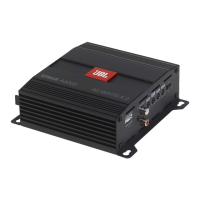
1. Connect to internet with your Windows PC or laptop and go to JBL.com and download the Graphic User Interface for the
DSP4086 Amplifier.
2. Complete the software installation setup wizard before you connect your computer to your JBL DSP Amplifier.
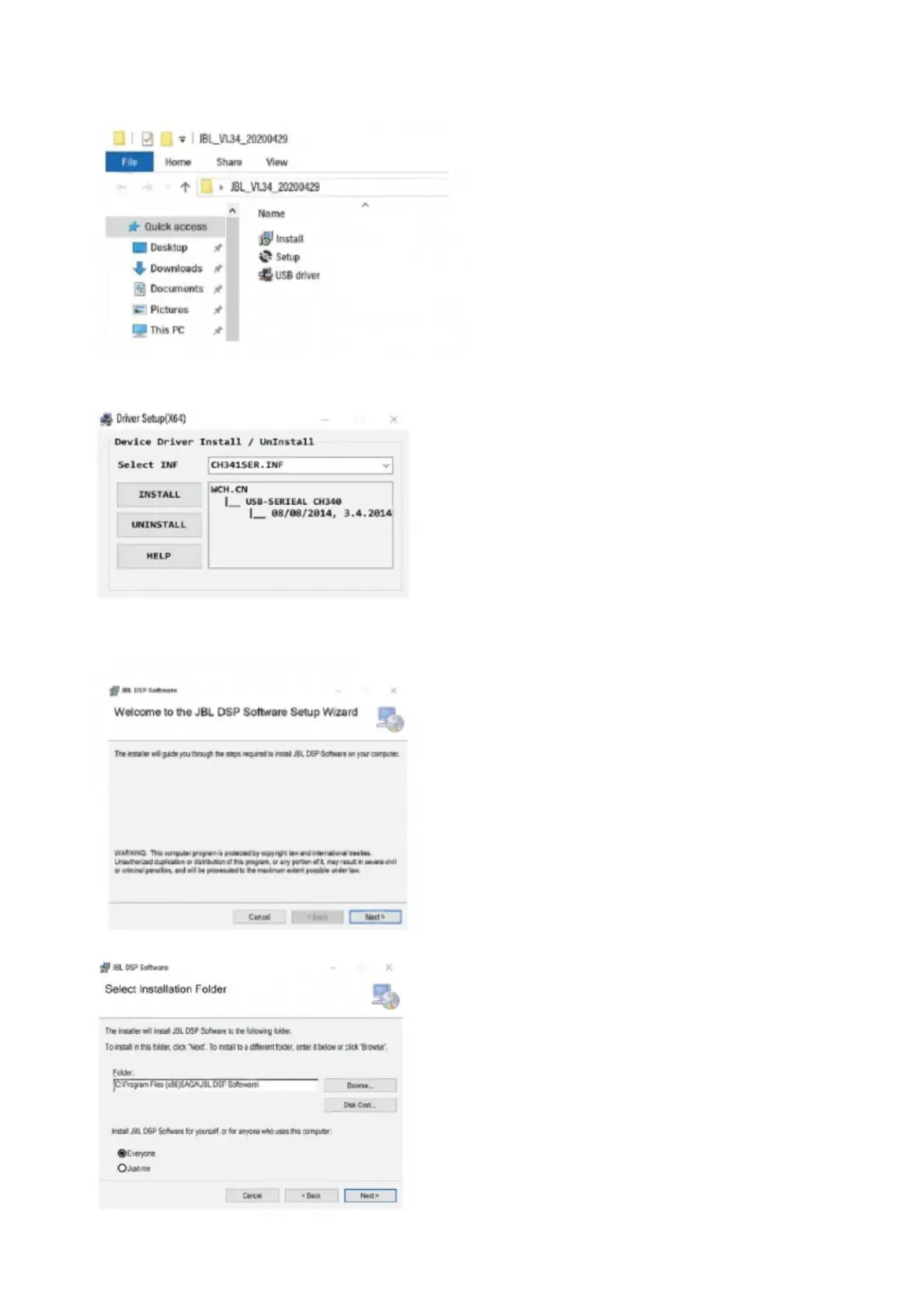
3. Double-click “JBL DSP software” from its saved location.
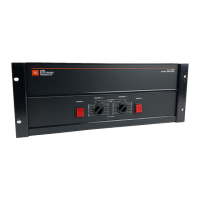
4. Double-click “USB driver” and click install
NOTE: Make sure to allow it to make changes to your computer if your anti-virus software requests it.
5. Double-click “setup.exe”.
NOTE: Make sure to allow it to make changes to your computer if your anti-virus software requests it.
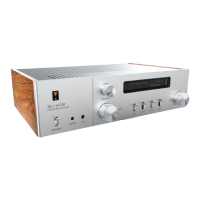
6. Click “Next” in the JBL DSP Software Setup Wizard.
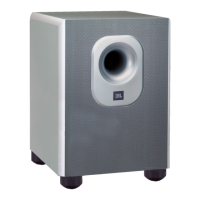
7. Select preferred installation folder, or click “next” to choose the default location.



 To Next Page