13
CARDIOID
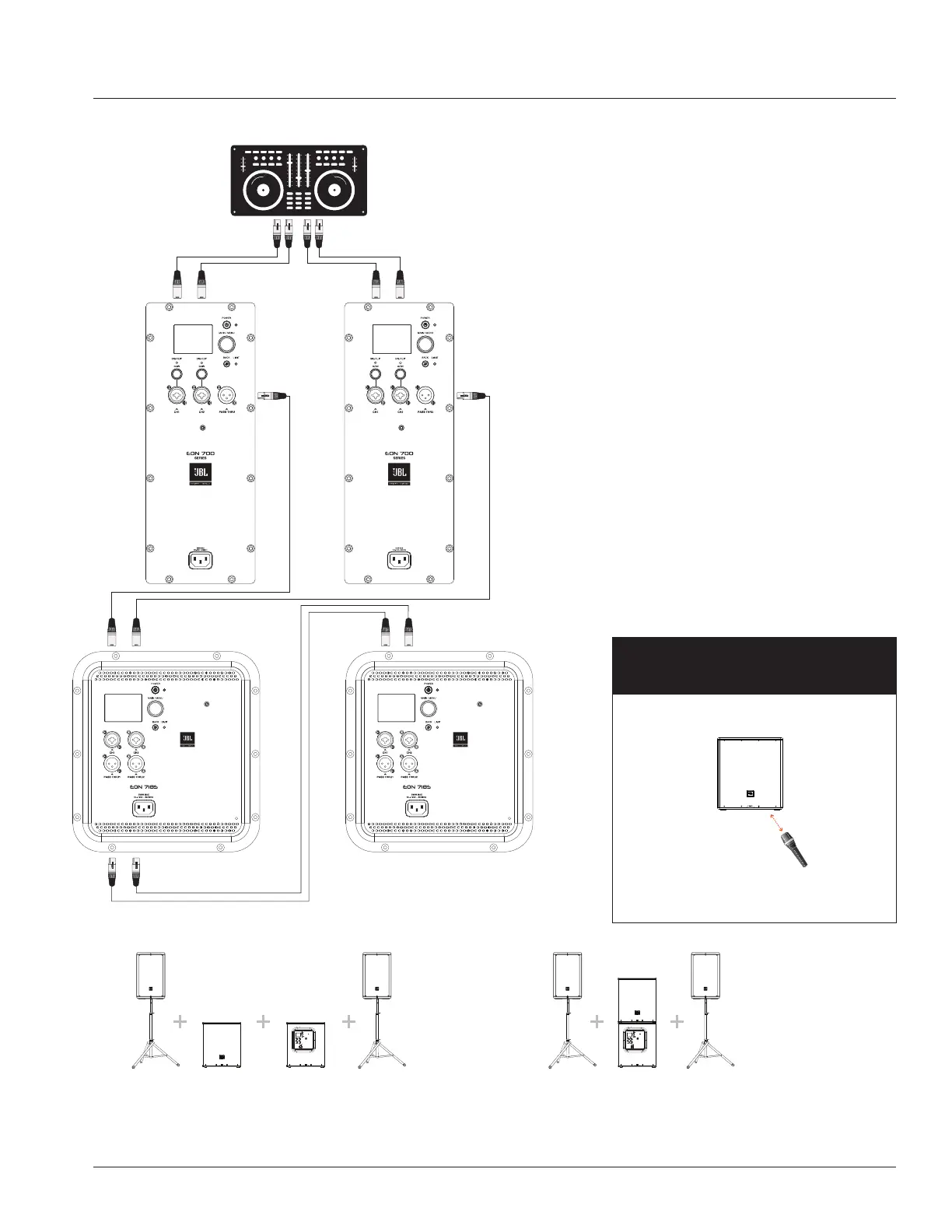
PA1 and PA2 CH1 XLR-1/4” Combo inputs pass Thru to individual Subs
CARDIOID
• Cardioid mode helps subwoofer performance
become more directional and easier to
control. Users can experience +3-5db of low
frequency extension on audience side and up
to -10-17db of reduction on rear/stage side.
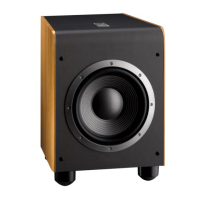
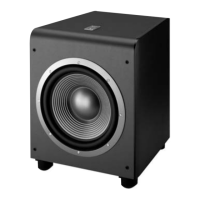
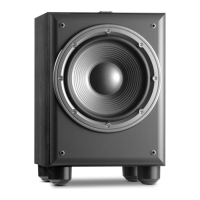
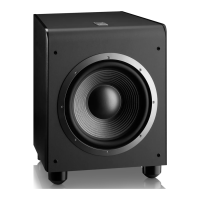
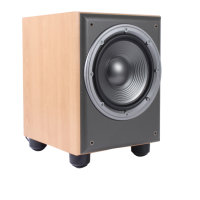
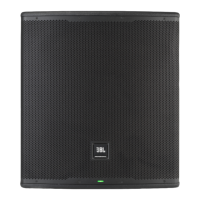
• To use cardioid mode with 2 EON718S
subwoofers, place them next to each other or
stacked.
• Adjust the audience firing subwoofer’s preset
to 100HZ
• Adjust the rear-firing subwoofer’s preset to
CARDIOID
• Run BOTH Full range EON700 series speakers
from the pass through to the CH1 and CH2 on
the audience firing EON718S.
• Run THRU each channel of the front firing sub
into each channel of the rear-firing sub.
• Adjust volume accordingly.
MICROPHONE
(presenter or speaker) Subwoofer
positioning distance
Microphone (speaker/presenter)
stands before subwoofer.
To prevent any unnecessary feedback, please:
Position Microphone at least 2m (6ft) from a speaker
Do not stand directly in front of a speaker
Audience Facing Sub Rear Facing Sub
APPLICATION EXAMPLES
Audience Facing Sub Rear Facing Sub
Audience Facing Sub Rear Facing Sub


 To Next Page