17
Knobs and Functions
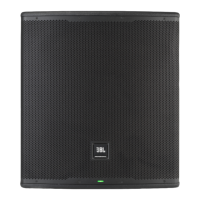
The EON718S comes equipped with push button rotaries to make for easy navigation and hardware usage.
• A single press of the MAIN/MENU knob will open up the main menu.
• Pressing and holding the MAIN/MENU knob for 2s will mute the SUBWOOFER.
Buttons and Functions
• The POWER button turns on/off the speaker. Hold for .5s to turn on the speaker and 2s to turn off the speaker.
• The BACK button will back you out of the current screen you are in without saving changes. This can be thought
of as a “CANCEL” button.
MIXER PANEL FUNCTIONS


 To Next Page