English
SYSTEM CONNECTIONS
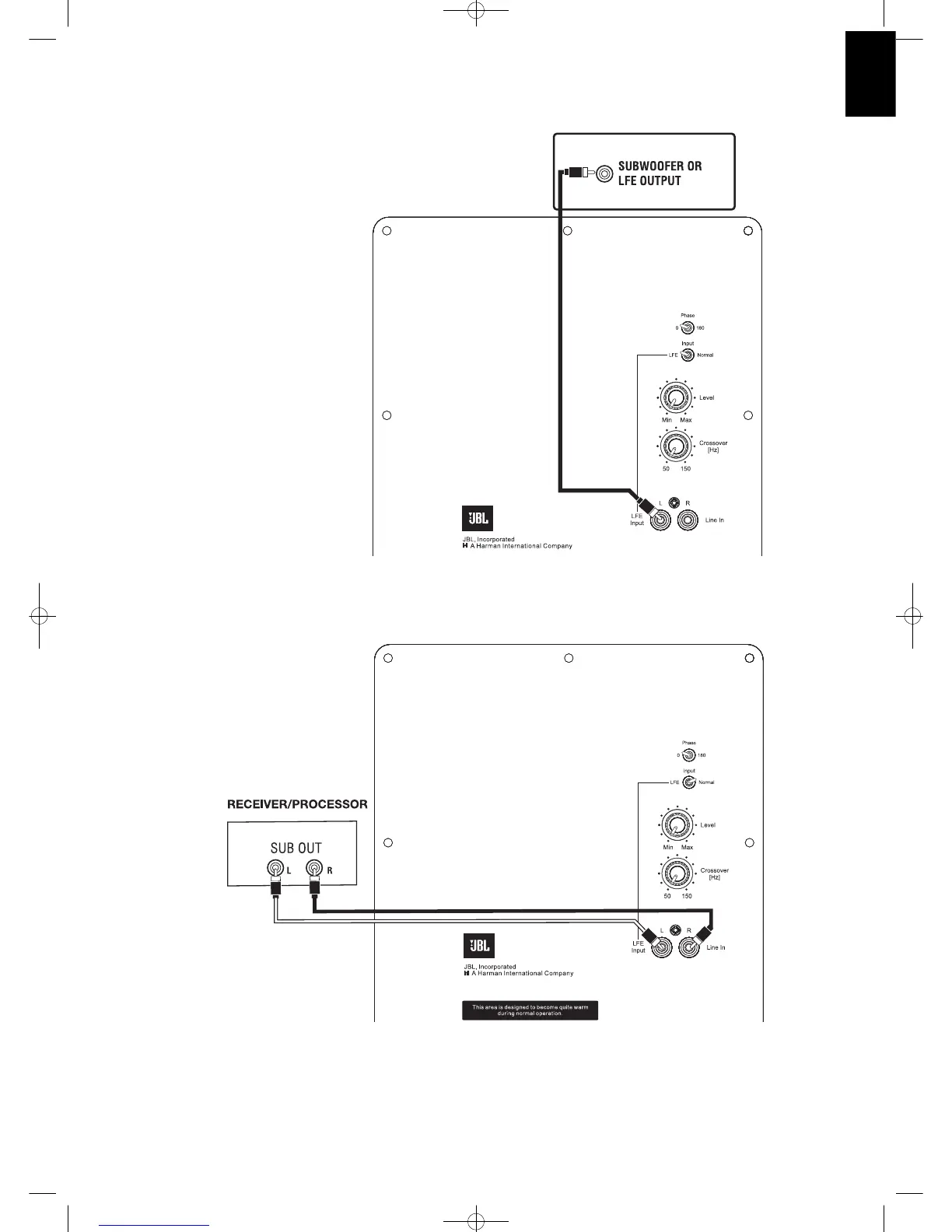
If you have a Dolby
®
Digital or DTS
®
receiver/processor
with a low-frequency-effects (LFE) or subwoofer output:
5
If your receiver/processor does not contain a Dolby Digital
or DTS processor, but has subwoofer outputs:
Set line-level/LFE switch to
“Normal.”
NOTE: If your receiver/processor
has only one sub out, you may
use either the L or R input.
Set LFE/Normal switch to “LFE.”
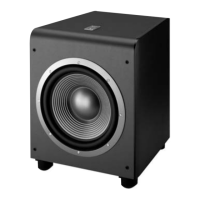
LS120P/230
LS120P/230


 To Next Page