EasyManua.ls Logo

JBL BASSPRO - User Manual

JBL BASSPRO
8 pages
Print Icon
To Next Page IconTo Next Page
Loading...
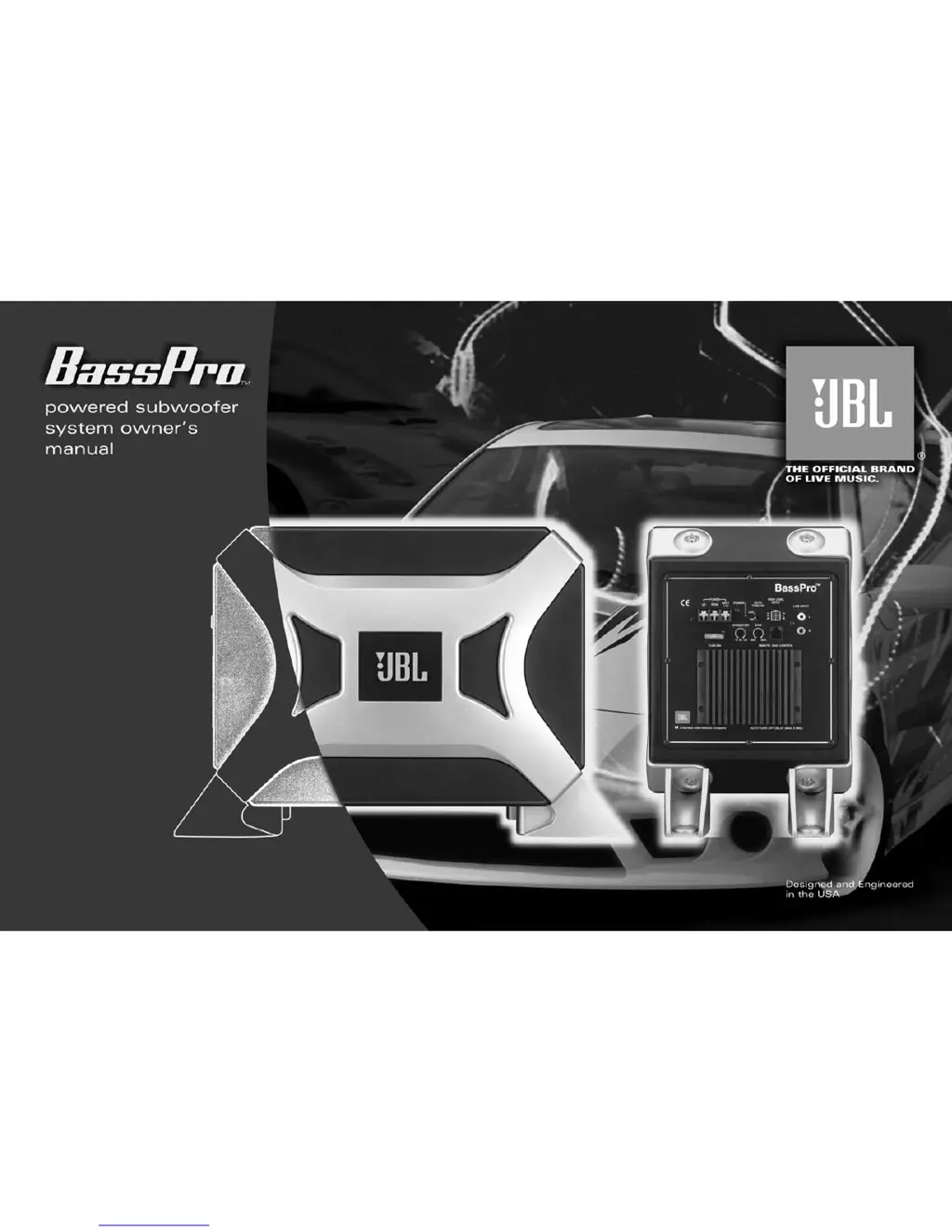
THANK YOU
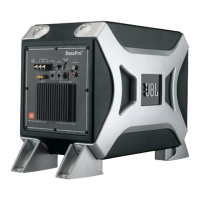
for choosing the JBL BassPro.
BassPro has been designed to deliver
great bass performance from a compact,
easily installed powered subwoofer
enclosure.
To get the best performance from your
BassPro, we strongly recommend that
installation be entrusted to a qualified
professional. Although these instructions
explain how to install BassPro in a
general sense, they do not show specific
installation methods that may be required
for your particular vehicle.
If you do not have the necessary tools
or experience, do not attempt the
installation yourself. Instead, please
ask your authorized JBL car audio
dealer about professional
installation.
In order that we may better serve
you should you require warranty
service, please retain your
original sales receipt and register your
BassPro online at www.jbl.com.

Other manuals for JBL BASSPRO

Questions and Answers

  • J
    Johnny HigginsJul 26, 2025
    What to do if JBL BASSPRO Subwoofer output gets louder when the head-unit balance is adjusted to L or R?
    • J
      Jordan WilkersonJul 26, 2025
      If the JBL Subwoofer output gets louder when the head-unit balance is adjusted to L or R, and you are using a speaker-level connection, it is likely that one of the speaker connections is reversed (+/–). Reverse one channel to correct this.
  • M
    moniquemullinsJul 31, 2025
    What to do if JBL Subwoofer POWER LED is not lit?
    • J
      James MillerAug 1, 2025
      If the POWER LED on your JBL Subwoofer is not lit, it could be due to several reasons. First, the fuse might be blown and needs replacement, so replace the fuse. Second, the head unit might not be functioning properly, so check head unit functionality. Finally, inspect the remote turn-on, power, and ground connections.
  • N
    Nicole WaltersAug 6, 2025
    What to do if JBL BASSPRO POWER LED is lit but there is no bass?
    • D
      Denise LozanoAug 7, 2025
      If the POWER LED is lit on your JBL Subwoofer but there is no bass, first check the connections, since the inputs may not be connected. Also, adjust the head-unit controls to feed audio signals to BassPro, as the head-unit fader controls may not be set properly. Finally, adjust the GAIN control setting, as it may be incorrect.
  • J
    jillianleeAug 13, 2025
    Why JBL BASSPRO Subwoofer POWER LED remains ON after system is turned off?
    • C
      Charlene WrightAug 13, 2025
      If the POWER LED remains ON on your JBL Subwoofer after the system is turned off, it may be because speaker-level connections have a five minute turn-off delay. Check the unit at a later time.
  • C
    Christine ParkerAug 19, 2025
    Why JBL BASSPRO output sounds muddy or distorted?
    • R
      Robin ScottAug 19, 2025
      Muddy or distorted sound from your JBL Subwoofer can occur if the GAIN is set too high. Try lowering the GAIN setting. It may also happen if the bass level is set too high on your head unit, so try lowering the bass level on the head unit. If the head unit output is distorted or blown, it is recommended to consult your authorized JBL car audio dealer.

Summary

INSTALLATION

INSTALLATION WARNINGS AND TIPS

General safety and procedural advice for installing the subwoofer system.

CHOOSING A MOUNTING LOCATION

Guidance on selecting an optimal and safe place to mount the BassPro unit in the vehicle.

INSTALLING THE REMOTE CONTROL

UNDER-DASH MOUNTING

Instructions for installing the remote level control discreetly beneath the dashboard.

IN-DASH MOUNTING

Steps to integrate the remote level control flush with the vehicle's dashboard for a factory look.

CONNECTING THE SUBWOOFER LEVEL CONTROL

POWER CONNECTIONS

APPLICATIONS AND WIRING DIAGRAMS

CONTROLS AND FUNCTIONS OVERVIEW

CONTROL DESCRIPTIONS

Explanation of the function and purpose of each control and indicator on the BassPro amplifier panel.

SETTING THE CONTROLS

Step-by-step guide for adjusting BassPro settings for optimal audio performance.

TROUBLESHOOTING GUIDE

POWER AND LED ISSUES

Solutions for problems related to the power LED not lighting up or remaining on.

AUDIO OUTPUT PROBLEMS

Troubleshooting steps for no bass, distorted sound, or incorrect channel balance.

TECHNICAL SPECIFICATIONS

JBL BASSPRO Specifications

Amplification and Frequency IconAmplification and Frequency
amplification100 Watts
frequency response20Hz – 120Hz
crossover frequency70Hz – 120Hz
filter attenuation slope12dB
Power IconPower
fuse20A
maximum inrush current12A
idle current<800mA
Input Sensitivity IconInput Sensitivity
input sensitivity line level50mV to 4V
input sensitivity universal interface1V to 16V
Weight and Dimensions IconWeight and Dimensions
dimensions with mounting brackets410mm x 242mm x 312mm

Related product manuals