5
Quick Start
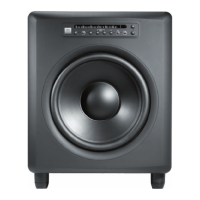
The LSR4312SP subwoofer includes:
• One subwoofer
• CAT5 network cable
• AC power cord
• This owners manual
If you’re planning to use your LSR4312SP in a networked system of LSR4300 speakers, you will need
the following:
• One or more LSR4328P or LSR4326P speakers, with CAT5 network cables, AC power cords, and
owners manual
• LSR4300 Accessory Kit, containing:
o Calibration microphone and mic clip
o Infrared wireless remote control
o LSR4300 Control Center Software
o 16-foot USB cable
o Two network terminators
o Two AAA batteries
Here are simple step-by-step instructions to get you up and running quickly:
1. Unpack the LSR4312SP. To avoid damage to the speaker elements, open the top of the box, keep
the styrofoam end cap on, and roll the box upside down. The box can then be slipped off. (This also
works in reverse for repacking the units.)
X Be sure to not grasp the LSR4312SP from the front. A stray hand or fi nger can cause damage to the
transducer.
2. Position the LSR4312SP in the room.
(See page 24 in this manual for subwoofer placement tips.)


 To Next Page