12
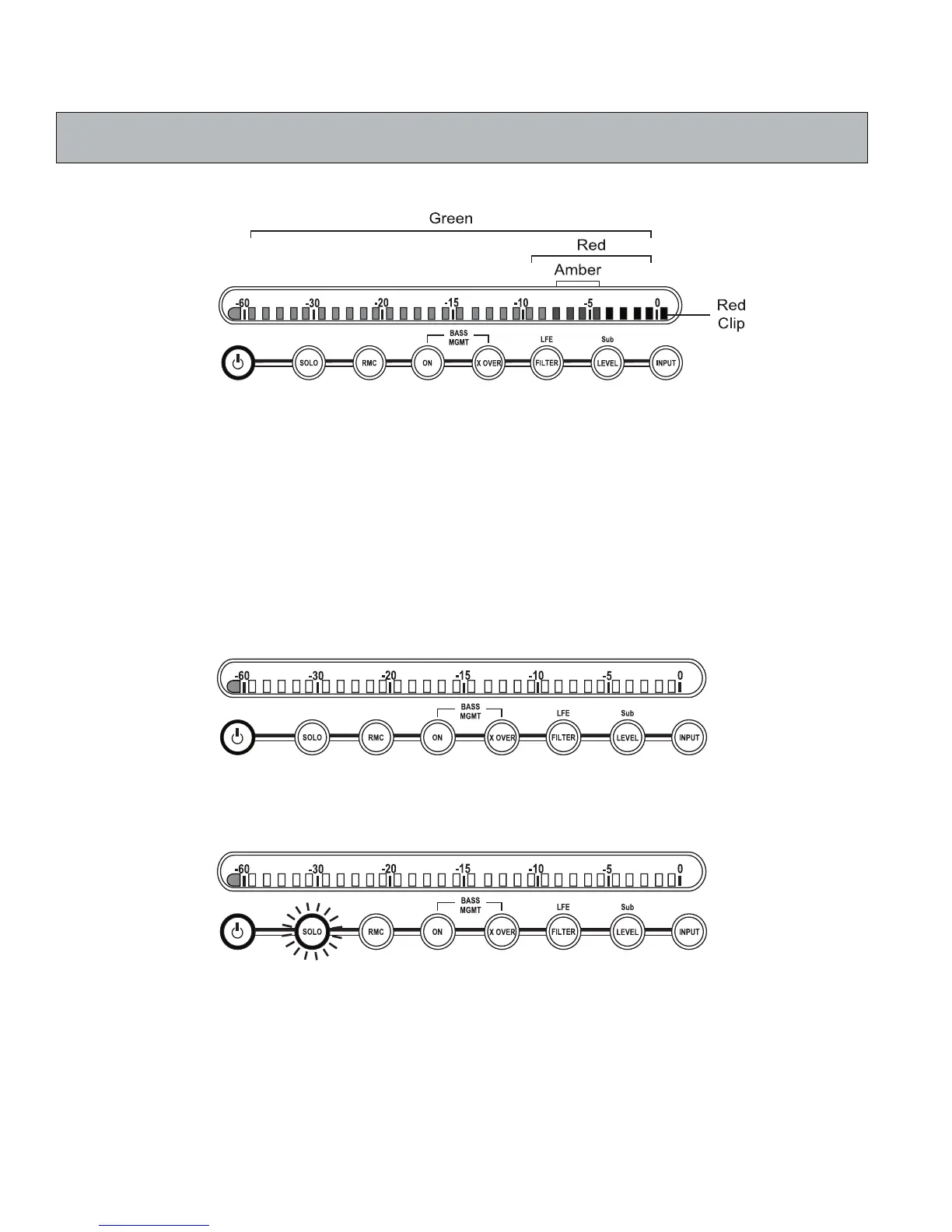
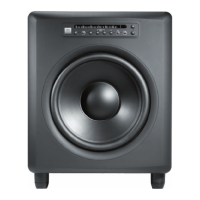
X The LSR4312SP provides protective limiting. Limiting occurs when the output signal exceeds -2 dBFS (that is,
when the second LED from the right is illuminated).
2. Power Indicator – The JBL logo lights at two different levels. It is illuminated dimly whenever the
LSR4312SP is connected to an AC power source, indicating the subwoofer is in “standby” status.
It is illuminated at full brightness when the subwoofer is powered up and active. The power indicator
blinks when the system volume “DIM” function is enabled by the remote control or LSR4300 Control
Center Software.
3.
Power – After connection to an AC power source, press this button to turn the LSR4312SP on. If
networked together with other LSR4300 speakers, all speakers will turn on simultaneously. Press the
button again to return the subwoofer (and all other networked speakers in the system) to a stand-by
mode, where the internal amplifi ers are turned off and all user functions are deactivated. When the
subwoofer is powered on and active, the JBL logo will be brightly lit (see #2 above) and the left-most
meter segment will be lit:
4. SOLO – Press this button to solo the LSR4312SP and mute the signal on all other networked speakers.
When this function is active, the SOLO button will fl ash.
At the same time, the SOLO buttons on all other networked speakers (those that are muted) will light
steadily, and their left-most meter segments will fl ash to indicate a muted state.
Reference - Front Panel


 To Next Page