16
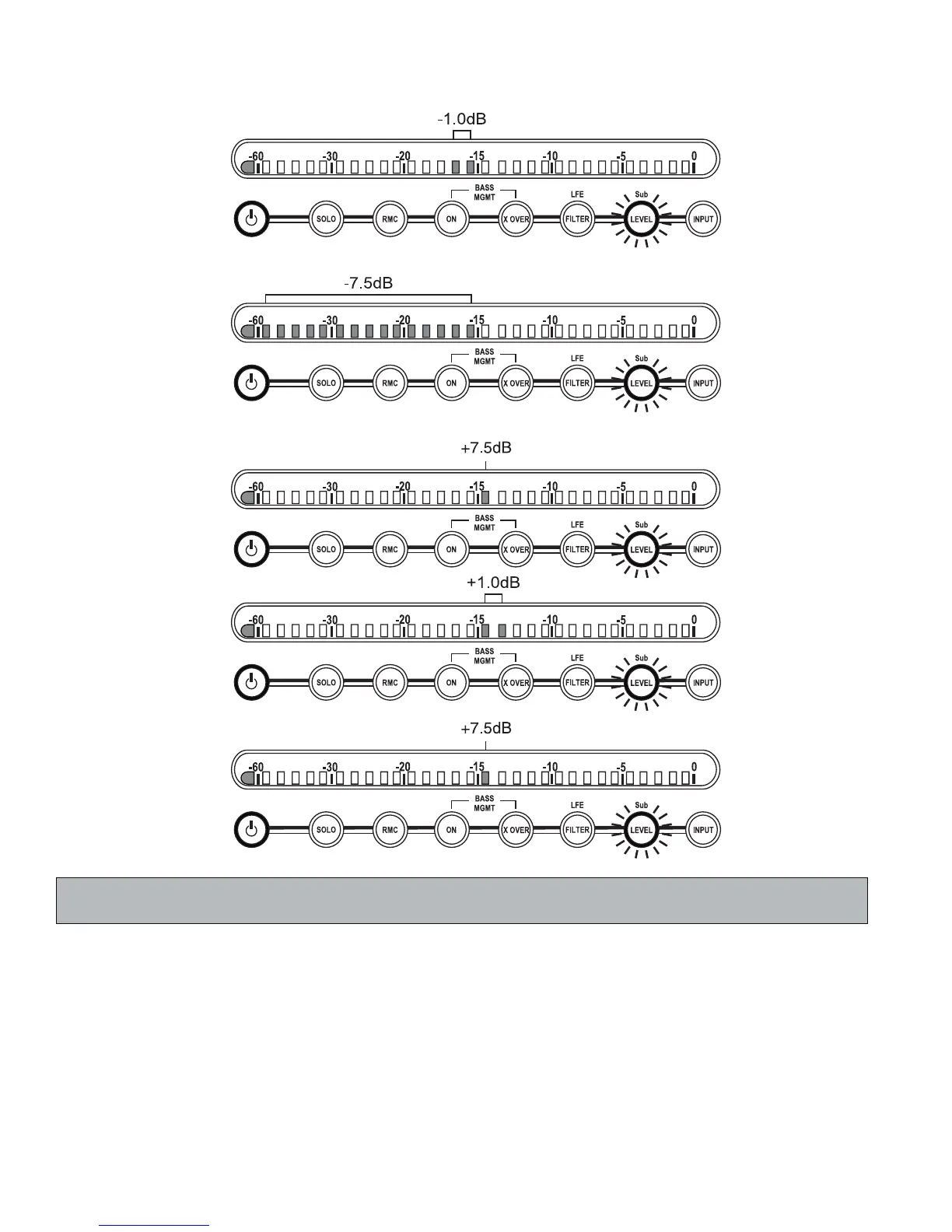
X If a second LSR4312SP is networked, changing the Subwoofer LEVEL in either one will cause both to be set
identically.
10. INPUT (Input Select) – Allows you to listen to any of three connected signal sources:
analog, S/PDIF digital, or AES/EBU digital. To select an input source, press the INPUT button. It will fl ash
and the meter display will confi rm the currently selected input source. In addition, incoming signal will
temporarily be muted. While the INPUT button is fl ashing (for approximately 3 seconds), you can use the
+/- buttons to change the input source. The newly selected input source will then be shown on the meter
display as per the following illustrations, and after a 3-second pause, the signal will resume. To cancel the
operation and thus continue with the same input source, either press the INPUT button a second time or
wait for the 3-second “time-out” to end without pressing the +/- buttons.
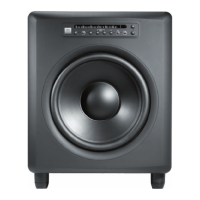
Reference - Front Panel


 To Next Page