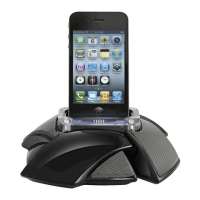
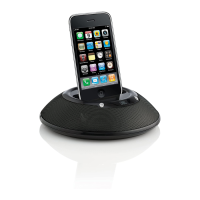
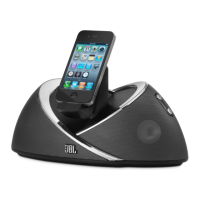
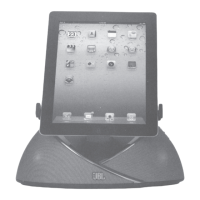
jbl on stage micro II remote easy setup guide
In the battery-only mode, the JBL On Stage Micro II loudspeaker dock will turn o to save battery power when muted or paused for 1.
longer than 10 minutes.
In the wall adapter power supply mode JBL On Stage Micro II will go into standby mode if no audio signal is detected for 10 minutes. 2.
The green LED will turn o. Once an audio signal is detected the speaker will return to normal playing mode and the green LED will
light up.
iPhone and iPod touch menu navigation may require the user to manually put the iPhone/iPod in music mode.3.
Volume Down
iPhone/iPod Play/Pause
1
iPhone/iPod Previous/Rewind
iPhone/iPod Scroll Up
iPhone/iPod Menu
Volume Up
Mute/Unmute
1
iPhone/iPod Next/Fast Forward
iPhone/iPod Scroll Down
iPhone/iPod Select/Enter



 To Next Page