EasyManua.ls Logo

JBL Micro II - User Manual

JBL Micro II
8 pages
Print Icon
To Next Page IconTo Next Page
Loading...
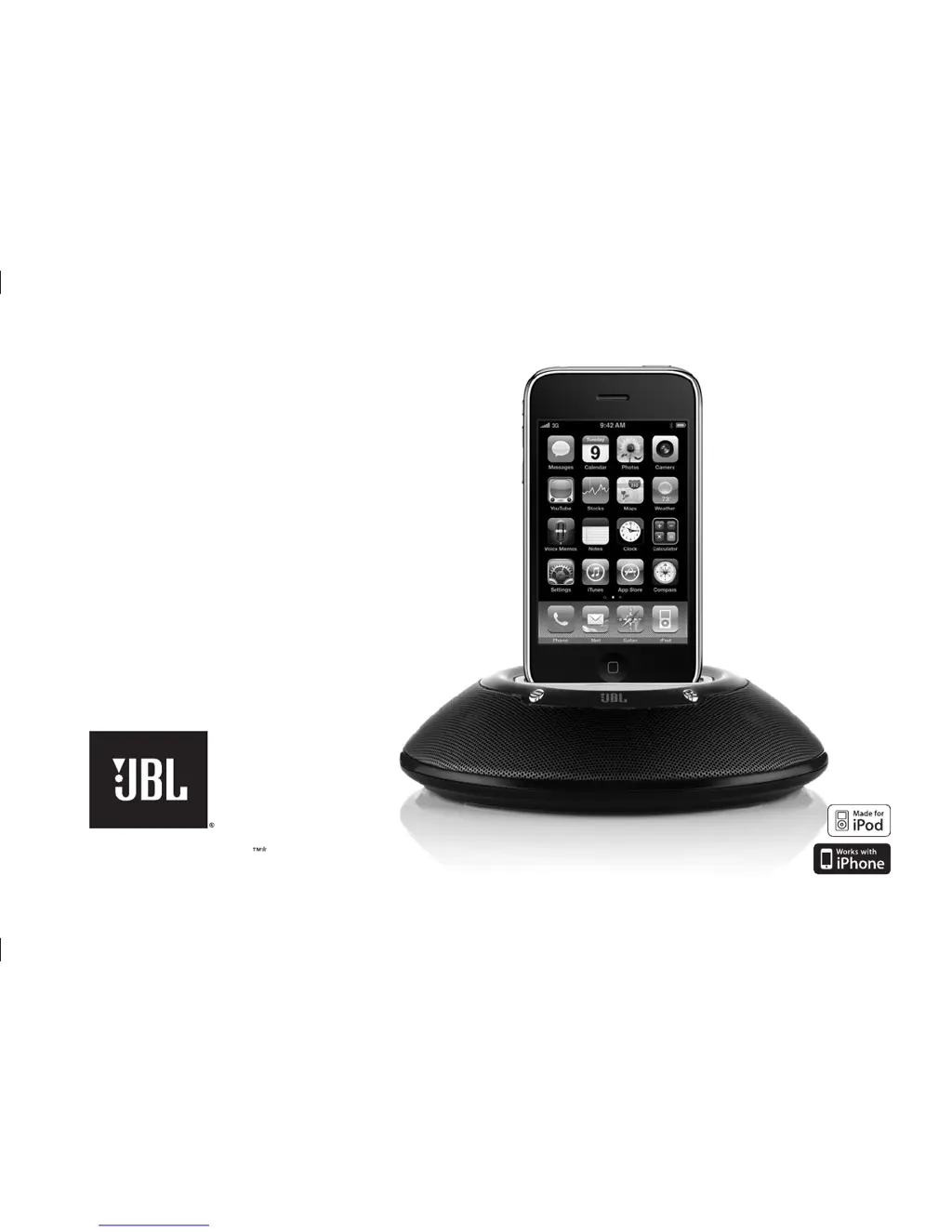
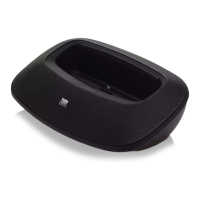
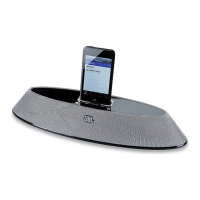
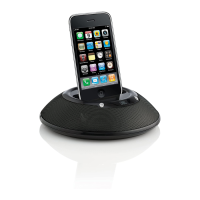
jbl on stage micro II speaker dock for iPhone/iPod
User Guide
English
iPhone/iPod not included
0179CSK - JBL On Stage Micro II ALL v6 revB.indd 1 11/12/09 11:34:22

Other manuals for JBL Micro II

Questions and Answers

  • M
    michaelwilsonAug 2, 2025
    Why is my JBL On Stage Micro II Docking Station muted after 10 minutes in battery mode?
    • A
      Abigail GravesAug 2, 2025
      If your JBL On Stage Micro II has been muted for more than 10 minutes while running on battery power, it may have entered a low-power state. To resolve this, press the Power button on the JBL On Stage Micro II to turn the unit back on, then press either the (+) or (–) volume button to unmute the system.
  • S
    Sheryl VincentAug 11, 2025
    How to troubleshoot power issues with my JBL On Stage Micro II Docking Station?
    • A
      allenjosephAug 11, 2025
      If your JBL On Stage Micro II isn't powering on (no green LED), check the following: 1. **Wall Adapter Connection:** Ensure the wall adapter is securely connected to both the JBL On Stage Micro II and a functioning power outlet. 2. **Outlet Test:** Test the power outlet with another device, like a lamp, to confirm it's working. 3. **Audio Source:** Connect the JBL On Stage Micro II to a known audio source. 4. **Source Test:** Test the audio source with headphones to ensure it is working.
  • L
    Lauren JacobsAug 18, 2025
    What to do if my iPhone/iPod is paused on my JBL On Stage Micro II Docking Station?
    • J
      Jessica WaltersAug 18, 2025
      If your iPhone or iPod is paused while docked in your JBL On Stage Micro II, simply press the Play button on the iPhone/iPod itself or on the remote control to resume playback. If the iPhone/iPod is paused for more than 10 minutes in battery-only mode, press the JBL On Stage Micro II Power button to turn the unit back on and then press either the (+) or (–) to unmute.
  • E
    evansangelaOct 26, 2025
    What to do if there is no sound from my JBL On Stage Micro II Docking Station?
    • J
      jacqueline03Oct 26, 2025
      If you're not getting any sound from your JBL On Stage Micro II, here are a few things to check: * **Power:** Make sure the power supply is properly connected to both the system and a working power outlet. The green power LED on the JBL On Stage Micro II should be lit. * **Volume:** Increase the volume by touching the volume “Up” (+) pad. Also, ensure the system isn't muted by briefly touching both the (+) and (–) volume control pads at the same time. * **Source Volume:** Verify that the volume on your audio source device (like your iPhone or iPod) is turned up. * **Batteries:** If running on batteries, replace them. * **Play/Pause:** Ensure your iPhone/iPod isn't paused by pressing the Play button on the device or remote. * **Standby Mode:** If no audio signal is received for...

Summary

Important Safety Instructions

FCC Regulations

FCC Information For Users

Device compliance with Part 15 of FCC Rules, subject to two conditions for operation.

Radio and Television Interference

Equipment tested and compliant with Class B digital device limits to prevent harmful interference.

IC Statement and Warning

Statement of compliance for Class B digital apparatus with Canadian ICES-003.

Easy Setup Guide

Initial Setup Steps

Guide to unpacking, battery installation, power connection, and device docking/audio input.

Operation and File Transfer

Instructions for powering on, controlling volume, and synchronizing files with a computer.

Troubleshooting

No Sound Issues

Resolve 'no sound' issues by verifying power, connections, volume, and battery status.

Volume and Playback Problems

Troubleshoot volume, input source, and paused playback issues for the speaker system.

Battery Management

Guidance on battery replacement and usage notes for the JBL On Stage Micro II.

Remote Control Guide

Remote Button Functions

Overview of remote control buttons for volume, playback, and navigation.

Operational Notes

Notes on battery-only mode, standby mode, and iPhone/iPod touch menu navigation.

JBL Micro II Specifications

Audio Specifications IconAudio Specifications
driver size40mm
frequency response150Hz – 20kHz
signal-to-noise ratio>80dB
Power and Battery IconPower and Battery
power3 watts
battery typeLi-ion
listening time on battery powerup to 5 hours
Input Connections IconInput Connections
input requirements3.5mm stereo mini-jack
integral stereo cable1 x 3.5mm
stereo jack1 x 3.5mm
Dimensions and Weight IconDimensions and Weight
dimensions83mm x 39mm
weight127g

Related product manuals