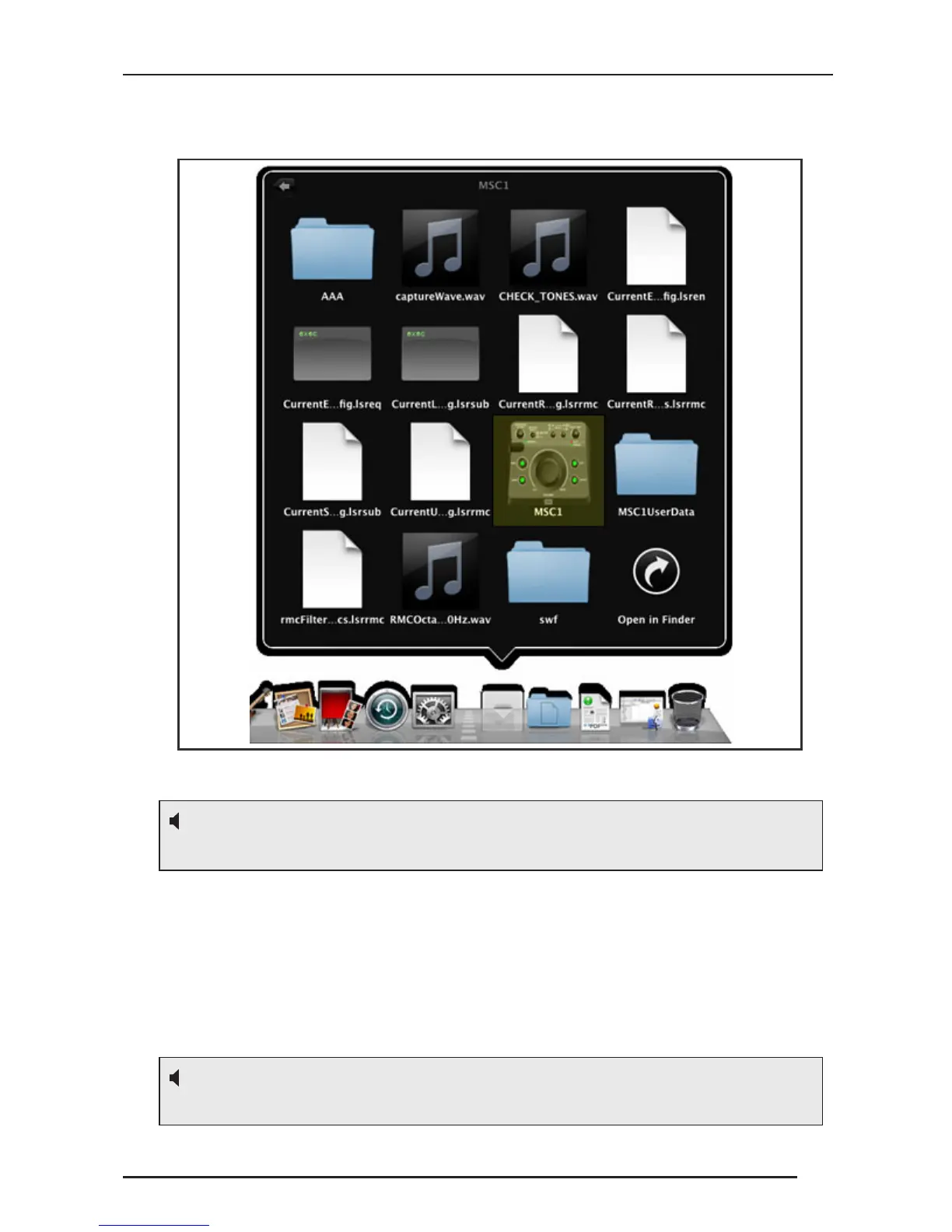
Following installation, Double-click the MSC1 icon placed in the
“Applications/MSC1” Folder.
Prior to launching the MSC1 Control Center Software, make sure your
MSC1 is connected to your computer with the supplied USB cable and
powered on. Then double-click on the MSC1 icon to launch the
software. See the Features section in the MSC1 CC Software User’s
Guide for details about all MSC1 Control Center Software display and
menu options.
Your MSC1 must be connected to your computer with the supplied USB cable and
powered on before launching the MSC1 Control Center Software.
To protect your speakers, it is good practice to complete audio connections with the
MSC1 and all connected equipment powered off.
Desktop


 To Next Page