No sound
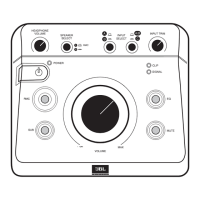
• Conrm that the power cable is connected and that the MSC1 is powered on
(POWER LED is illuminated).
• Conrm that a signal source is connected and producing sound and the INPUT
SELECT switches are set correctly. (Note that if the INPUT SELECT switch
2 is depressed [set to the C position], you will always be monitoring Input C,
regardless of the position of the INPUT SELECT 1 , even if no signal is physically
connected to INPUT C.)
• Conrm connected speaker system is powered on and the SPEAKER SELECT
switch is set correctly.
• Conrm that the MUTE button is not illuminated.
• Make sure the MSC1 VOLUME control is not set to the fully counter clockwise
("-∞") position.
System "hum"
• If you hear "hum" noise in your system, try connecting all signal source equipment,
the computer and speakers to the same electrical power outlet. (Do not connect
equipment with total power requirements that exceed the capabilities the provided
power source). If after doing this you still hear hum, you can try "grounding" the
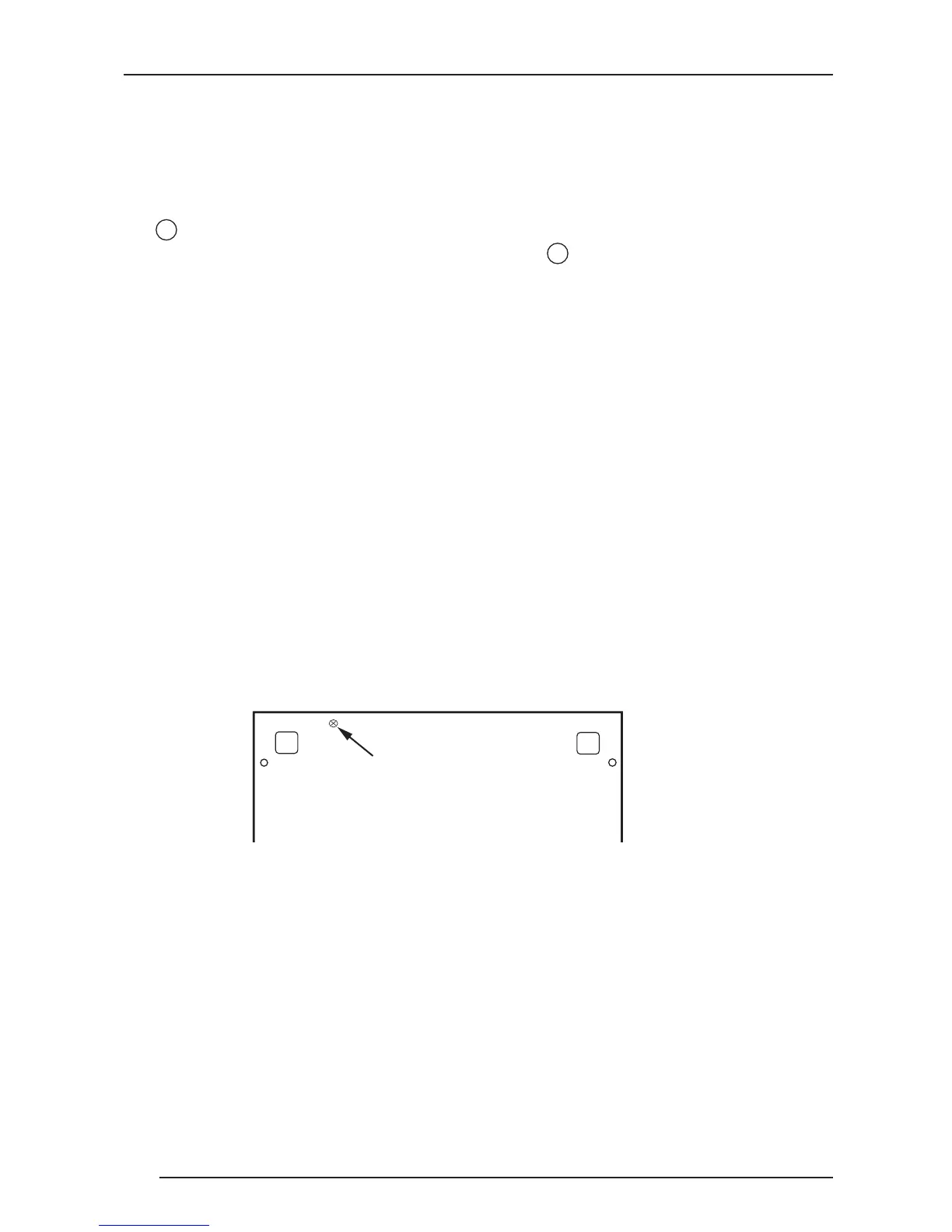
MSC1 to an available ground source. To do this, use a Philips head screw driver
to loosen the ground screw on the bottom of the MSC1. Attach an insulated wire
to the screw and tighten the screw. Connect the other end of the wire to different
ground points of your audio system to nd and achieve the best performance.
Left and Right Speakers lack low frequency response
• If no subwoofer is connected, conrm SUB Control is not illuminated.
No subwoofer signal
• Conrm that a subwoofer is connected to Sub "A" output and is powered on, it’s
volume control is set to maximum, and it’s crossover control is set to the highest
available crossover setting.
• Conrm that the SUB control is illuminated.
• Conrm that the SPEAKER SELECT switch is set to "A". (A connected Subwoofer
is heard only when "A" SPEAKER OUTPUTS are selected)


 To Next Page