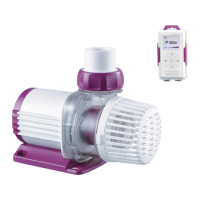
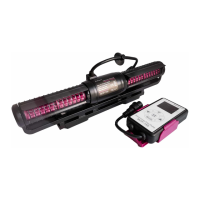
2.3.2 Add new pump
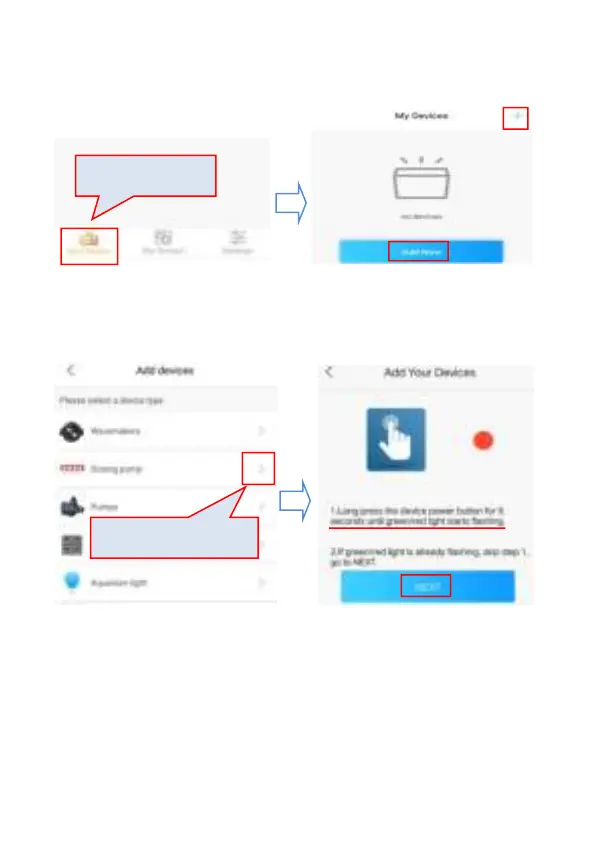
Tap “Add Now” or the” +” sign on the upper right-hand side to add
your devices.
Before connecting your pump to Wi-Fi, please make sure your
pump is on connection status – the Wi-Fi Indication Light is
flashing in green and red. Press the Wi-Fi button for 10 seconds
to reset the Wi-Fi. All previous network information will be
deleted.


 To Next Page