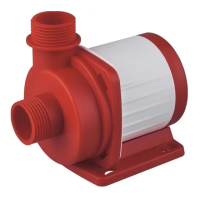
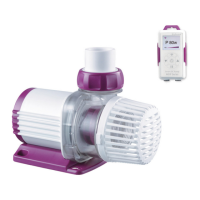
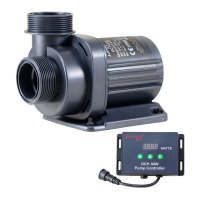
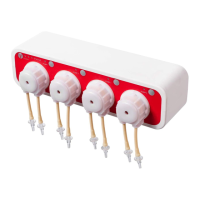
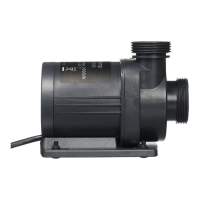
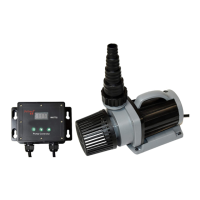
Smart Wave Maker
MCP
、
MLW
、
MOW Series
On the Wi-Fi Settings screen, switch the Wi-Fi of the mobile phone
to “Jebao_WiFi-xxxx”, and the password is 123456789. After the
connection is successful, wait for a moment (the mobile phone
automatically connects back to the Wi-Fi of the router), and the
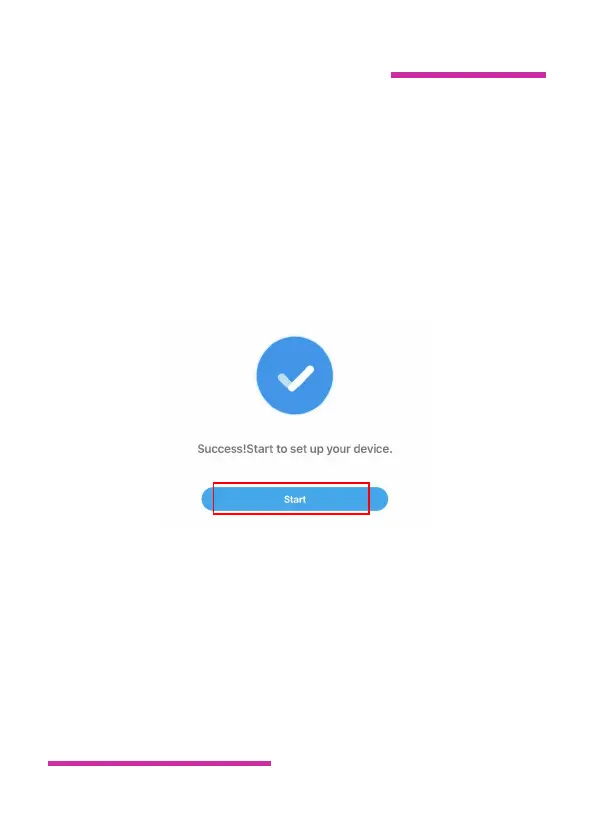
software displays a message indicating that the addition is
successful.Tap "Start" to control the device.
③ Hotspot(AP direct connection)
Hold down the device's Wi-Fi button for about 10 seconds until the
Wi-Fi with AP icon blinks at the tap left of the screen.The device
enters into the mobile phone direct connection state.


 To Next Page
 Loading...