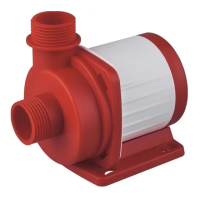
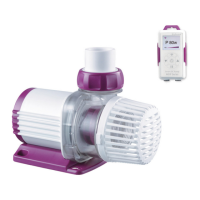
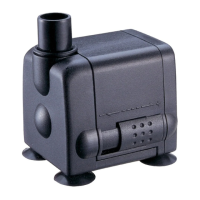
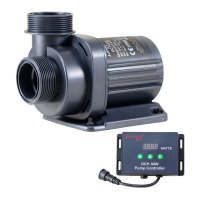
Smart Wave Maker
MCP
、
MLW
、
MOW Series
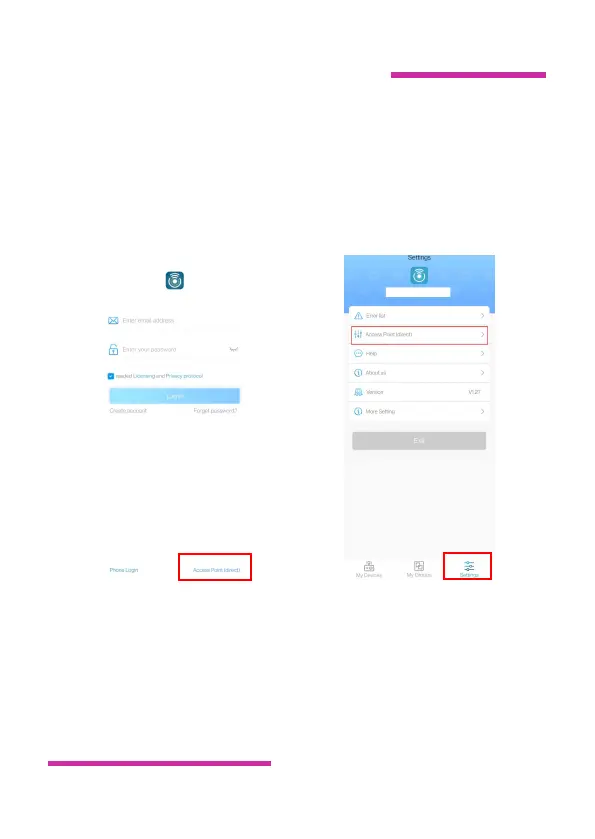
1.In the APP login interface,tap the Access Point (direct)
connection at the bottom right or tap the login to enter the main
interface and select the Access Point (direct) connection in
Settings.
2. Select the device type, check the confirmed device to enter AP
hotspot mode and tap “Next”.
or


 To Next Page
 Loading...