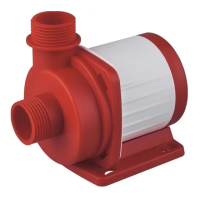
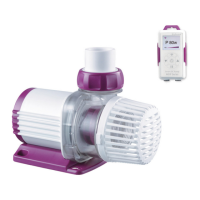
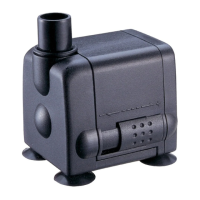
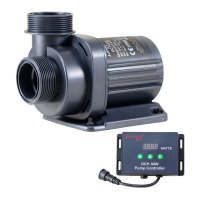
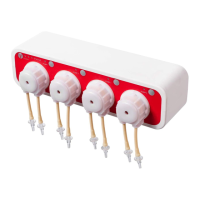
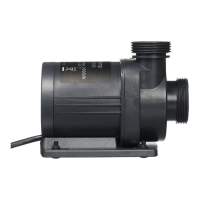
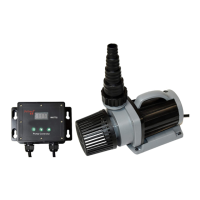
Smart Wave Maker
MCP
、
MLW
、
MOW Series
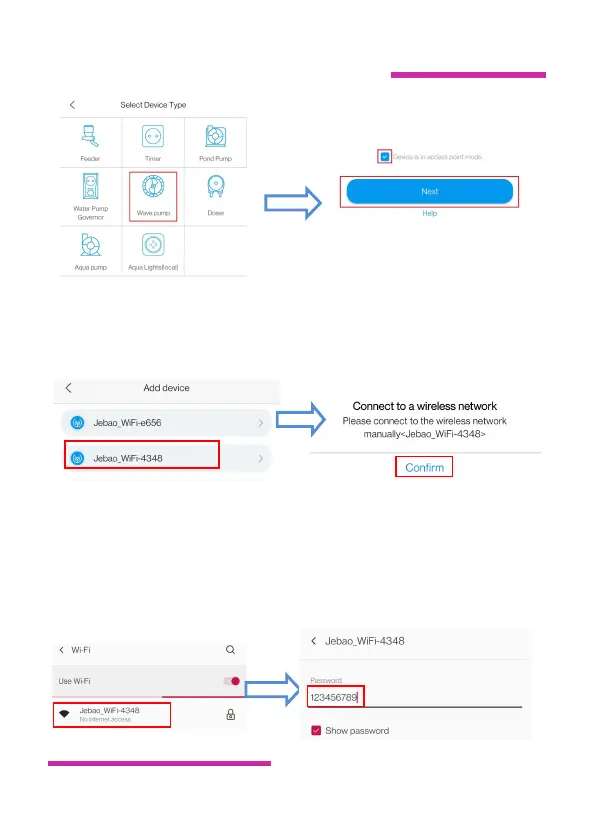
3. Select the Wi-Fi name of the device, tap Confirm .Jump to the
phone Wi-Fi setting interface.
4.Select the hotspot "Jebao_WiFi-xxxx" issued by the device (the
name is the same as the device name), enter the password
123456789 and top Connection.Manually return to APP after
successful connection.


 To Next Page
 Loading...