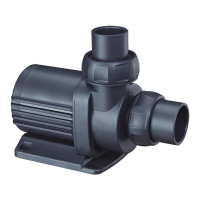
Vario Wave Maker
D Series
IV. Operation and Function
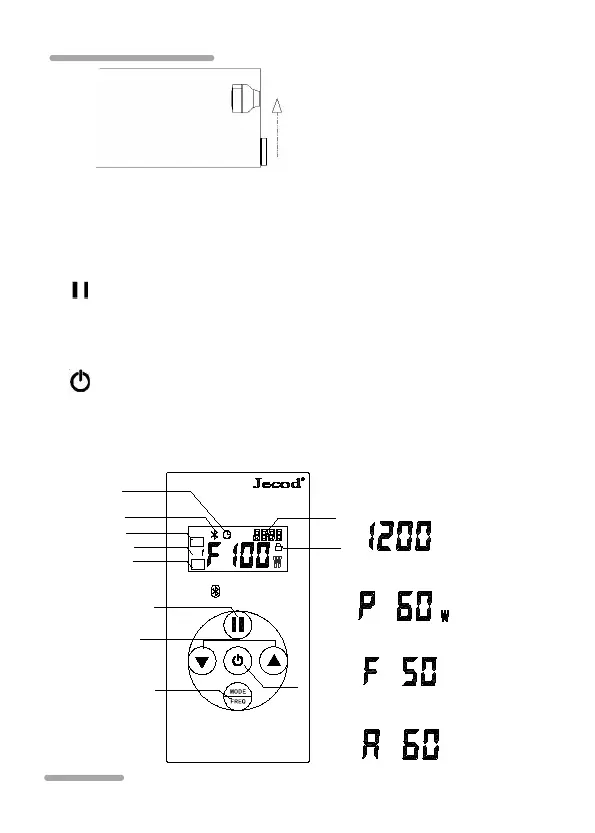
1. Button
“ ”: Press the key to set Master Control, Slave Control or
operate individually, long press to Feeding mode.
“ ”: Press to turn on or off, Long press to reset Bluetooth.
MODE/FREQ: Short press to select each function mode, long
press to set frequency.
DWP-9
Vario DC Wave Maker
Bluetooth
S
M
M
Bluetooth icon
Program icon
Clock icon
Lock icon
Mode icon
Feeding button
Gear adjustment
ON/OFF
Mode button
Master icon
Slave icon
Hour Minutes
Clock:
Power
Gear
Frequency



 To Next Page