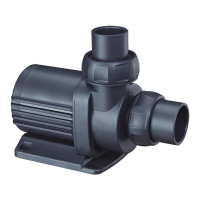
Vario Wave Maker
D Series
2. Function Description
Wireless controller is for operation without wire connection
among the wave makers.
Master Control: Press “ ” once to start the Master Control
Model, the “Master” Icon appears. Master controller can set all
functions.
Slave Control: Press “ ” twice until the “Slave” Icon appears
to start Slave Mode. Only flow is adjustable by controller.
Among two or more wave makers in a group, set one
controller as Master Control and the others as Slave Control.
Users can set parameters by Master controller to control all
pumps directly.
3. Introduction of each mode
M1: Classic Wave Pulse Mode
One or more pumps can be used at the same time, press the
“▲” and “▼" key to adjust the flow, long press “MODE/FREQ”
to adjust frequency.
M2: Sine Wave Mode
One or more pumps can operate at the same time in this
mode. The flow rate varies from 30% to 100% as a sine curve.
Long press “MODE/FREQ”to adjust frequency.
M3: Constant Wave Mode
One or more pumps can make constant flow at the same time.
Flow rate can be adjusted by "▲” and “▼".



 To Next Page