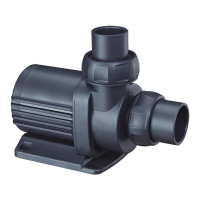
Vario Wave Maker
D Series
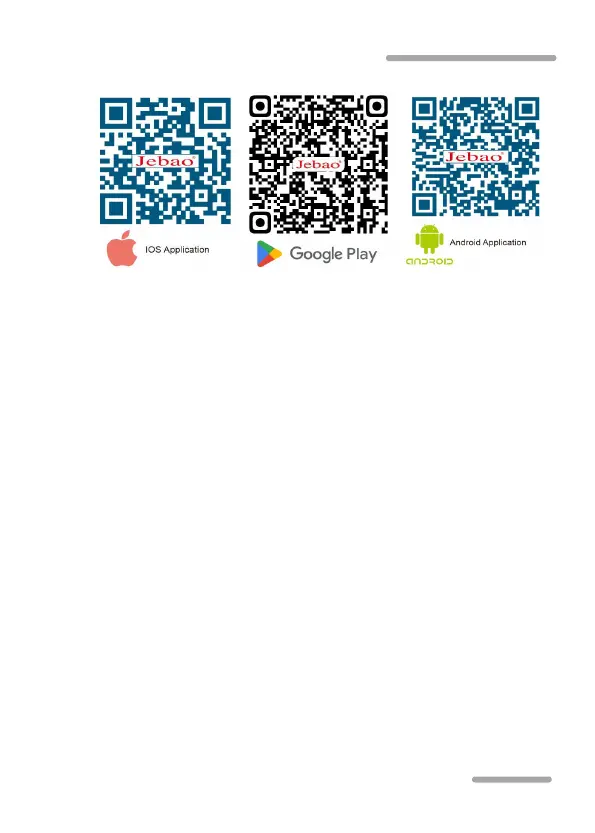
able to read the QR-code properly.)
5.2 Registration, login and password reset
A. Open Jebao Aqua App and tap “Sign up now”;
B. Choose email way to register, fill the information as
required and tap Create account;
C. After registration, return back to the login page. enter the
account and password to log in.
Note: Phone number registration is valid for mainland China only.
Password reset:
On the login page, click “Forgot password” to enter to reset
the password, and click "OK" after completion.
5.3 Bluetooth connection device
① Turn on the Bluetooth on the phone, and connect the
controller to the power supply.
②Tap "Add Bluetooth device" or "+" in the upper right corner
to add it, and wait for the search. When the corresponding



 To Next Page