7
OPERATIONCAR68
Press any button to turn the unit on. Press POWER
and hold to turn the unit o.
Press VOLUME + to increase the volume level.
Press MUTE to silence the audio. Momentarily press
again to return to the previously selected volume.
Pressing VOLUME +/- while muted will also cancel
the mute function.
Press VOLUME + to decrease the volume level.
Press to access the Voice Assistant.
Note: Carplay / Android Auto USB Connection or
compatible iOS / Android Bluetooth connection is
required to use this feature.
Press SOURCE to access available modes: Radio,
USB, Bluetooth Handsfree, Bluetooth Audio, AV In 1,
Front / Rear Camera and Settings.
To reset all settings, use a paper clip to press
RESET for 3 seconds. The unit will reset the main
processor to the default settings.
Power On/Off
1
Volume Up
2
Mute
3
Volume Down
4
Voice Assistant
5
Source Menu
6
System RESET
7
1
2
3
4
5
6
7
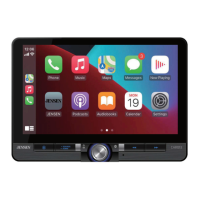
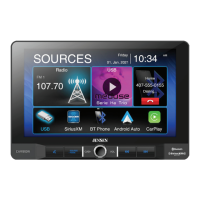
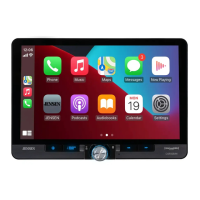
Main Control Locations



 To Next Page