OPERATIONCAR68
6
Tips
EN
Nyne ADS15
USB CHARGE
5V 1A
Tips
EN
Nyne ADS15
USB CHARGE
5V 1A
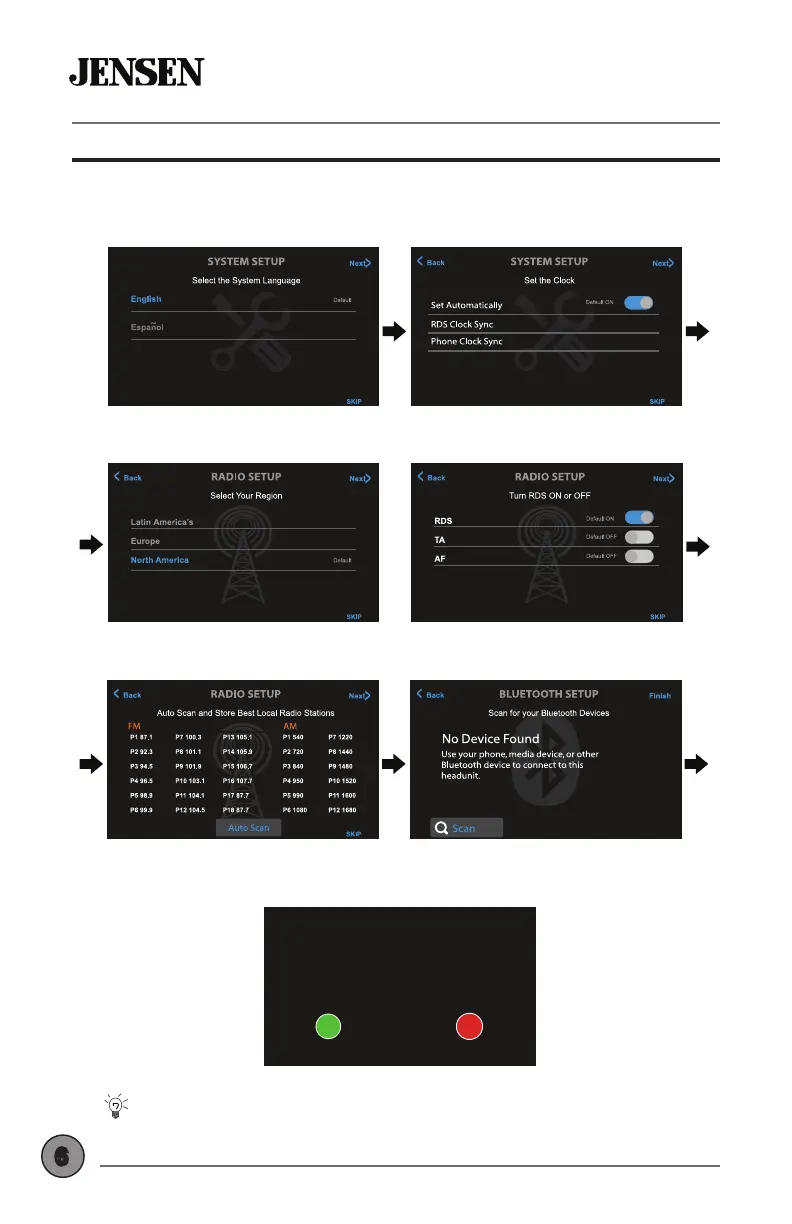
Select Language Set the Clock
Set Radio Region
Tips
EN
Nyne ADS15
USB CHARGE
5V 1A
Tips
EN
Nyne ADS15
USB CHARGE
5V 1A
Set RDS Functions
Auto Store Presets Pair Bluetooth
Tips
EN
Nyne ADS15
USB CHARGE
5V 1A
Tips
EN
Nyne ADS15
USB CHARGE
5V 1A
STEP 1 STEP 2
STEP 3 STEP 4
STEP 5 STEP 6
Tips
EN
Nyne ADS15
USB CHARGE
5V 1A
The Setup Wizard can be skipped at any time. To rerun the Setup
Wizard again, press RESET with a paperclip for 3 seconds.
Allow connection?
Check number on mobile device
XXXXXX
YES NO
Conrm passcode
FINAL STEP
Tips
EN
Nyne ADS15
USB CHARGE
5V 1A
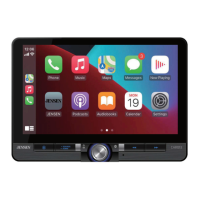
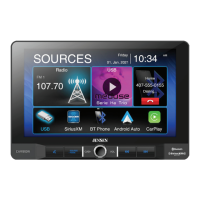
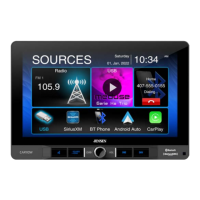
Getting Started - First Time Setup Wizard
The rst time the unit is powered on, the Setup Wizard will guide you
through the main system settings and connect to your Bluetooth device.
A random Bluetooth
passcode will be
generated. Follow the
on-screen instructions,
and press OK on your
device.



 To Next Page