EasyManua.ls Logo

Jensen JIMS-260I - User Manual

Jensen JIMS-260I
22 pages
Print Icon
To Next Page IconTo Next Page
Loading...
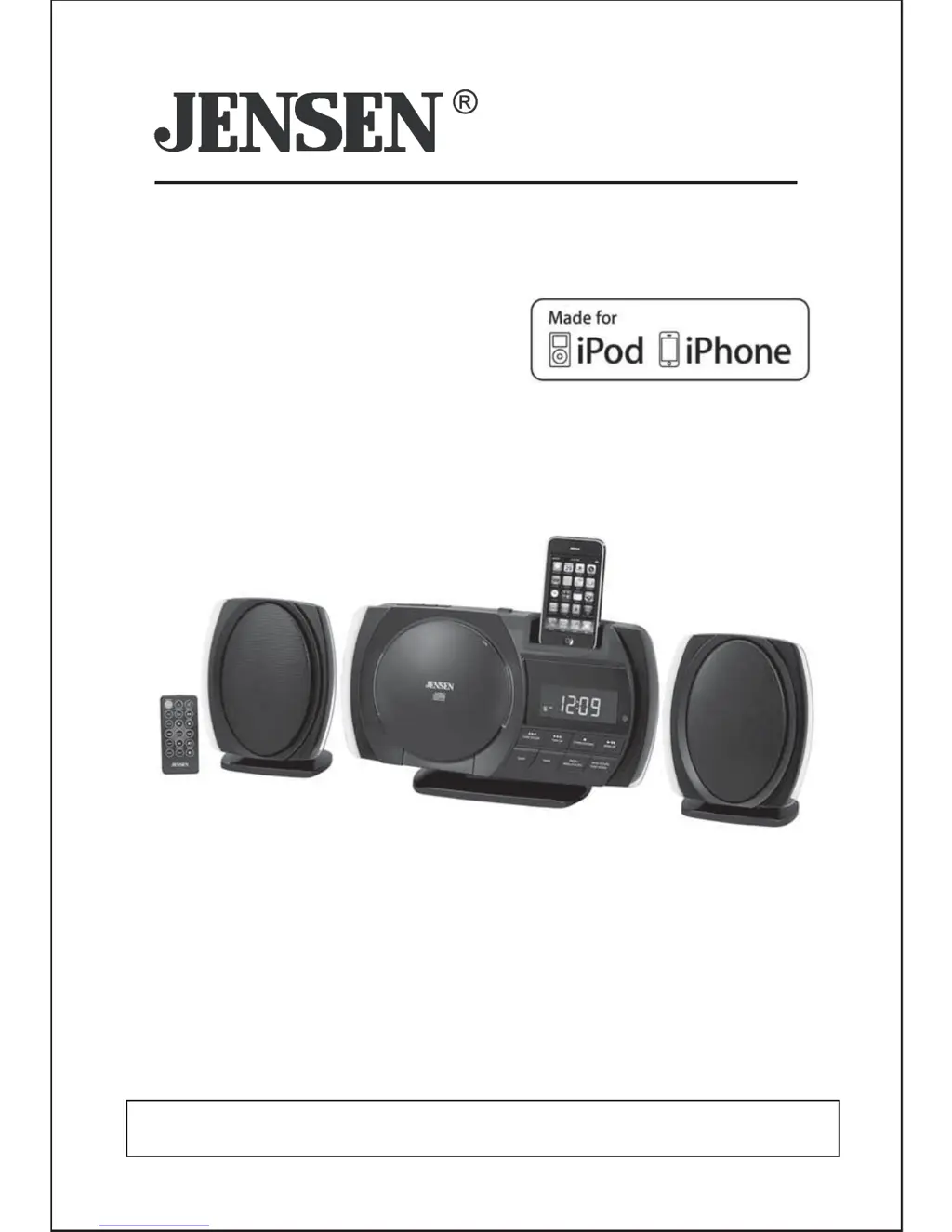
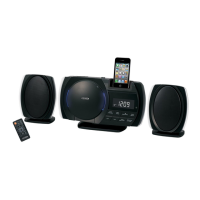
WALL MOUNTABLE DOCKING MUSIC
SYSTEM WITH CD FOR iPod and iPhone
USER MANUAL
JiMS-260i
(iPod/iPhone Not Included)
PLEASE READ THIS USER MANUAL COMPLETELY BEFORE OPERATING THIS UNIT
AND RETAIN THIS BOOKLET FOR FUTURE REFERENCE.

Questions and Answers

  • C
    Charles JohnsonAug 14, 2025
    Why is my Jensen JIMS-260I Docking Station iPod/iPhone not charging?
    • E
      Erik WilsonAug 14, 2025
      If your Jensen Docking Station isn't charging your iPod/iPhone, it might be because the unit is in CD or radio mode. To resolve this, select other modes to enable iPod charging. Also, ensure your iPod/iPhone is properly seated in the dock, and check for any obstructions on the connectors. If the issue persists, make sure your iPod/iPhone is working correctly; refer to its manual for reset instructions, as a frozen device or battery problem can prevent charging.
  • J
    Jessica MurrayAug 17, 2025
    Why does my Jensen JIMS-260I Docking Station sound distorted?
    • M
      mwilliamsAug 17, 2025
      If the sound from your Jensen Docking Station is distorted, first decrease the volume, as the level may be set too high. If that doesn't solve the issue, the sound source itself may be distorted. If you're using an iPod/iPhone, and the original audio quality is poor, distortion can be more noticeable. Try a different audio source, such as a music CD. If you are using an external sound source like older generation of iPod, try reducing the output volume on the device itself. Also try turning bass boost OFF or change the EQ setting.
  • D
    dennismichelleAug 20, 2025
    What to do if my Jensen JIMS-260I does not turn on?
    • K
      Katherine TorresAug 20, 2025
      If your Jensen Docking Station isn't responding, first ensure the AC adapter is correctly plugged into both a functioning wall outlet and the power supply jack on the back of the unit. To verify the wall outlet is working, plug another device into it. If the outlet is not functioning, that's the problem.
  • L
    Linda OlsonAug 25, 2025
    What to do if my iPod/iPhone does not respond to Jensen Docking Station?
    • M
      Michael SimmonsAug 25, 2025
      If your iPod/iPhone isn't responding to the Jensen Docking Station speaker system, first remove your iPod/iPhone from the dock. Check both the connectors in the dock and on your device for any obstructions, and then reseat it properly. If the problem continues, your iPod/iPhone might be locked up. Ensure your iPod/iPhone is working correctly before docking it; consult its manual for instructions on resetting the device.
  • K
    Kristin McdonaldAug 27, 2025
    Why doesn't the FM STEREO indicator light up on my Jensen JIMS-260I Docking Station?
    • K
      kyledavisAug 27, 2025
      If the FM STEREO indicator on your Jensen Docking Station doesn't light up, you may be tuned to a mono station or the station's signal may be too weak. Try selecting another FM station. You can also try extending or rotating the wire antenna to improve reception. Also, check that the FM MODE is set to STEREO and not FM MONO MODE.
  • J
    Jacqueline MuellerAug 31, 2025
    How to dock iPod properly on Jensen JIMS-260I?
    • O
      Olivia KirkAug 31, 2025
      If your iPod isn't docking properly with your Jensen Docking Station, ensure that you are using the correct iPod adapter for your specific model. Also, remove your iPod from the dock and check for any obstructions on the connectors, both in the dock and on your iPod. Then, try reseating it in the dock.
  • M
    maysstevenSep 3, 2025
    What to do if CD player does not play on Jensen JIMS-260I?
    • O
      Oscar CooperSep 3, 2025
      If the CD player on your Jensen Docking Station isn't playing, first ensure that CD mode is selected by pressing the FUNCTION switch. If it still doesn't play, check that the CD is correctly installed with the printed side facing up and pressed onto the spindle.
  • K
    krystaljohnsonSep 6, 2025
    Why does the CD skip while playing on my Jensen Docking Station?
    • T
      Theresa WhiteSep 6, 2025
      If the CD skips while playing on your Jensen Docking Station, the disc may be dirty or scratched. Try wiping the disc with a cloth or using a different disc.
  • S
    schwartzthomasSep 10, 2025
    Why does my Jensen JIMS-260I get warm after extended play?
    • M
      Michael GilmoreSep 10, 2025
      It is normal for the Jensen Docking Station to get warm after extended play at high volume. To reduce the heat, turn the unit off for a period of time or lower the volume.

Summary

DEAR JENSEN CUSTOMER

Establishing a Safe Listening Level

Guidance on setting volume to avoid hearing damage and distortion.

IMPORTANT SAFETY INSTRUCTIONS

General Safety Guidelines

Core safety instructions covering electrical hazards, proper use, and maintenance.

SAFE OPERATION AND USAGE GUIDELINES

Laser Energy Exposure Protection

Warnings about laser safety, avoiding disassembly, and protecting eyes.

PRECAUTIONS AND REGULATIONS

FCC Compliance

Information regarding compliance with FCC rules for radio frequency emissions.

INSTALLATION GUIDES

Table Top Installation

Instructions for attaching stands for tabletop placement.

Wall Mounting Instructions

Step-by-step guide for securely mounting the unit on a wall.

MAIN UNIT CONTROLS

REMOTE CONTROL

GETTING STARTED

Initial Connections

Steps for connecting speakers, antenna, and power supply.

RADIO OPERATIONS

LISTENING TO iPod;iPhone

Connecting iPod;iPhone

Steps for docking iPod/iPhone and initiating playback.

iPod;iPhone Playback Controls

Details on controlling playback, skipping tracks, and navigating menus.

CD OPERATIONS

CD PLAYBACK FUNCTIONS

Basic Playback Controls

Covers normal playback, pause, stop, skip, and time check functions.

ADVANCED CD FUNCTIONS

SLEEP AND WAKE TIMERS

WAKE TIMER OPERATIONS

TROUBLESHOOTING GUIDE

Jensen JIMS-260I Specifications

General IconGeneral
Speaker TypeStereo
Power SourceAC adapter
TypeDocking Station
CompatibilityiPod, iPhone
ChargingYes (iPod/iPhone)
Connectivity3.5mm AUX input

Related product manuals