EasyManua.ls Logo

Jensen JiMS-252i - User Manual

Jensen JiMS-252i
18 pages
Print Icon
To Next Page IconTo Next Page
Loading...
ES
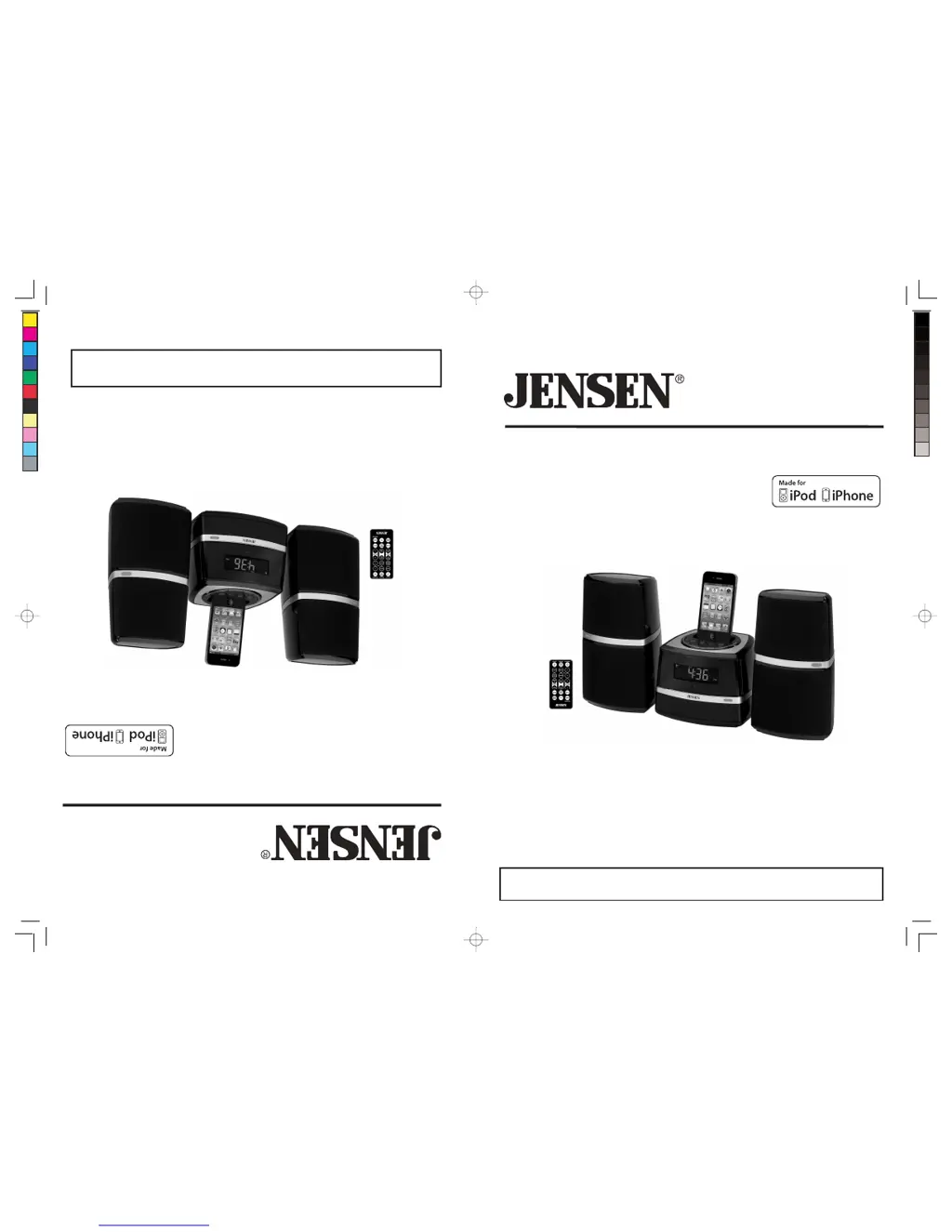
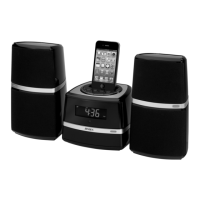
SISTEMA MUSICAL DE ACOPLAMIENTO Para iPod y iPhone
JiMS-252i
MANUAL DEL USUARIO
(No incluye iPod/iPhone)
POR FAVOR LEA CUIDADOSAMENTE ESTE MANUAL DEL USUARIO EN SU
TOTALIDAD
,
ANTES DE OPERAR EST
A
UNIDAD Y GUARDE EL FOLLETO PAR
A
GB
DOCKING DIGITAL MUSIC SYSTEM FOR iPod AND iPhone
JiMS-252i
USER MANUAL
(iPod/iPhone not Included)
PLEASE READ THIS USER MANUAL COMPLETELY BEFORE OPERATING THIS
UNIT AND RETAIN THIS BOOKLET FOR FUTURE REFERENCE.
W166-R(JiMS-252i)_GB_ES IB.indd 1 18 - 36 1 2012-2-28 8:36
size:148x210mm,80gms book paper,BK+BK.

Questions and Answers

  • C
    Cesar MendozaAug 10, 2025
    Why is the sound distorted on my Jensen Docking Station?
    • N
      Nathaniel ThorntonAug 10, 2025
      If the sound from your Jensen Docking Station is distorted, try decreasing the volume. If you are using an iPod/iPhone, the original sound source may be of poor quality. Try a different audio source. If you're using an external sound source like an older iPod, reduce the output volume on the device itself. Also, try turning bass boost OFF or changing the EQ setting.
  • H
    Holly RobinsonAug 15, 2025
    How to fix a Jensen Docking Station that doesn't turn on?
    • B
      Brandon SmithAug 15, 2025
      If your Jensen Docking Station isn't responding, ensure the AC adapter is correctly plugged into both the wall outlet and the power supply jack on the back of the unit. Also, check if the wall outlet is functioning by plugging another device into it.
  • P
    Preston GrayAug 20, 2025
    What to do if my iPod/iPhone doesn't charge on Jensen Docking Station?
    • G
      Glenn PooleAug 20, 2025
      If your iPod/iPhone isn't charging on the Jensen Docking Station, remove it and inspect the connectors on both the dock and your device for any obstructions. Then, reseat the iPod/iPhone in the dock. Ensure your iPod/iPhone is working properly; refer to its manual for reset instructions if it's frozen or locked up.
  • W
    william75Aug 26, 2025
    Why is my iPod/iPhone not responding to the Jensen Docking Station?
    • R
      russell15Aug 26, 2025
      If your iPod/iPhone isn't responding to the Jensen Docking Station speaker system, remove your iPod/iPhone from the dock and check for any obstructions on the connectors, both on the dock and your device. Then, reseat your iPod/iPhone on the dock. Ensure your iPod/iPhone is working correctly before docking it; consult your iPod/iPhone manual for resetting instructions.
  • J
    juliegomezAug 30, 2025
    How to improve FM reception on Jensen Docking Station?
    • K
      Katie ShafferAug 30, 2025
      If you're experiencing weak FM reception on your Jensen Docking Station, extend or reposition the FM antenna wire to improve reception.
  • M
    Micheal SpencerSep 3, 2025
    Why does my Jensen Docking Station get warm when playing at high volume?
    • J
      Jasmine SanchezSep 4, 2025
      It is normal for the Jensen Docking Station to get warm after extended play at high volume. Turn the unit off for a period of time or lower the volume.

Jensen JiMS-252i Specifications

General IconGeneral
ModelJiMS-252i
TypeDocking Station
CompatibilityiPod, iPhone
Remote ControlYes
Audio Input3.5mm Auxiliary Input
Input Voltage120V AC
Frequency60Hz
Connectivity3.5mm Aux-in

Related product manuals