EasyManua.ls Logo

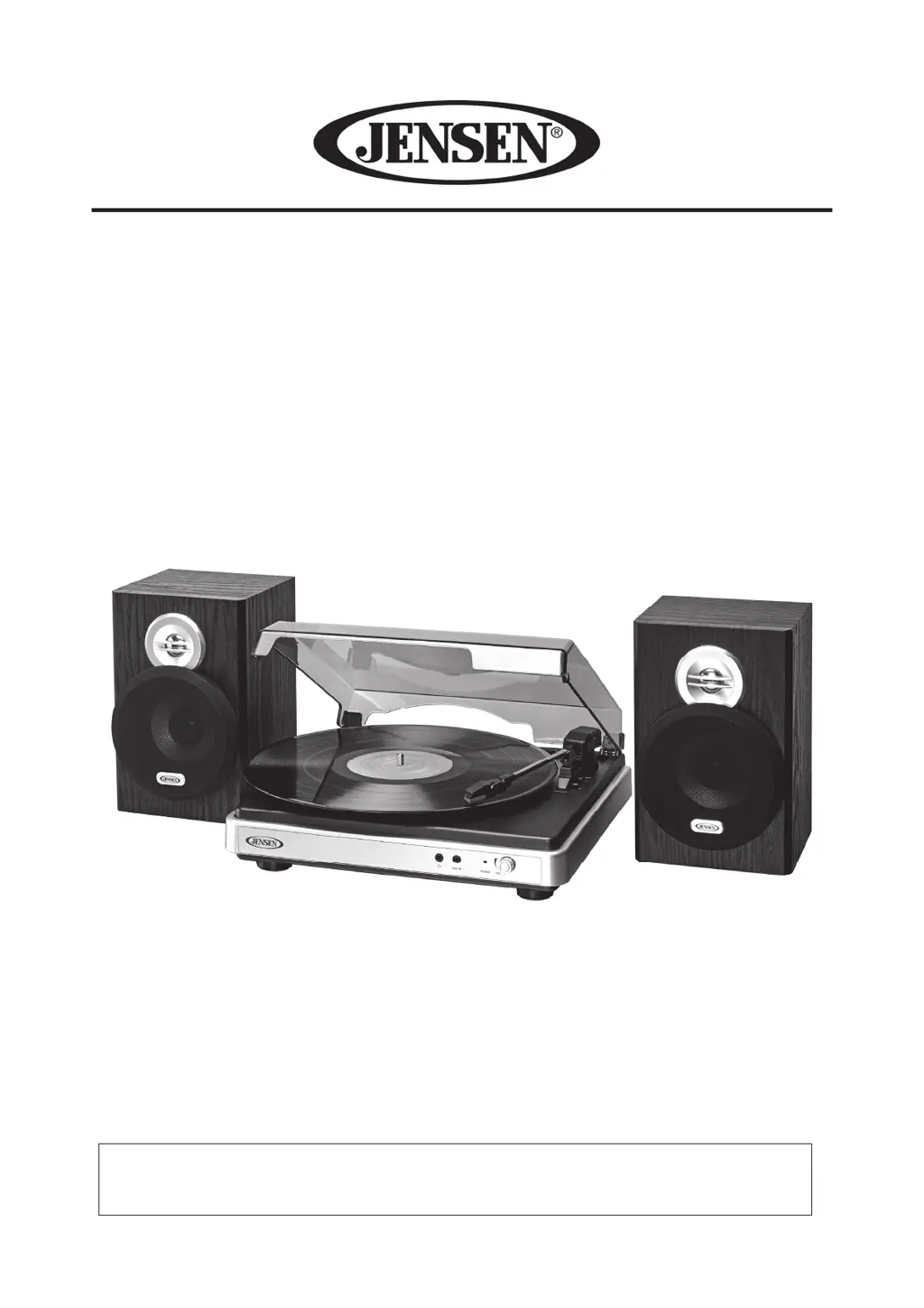
Jensen JTA-325 - User Manual

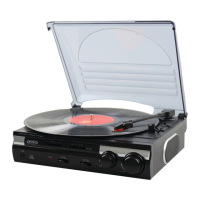
Jensen JTA-325
35 pages
Print Icon
To Next Page IconTo Next Page
Loading...
3-SPEED STEREO TURNTABLE WITH
STEREO SPEAKERS AND
SPEED ADJUSTMENT
MODEL: JTA-325
USER MANUAL
PLEASE READ THIS USER MANUAL COMPLETELY BEFORE OPERATING THIS UNIT
AND RETAIN THIS BOOKLET FOR FUTURE REFERENCE.

Questions and Answers

  • K
    kingvanessaJul 29, 2025
    What to do if my Jensen Turntable has no power?
    • A
      Amanda HendersonJul 29, 2025
      If your Jensen Turntable isn't powering on, there are a few things to check: * Ensure the AC power cord is properly plugged into both the wall outlet and the power supply jack on the back of the unit. * Verify the wall outlet is working by plugging in another device. * Make sure the POWER switch is not in the OFF position; rotate the POWER/VOLUME knob clockwise to turn the unit on.
  • B
    Bryan LopezAug 5, 2025
    Why is the sound distorted on my Jensen JTA-325 Turntable?
    • B
      bwilsonAug 5, 2025
      Sound distortion on your Jensen Turntable is often due to the volume level being set too high. Try decreasing the volume to see if that resolves the issue.
  • D
    Danielle MercadoAug 13, 2025
    What to do if there is low volume on my Jensen Turntable?
    • L
      lisa46Aug 13, 2025
      If your Jensen Turntable is on but the volume is low or absent, the volume control might be turned all the way down. Rotate the Volume control knob to increase the output.
  • R
    reedchristinaAug 19, 2025
    Why does my Jensen JTA-325 get warm?
    • A
      Andrew ChanAug 20, 2025
      It's normal for your Jensen Turntable to get warm after playing at high volume for an extended period. Try turning the unit off for a while or lowering the volume.

Summary

IMPORTANT SAFETY INSTRUCTIONS

IMPORTANT NOTES

COMPLIANCE WITH FCC REGULATIONS

PROTECT YOUR FURNITURE

DEAR JENSEN CUSTOMER

Customers Record

GETTING STARTED

SPEAKER CONNECTION

Connect the left and right speakers to the designated RCA sockets on the unit.

CONNECTING THE AC POWER CORD

Connect the unit to a 120V AC outlet and turn on the system.

CONNECTING THE USB CABLE

Connect the turntable's USB port to a computer for encoding music.

LOCATION OF CONTROLS

ANTI-SHOCK LOCK DOWN SCREW

STEREO PHONOGRAPH OPERATION

Please Note - Before Use

Prepare the turntable by removing the stylus protector and unlocking the tone arm.

PITCH ADJUST

AUXILIARY INPUT

USING HEADPHONES (NOT INCLUDED)

CONNECTING TO A COMPUTER FOR RECORDING

INSTALLING THE AUDACITY SOFTWARE

Install the Audacity recording software from the included CD or website.

INSTALL THE USB DRIVE

Connect the turntable to the computer via USB to install drivers.

SET RECORDING INPUT LEVEL (USE WINDOWS XP COMPUTER)

Configure sound settings in Windows XP for optimal recording input levels.

RUNNING AUDACITY SOFTWARE

EXPORT THE MUSIC FILES TO WAV OR MP3 FORMAT

INSTALL THE MP3 ENCODER

CARE AND MAINTENANCE

CLEANING THE UNIT

Clean the unit with a soft cloth, avoiding liquids and abrasive materials.

RECORD CARE AND MAINTENANCE

TROUBLESHOOTING GUIDE

SPECIFICATION

90 DAY LIMITED WARRANTY AND SERVICE

Jensen JTA-325 Specifications

General IconGeneral
Speeds33 1/3, 45 RPM
Drive SystemBelt Drive
OutputRCA Line Out
Built-in SpeakersYes
TypeBelt Drive
ConnectivityRCA
EncodingYes
USB PortYes
Power SupplyAC Adapter

Related product manuals