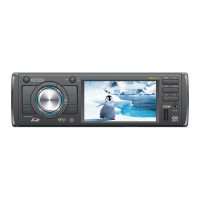
VM8012
5
REMOTE CONTROL
The remote control will allow you to control the advanced functions of the
VM8012.
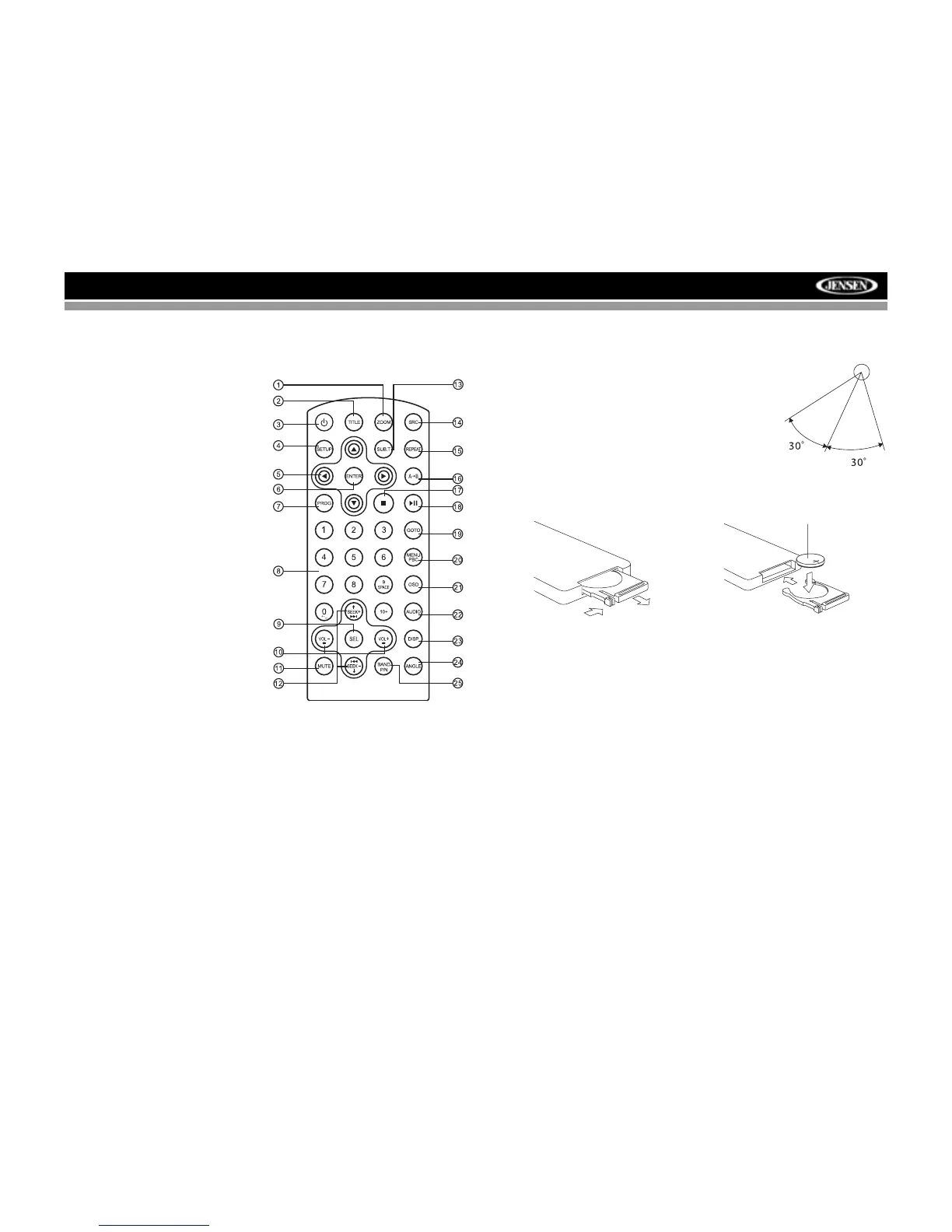
1. ZOOM (DVD, VCD only)
2. TITLE (DVD only)
3. Power On/Off
4. SETUP: Access DVD Setup
5. Menu Navigation
6. ENTER
7. PROG: Enter Programmed
Playback mode.
8. Direct Number Entry
9. SEL
• Audio Mode: Select BAS,
TRE, BAL, FAD.
• Press and hold for System
Menu
10. Volume Control
11. Mute
12. SEEK
• Radio Tune
• Track Skip/Seek
13. SUB.T: Subtitle (DVD only)
14. SRC: Change Input Source
15. REPEAT
16. A-B Repeat
17. Stop/Return
18. Play/Pause
19. GOTO Search
20. MENU PBC
•DVD Menu
• PBC (for VCD 2.0 and up)
21. OSD: On Screen Display
22. AUDIO
• DVD Audio
• VCD Audio L/R/ST
23. DISP: View On Panel Display
24. ANGLE (DVD only)
25. BAND/P/N
• Video System: PAL, NTSC, AUTO
• Radio Band
Operating Range
The remote control sensor (19) is located to
the right of the power button. The remote
control can operate within a distance of 3~5m.
Replacing the Battery
When the range of operation of the card
remote control becomes short or stops
functioning, replace the battery with a new
lithium battery. Be sure to observe the proper
polarity, as indicated below.
REMOTE SENSOR
1
(CR 2025)
2



 To Next Page