11
VM9114
SETUP MENU
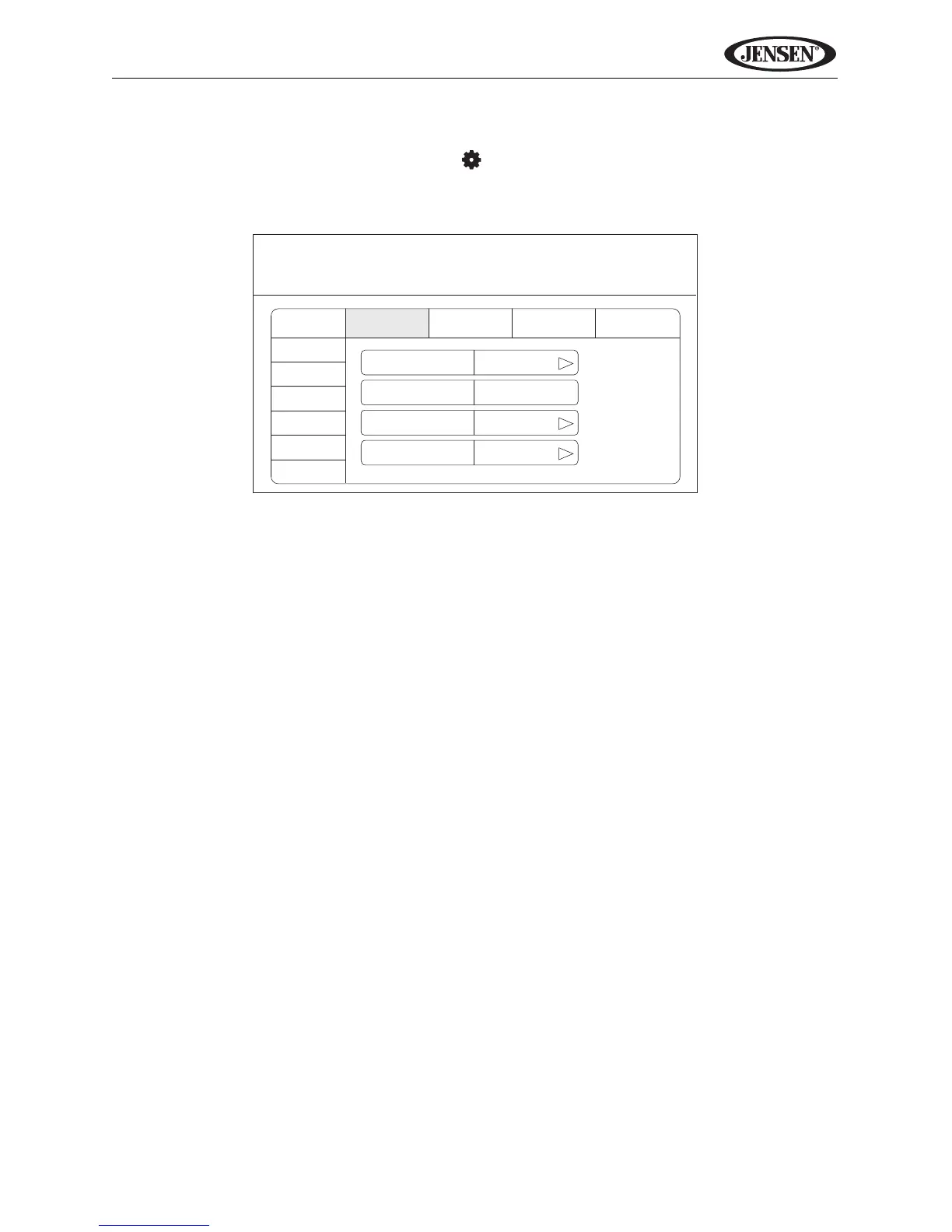
To access system settings, touch the button on the screen to enter the
“SETUP” menu. The “GENERAL” sub-menu appears highlighted in blue.
Accessing Menu Items
Touch the sub-menu name to select a sub-menu (Language, Audio, RDS,
etc.). The features available for adjustment under the highlighted sub-menu
option will appear in the center of the screen.
Adjusting a Feature
1. Use the touchscreen to select the feature to be adjusted.
2. Enter the option field for the feature you want to adjust by using the
touchscreen. A submenu appears in a second row with the selected option
highlighted in blue.
3. Select a new value using the touchscreen.
4. Use the touchscreen to confirm setup.















 To Next Page