Need help?
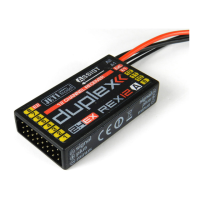
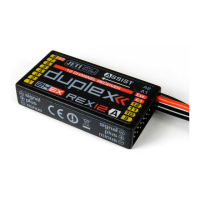
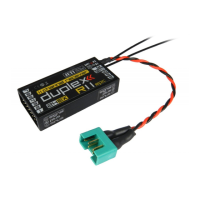
Do you have a question about the JETI model Duplex REX Series and is the answer not in the manual?
Details on connecting power supply to Duplex receivers, including battery and BEC options.
Recommended procedure for switching the transmitter and receiver on and off.
Procedure for pairing the receiver with the transmitter using a bind plug or JETIBOX.
Explanation of EX telemetry data display and usage with specific transmitters.
Procedure for using 1st generation telemetry with JETIBOX and transmitter module.
Steps for setting up the receiver using the JETIBOX, including direct and wireless connections.
Guidance on setting up the receiver using the DC/DS transmitter, referencing its manual.
Explanation of displayed receiver data, including RX/TX numbers and diagnostic information.
Functionality for reading measured data like maximum, minimum, and actual receiver voltage.
Configuration options for Fail Safe, Signal Fault Delay, Volt ACT/ALARM, Output Period, PPM-UDI Mode, and OutputChannelCnt.
Setup for physical receiver outputs, including pin configuration for Servo, Digital, and Input modes.
Function to load default receiver configurations from preset modes and factory reset instructions.
 General
| Brand | JETI model |
|---|---|
| Model | Duplex REX Series |
| Category | Receiver |
| Language | English |

 To Next Page