39
Note: The path of the file
For WIN98/NT4.0/WIN2K/XP is X:\CODEC\VIACODEC\SETUP.EXE
Note: In Win2K/WinME users have to click Control Panel\System\Device Manager\
DVD\CD-ROM drives to Enabled digital CD Audio for the CD-ROM Device when
use the SPDIF-Out digital signal.
4-4 LAN Install VIA 10/100MB LAN Controller Driver (Only for
PM2MP)
The VIA10/100MB PCI Ethernet Adapter Driver path is X:\VIA\LANDRV
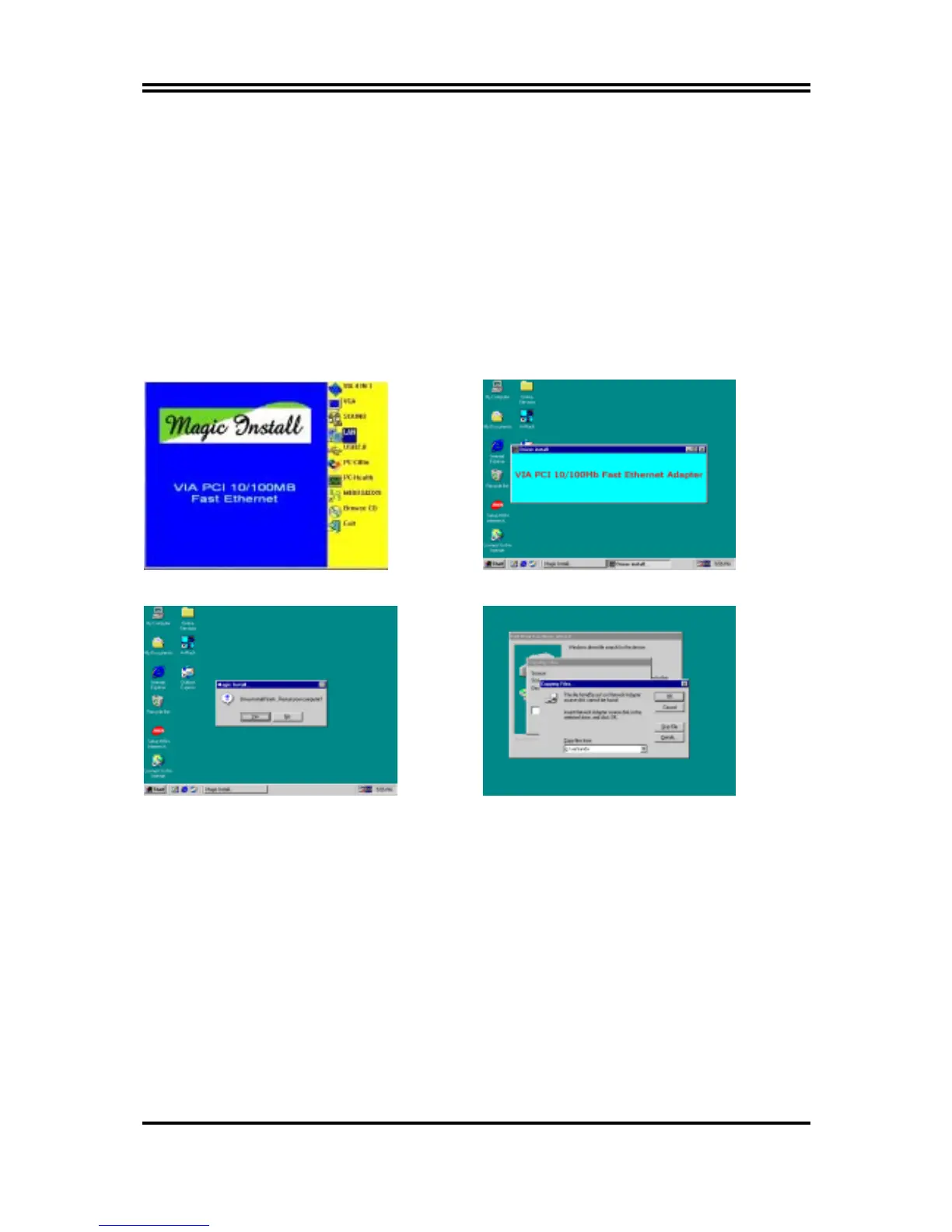
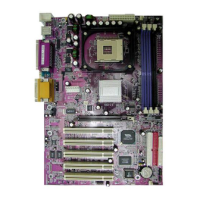
1. Click LAN when Magic Install Menu appear 2. Setup VIA 10/100Mb PCI Ethernet Driver
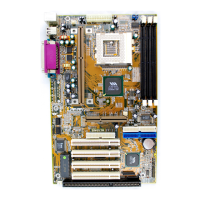
3. Driver install Finish , Click Yes and Restart
Computer
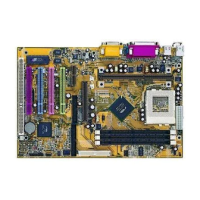
4. When windows ask VIA 10/100Mb PCI
Ethernet Adapter driver path, Change
directory to X:\VIA\LANDRV and click
OK , then finish installation


 To Next Page