13
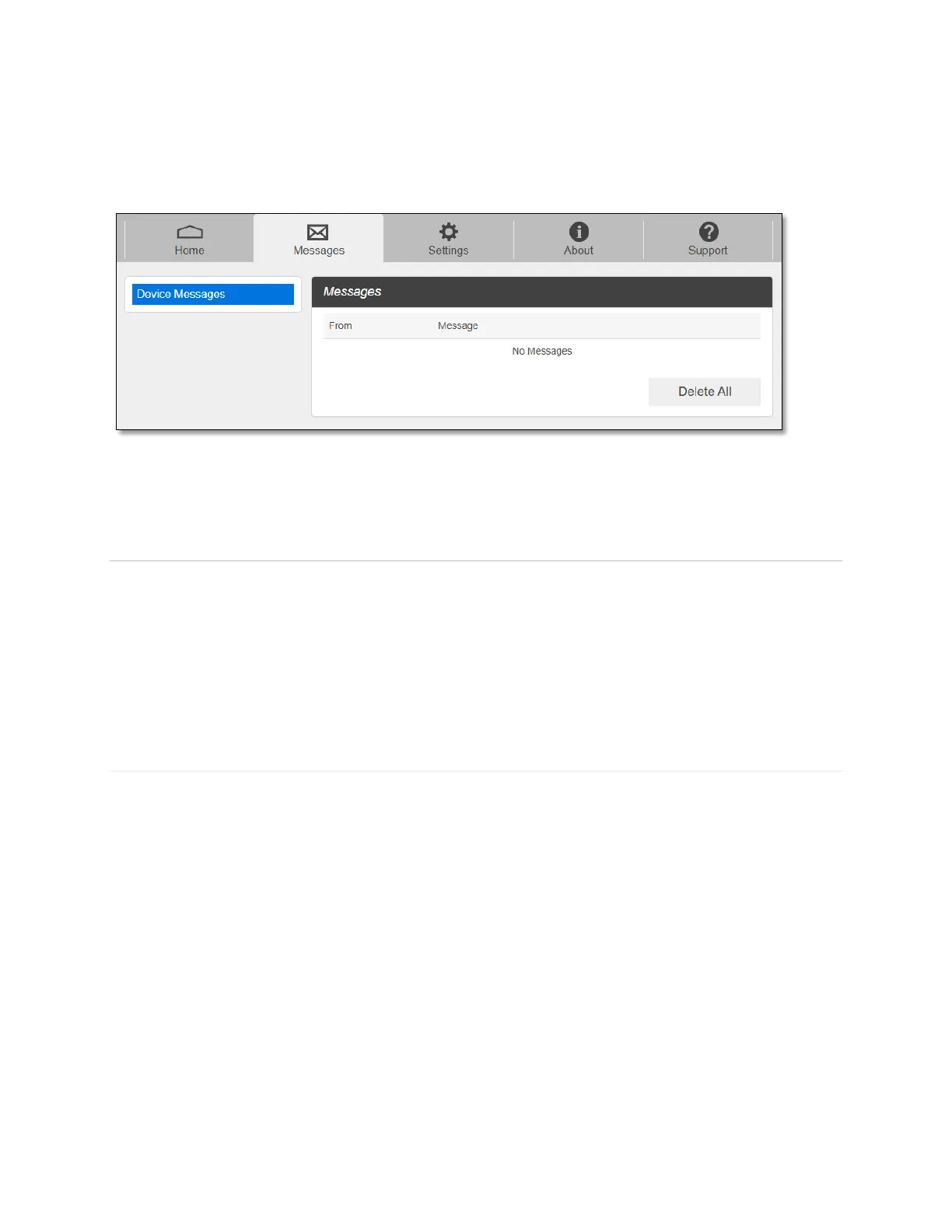
You can see the message contents by pressing the Messages menu on your Web Admin
home page. To delete a selected message, click the trash bin icon to the right of the message
date and timeline. To delete all messages, click Delete All Messages button.
Settings
The Settings page has the following menu options.
Wi-Fi
Mobile Network
Device
Advanced Router
Wi-Fi
The Wi-Fi menu contains the following options:
- Basic: You can change basic Wi-Fi network settings.



 To Next Page