3
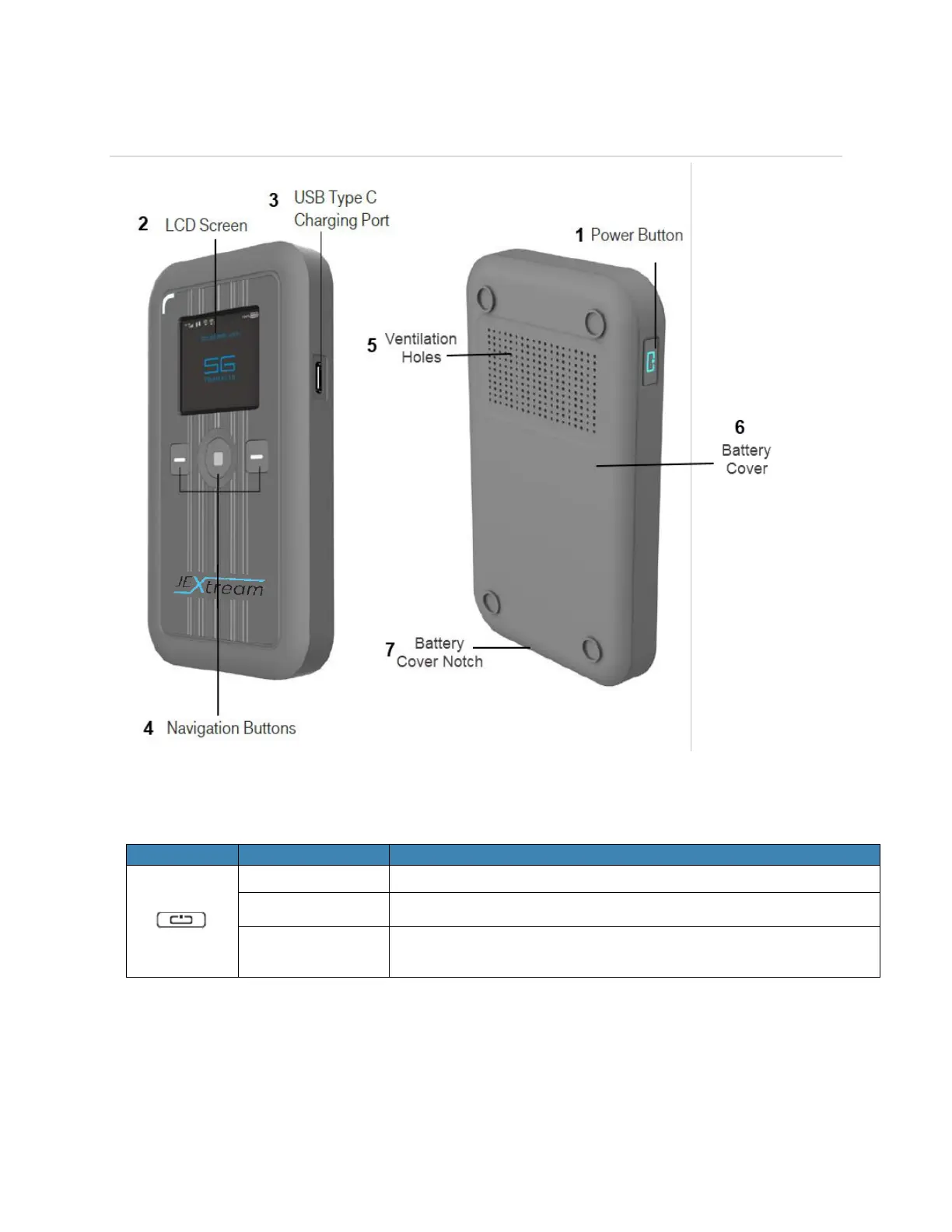
Components
1. Power button – Turn on/off RG1100.
Button Operation
Press and hold the button until “Welcome” message appears.
Press and hold the button until “Goodbye” message appears.
When the display is off, the first quick press of the button
wakes up the display.
2. Display – Provides general information of the device status, and device setting menu.
3. USB Type-C Charging Port – The USB charger connects here.
4. Navigation buttons – Left and Right buttons and Enter button to navigate device menu.



 To Next Page