25
- Factory Reset
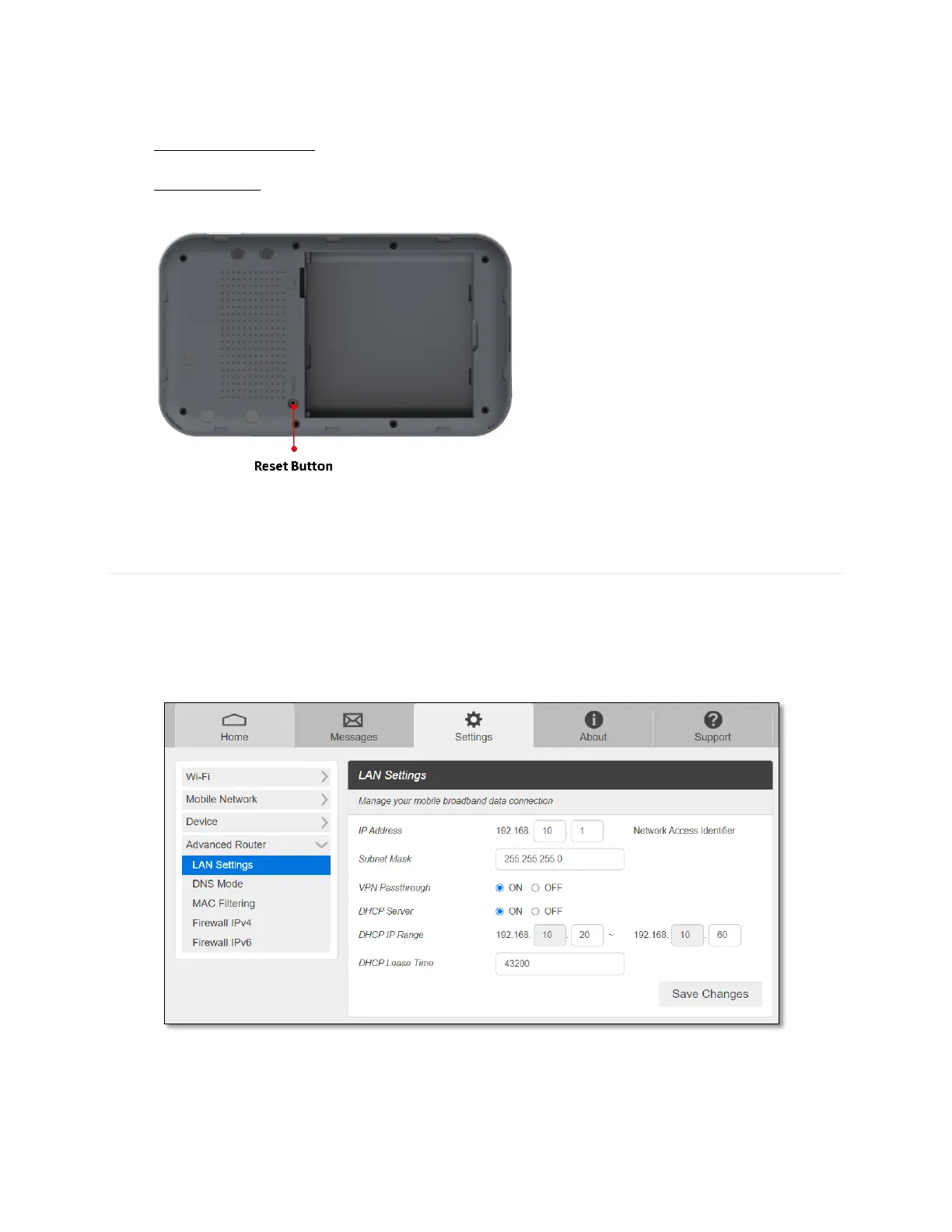
- Factory Reset Button: Select Disable to prevent the device from performing the factory
reset by pressing the factory reset button underneath the battery cover.
- Factory Reset: Press the Factory Reset button underneath the battery cover to reset the
modem to the factory default value.
-
Advanced Router
Configure LAN, Firewall, and Customization settings.
- LAN
From the Web UI, click Settings > Advanced Router > LAN Settings to display the router
information shown in the following figure.
IP address – The IP address for your Mobile Hotspot Web Admin
Subnet mask – The Subnet mask network setting for your mobile hotspot. The
default value 255.255.255.0 is standard for small (class “C”) networks. If you change



 To Next Page