26
your LAN IP Address, ensure that you use the correct Subnet mask for the IP
address range containing the LAN IP address.
VPN Passthrough ON/OFF – Allowing or preventing connected devices to establish
a secure VPN connection. When turned ON, this feature allows VPN clients on your
connected device to connect through your mobile hotspot to remote VPN servers.
The default setting for this feature is ON. When turned OFF, the VPN clients are not
allowed to connect.
DHCP (Dynamic Host Configuration Protocol) server – The DHCP server is ON
by default. When turned ON, your mobile hotspot automatically assigns local IPs to
your other devices you connect to your mobile hotspot. When turned OFF, you will
need to set it up manually from the device you want to connect to your mobile
hotspot.
DHCP IP Range – Defines the local IP range that DHCP server can assign to
connected devices.
DHCP Lease Time - DHCP lease time represents the period between when your
connected device obtained its IP address from your mobile hotspot and
the time when it expires. When the DHCP lease time expires, your connected device
automatically releases IP address and asks your mobile hotspot to give it a new one.
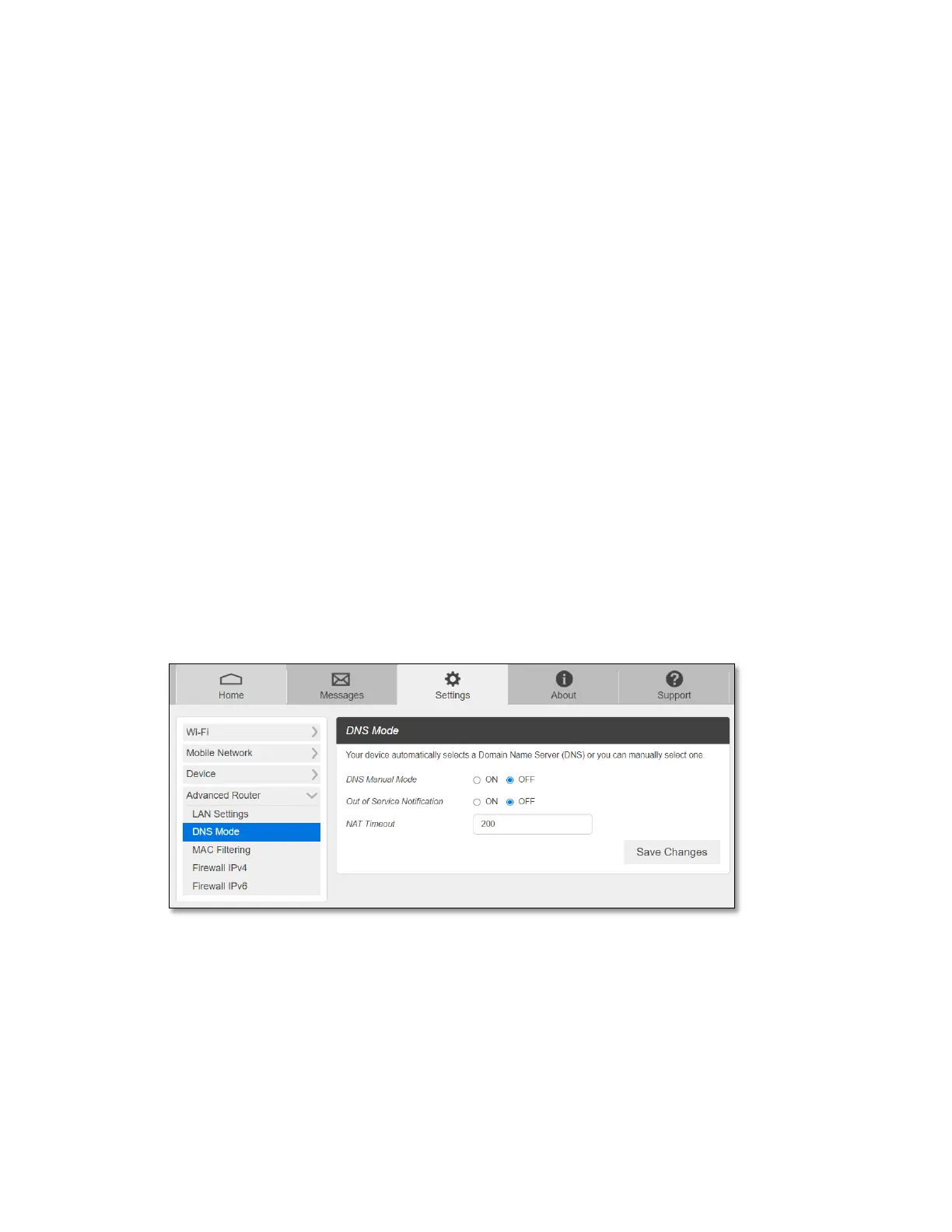
- DNS Mode
Your mobile hotspot automatically selects a Domain Name Server (DNS) assigned by your
network. The DNS Mode option allows you to manually set up two DNS IP addresses.
To manually set a Domain Name Server:
1 Click the ON button to enable Manual DNS.
2 Enter the IP address of the first DNS in the DNS 1 IP address field.
3 Enter the IP address of the second DNS in the DNS 2 IP address field.
4 Click Save Changes button.



 To Next Page