27
- MAC Filtering
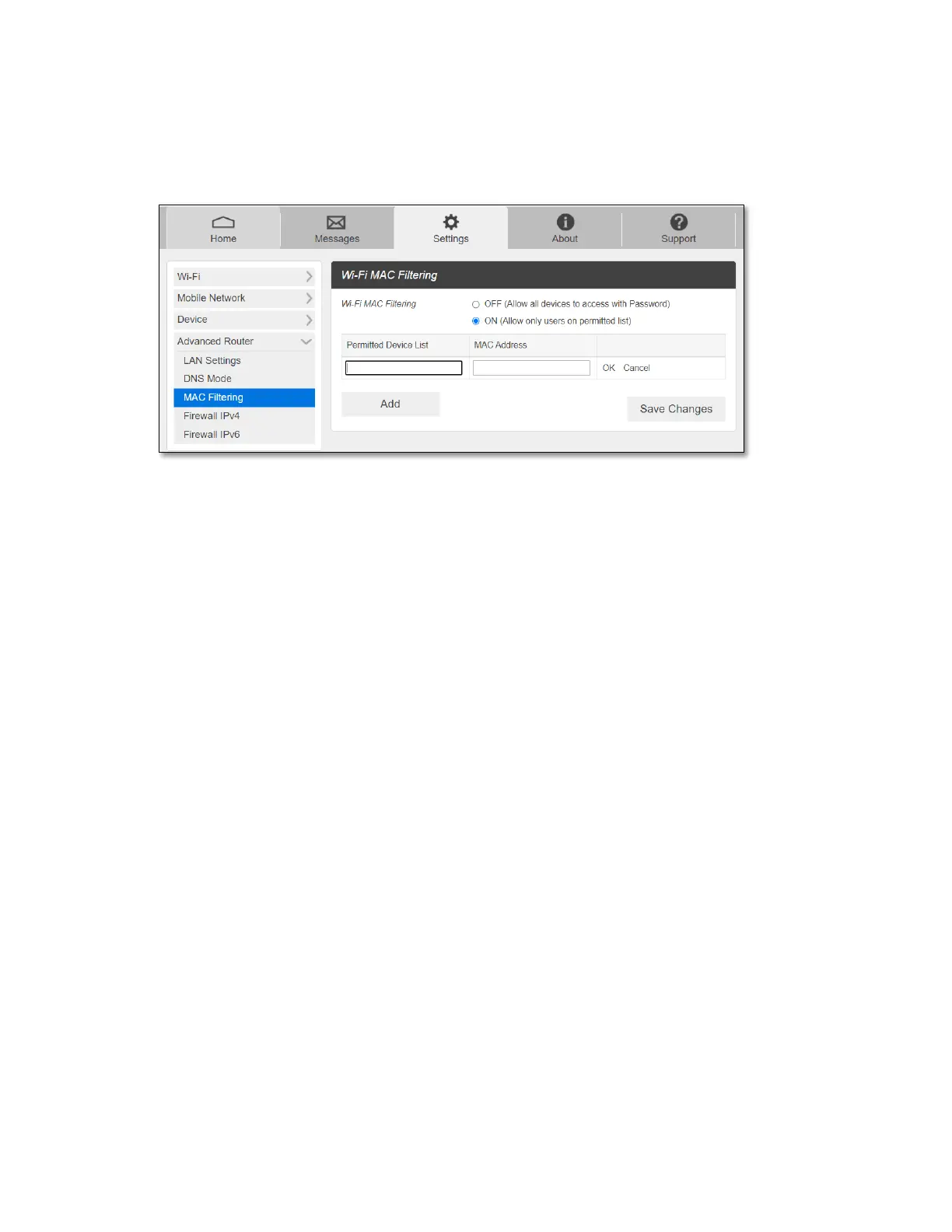
The MAC filtering allows only selected devices to access your mobile hotspot Wi-Fi network.
By default, MAC filtering is turned OFF.
To enable MAC Filtering,
1. Select ON.
2. Press Add to add a line to enter permitted device name and MAC address, then click
OK. When entering MAC addresses, use “:” as the separators (for example,
c2:b5:d7:27:fb:9b).
To add more, press Add to add another line.
3. When completed adding devices, press Save Changes.
NOTE: Once MAC filtering is set up, only listed device can access your mobile hotspot Wi-Fi
network. The MAC filtering has no effect on devices connected via USB connection or Ethernet
connection.



 To Next Page