5
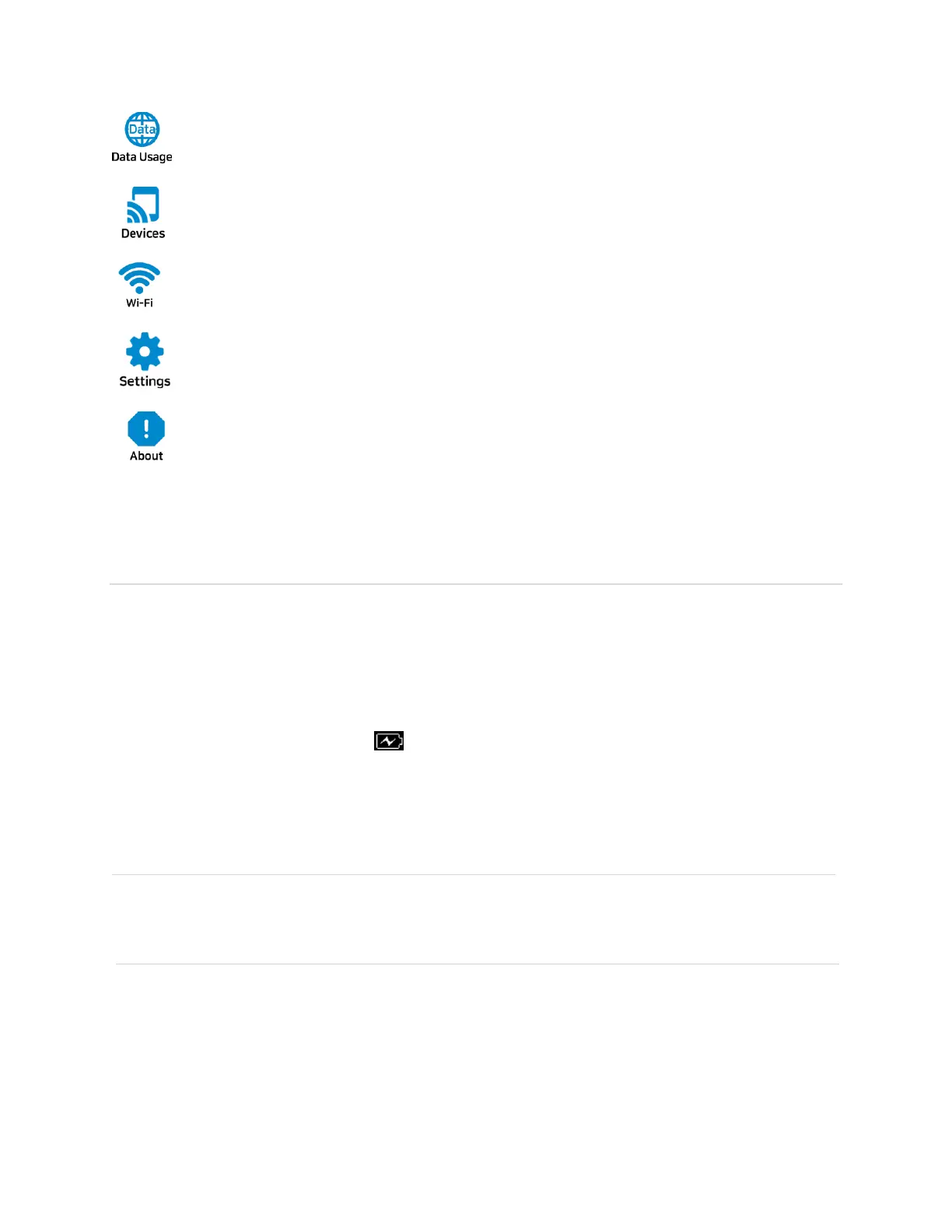
Data usage information displays
Connected device information displays.
Displays Wi-Fi network information.
You can change device settings on Wi-Fi, display, network.
Device Information displays
Battery Management
Your RG1100 is equipped with a replaceable and rechargeable battery. It works from its
charged battery alone, or when the device is plugged into a power source.
Note: Please do not attempt to open or disassemble your hotspot and the battery pack. Doing
so may cause damage that voids your warranty.
Charge the battery with the charger provided together with your hotspot. While the battery is
charging, the battery charging icon displays.
IMPORTANT! Please use only an approved charger to charge your hotspot. Improper handling
of the charging port, as well as the use of an incompatible charger, may cause damage to your
device and void the warranty.
NOTE: The RG1100 can be operated while plugged into a power source without the battery.
However, once the battery is re-inserted, the device will need to be rebooted to recognize the
battery.



 To Next Page