17
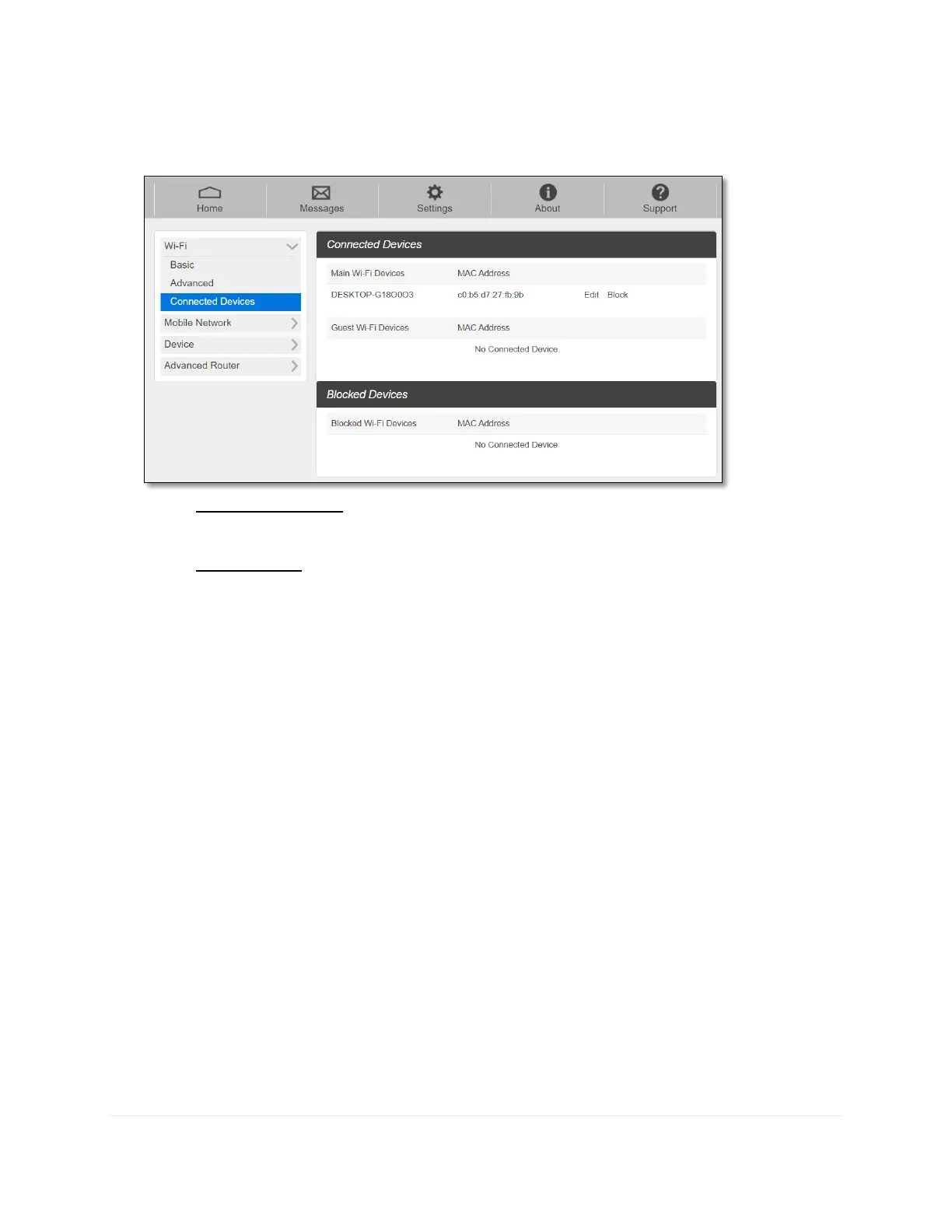
- Connected Devices
The Connected Devices menu contains the following options:
- Main Wi-Fi Devices – Normally this is the hostname of the connected device as set
on the connected device. You can use the pencil tool to change the name of any
connected device.
- MAC Address – The MAC address is a unique network identifier for this connected
device.
To Edit a Connected Device:
1. Click on the Edit. A page opens, allowing you to edit the name of the device.
2. Update the name of the device and click OK.
To block connection:
1. Press Block on the device your want to block connection.
2. The device blocked will be listed on the Blocked Devices. The blocked devices will not
be allowed to connect to your RG1100.
3. To unlock the device, press Unblock.



 To Next Page